
Car photo editor
The AI car photo editor built for dealer inventory
Background, light, glare and framing fixed the same way on every car, plus plain-words edits like hiding a license plate. Your listings look like one store.
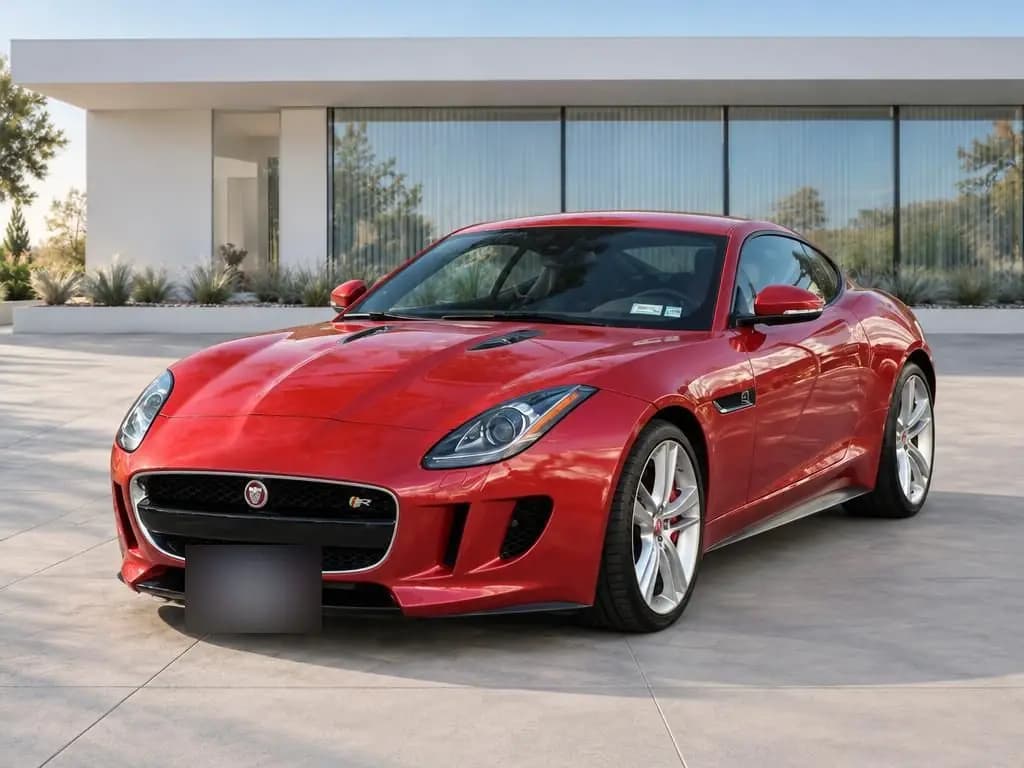
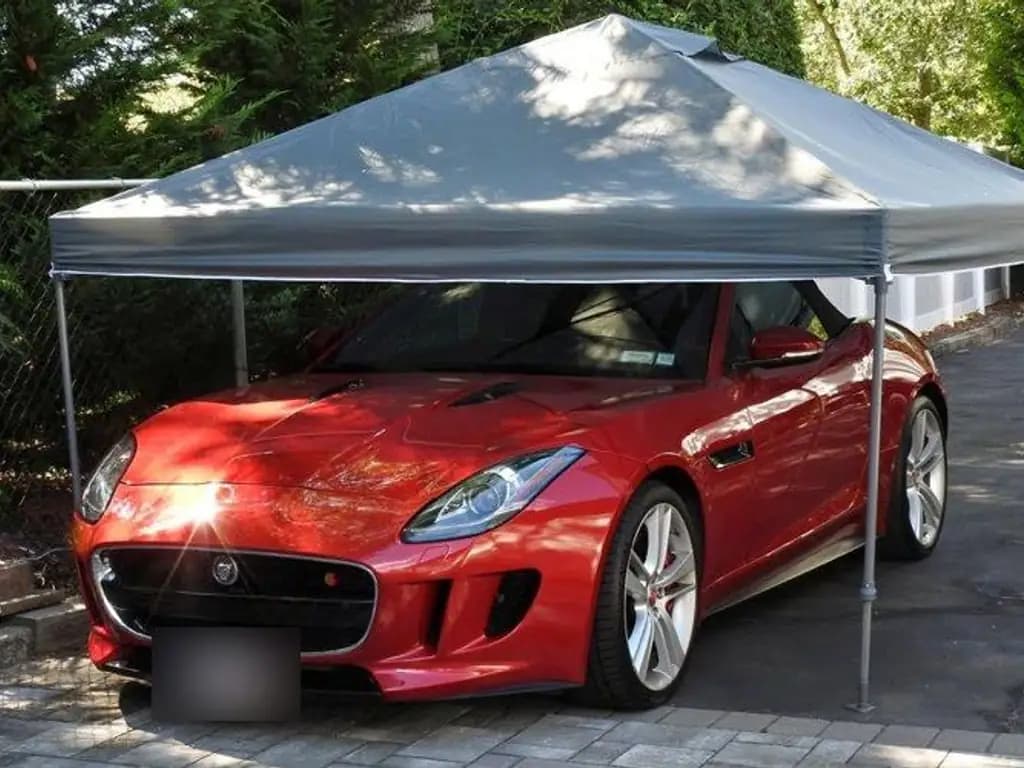
Everything a car photo editing service does, in seconds
A new background, fixed light and glare, and the whole car centered with room around it. About 20 seconds a photo, with nobody editing by hand.
- Before
Jaguar F-TypeSports car · Modern Architecture 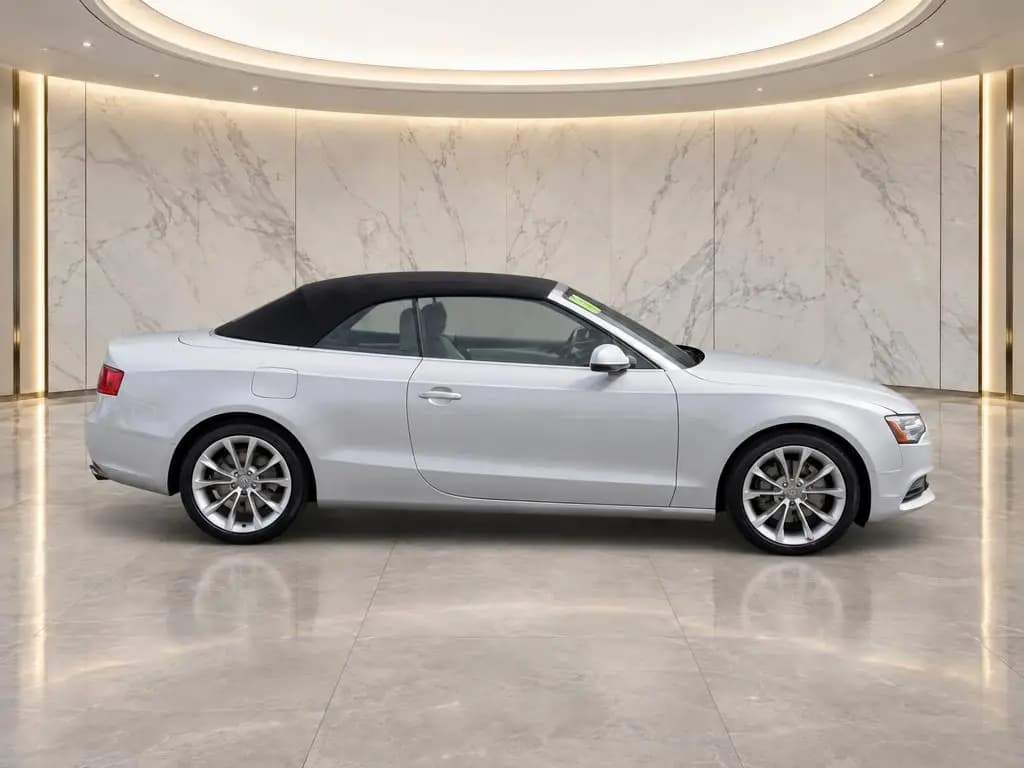
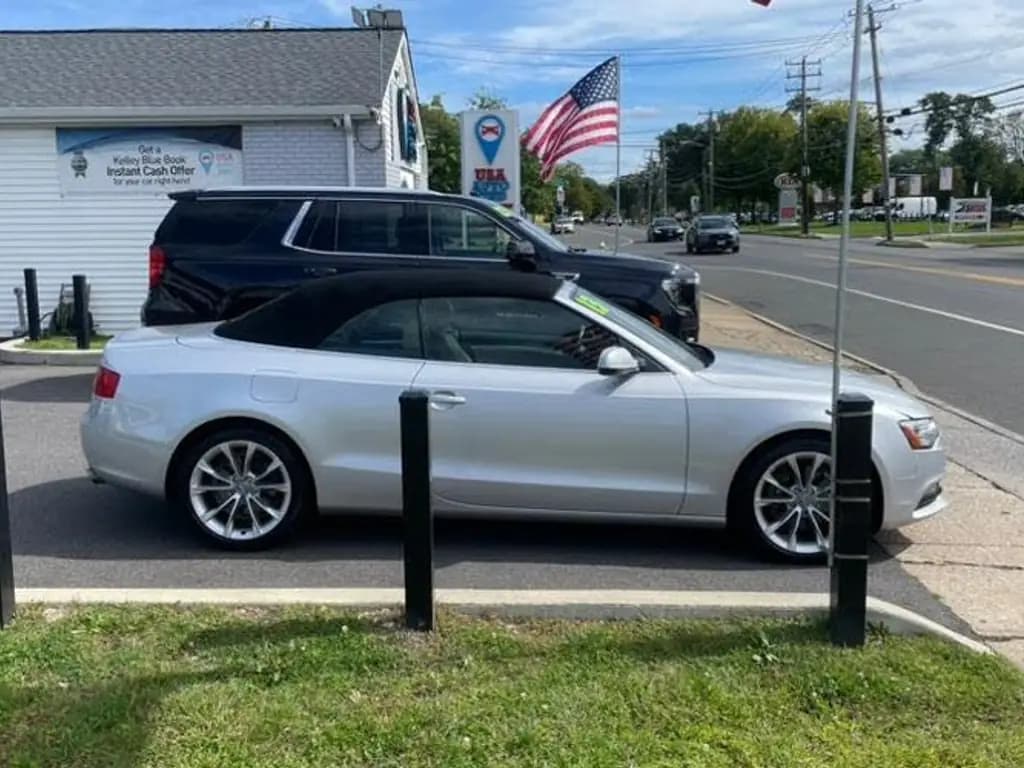 Before
Audi A5 CabrioletConvertible · Marble Showroom 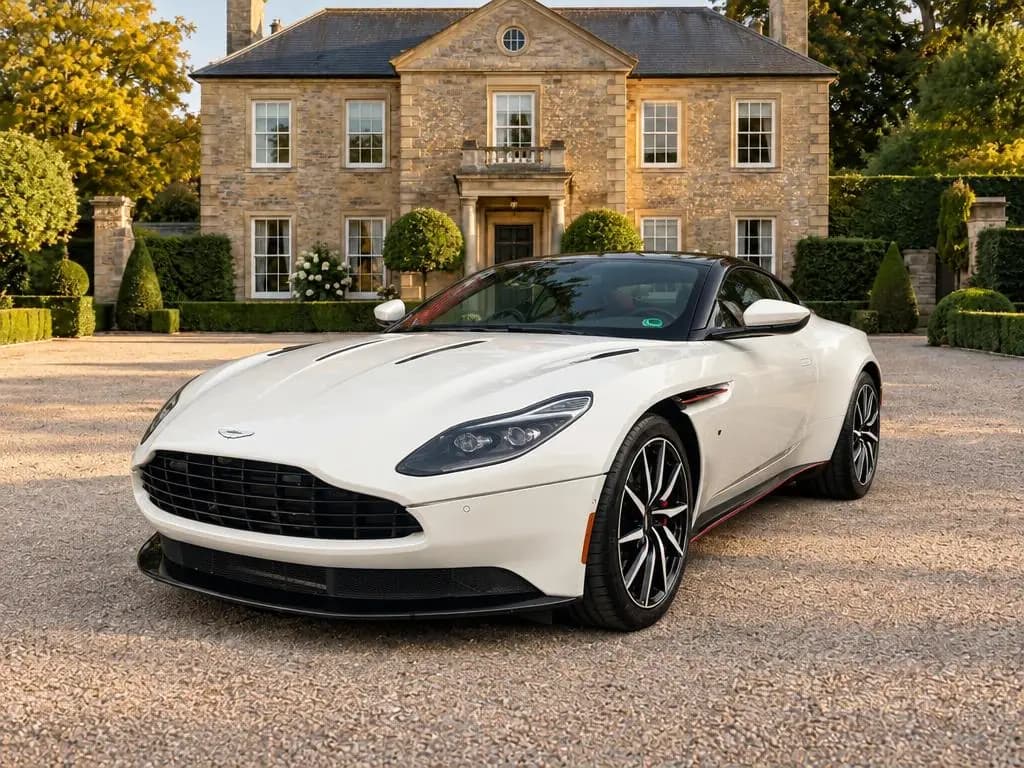
 Before
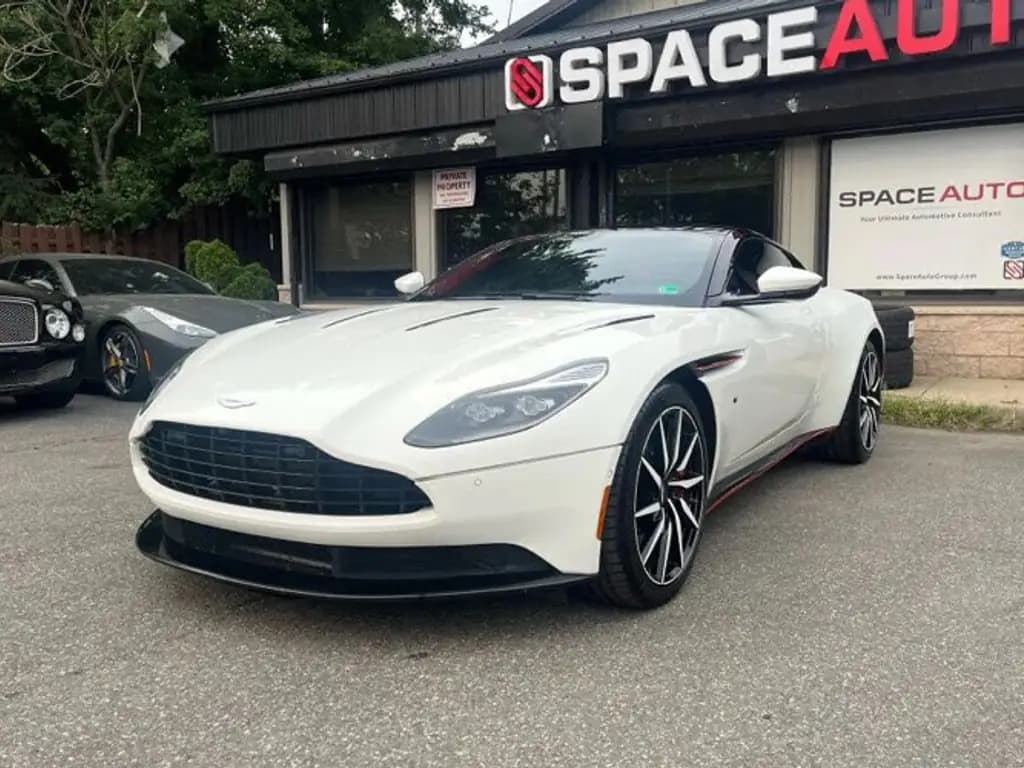
Aston Martin DB11Coupe · Estate Driveway
Edit car photos on your phone
Shoot in the CarShots iOS app or in the browser on any phone, and each photo comes back edited. Then ask for changes in plain words, the way you would ask a photographer: remove the dealer sticker from the window, make the wheels shine, make it a little brighter.
Each edit uses one photo from your plan, and you can undo it if you liked the first version better.
Ask for a change
Ideas
- Remove the dealer sticker from the window
- Hide the license plate
- Make the wheels shine
- Make it a little brighter
Consistent framing with guided capture
Editing can't fix a photo taken from the wrong spot. The capture screen shows an outline for each angle, so every car is shot from the same places and your listings line up row after row.
CarShots then centers the whole car with room above the roof, so a sedan and a pickup sit the same way on your site.
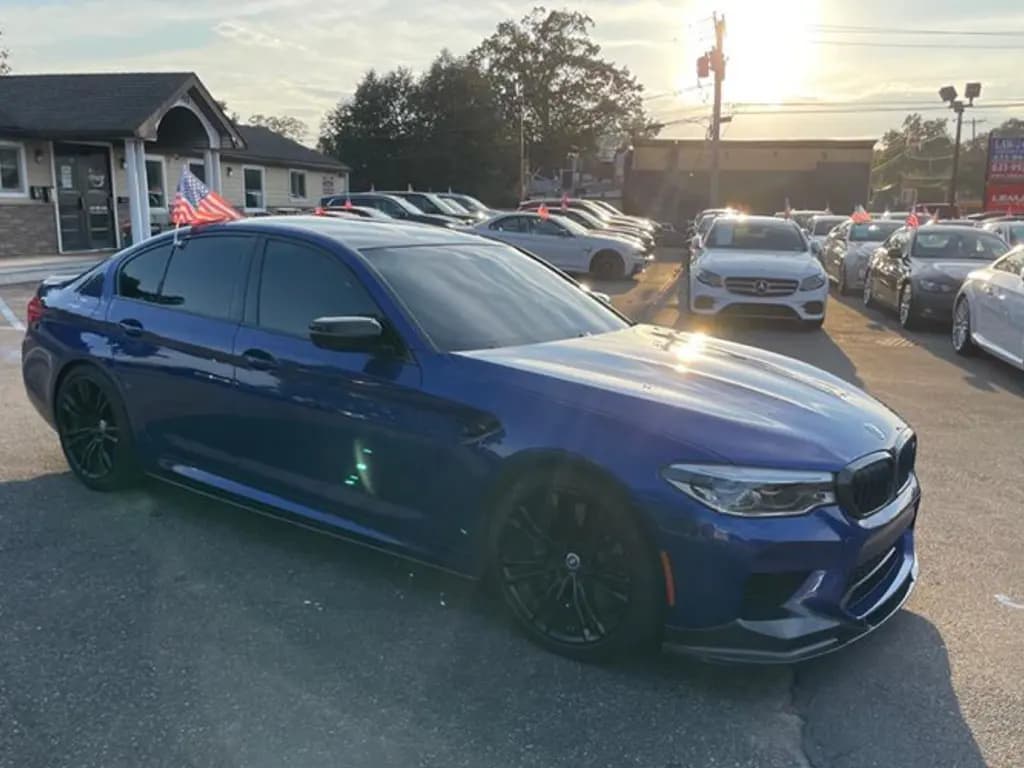
 Rear angle · 3 of 8
Rear corner on the driver side.
Hide license plates with one edit
CarShots keeps the plate as you shot it, so nothing about the car changes without you asking. To hide it, ask for “Hide the license plate” on any photo. It's one edit, and it uses one photo from your plan.
Interior and detail photos, cleaned up
Inside shots keep the interior exactly as it is, with soft, even light, balanced exposure and true colors. Detail shots like the wheel and the odometer get the same treatment, with a softly blurred background.
Car photo editing software vs an editing service vs CarShots
Three ways to get edited photos of every car on your lot.
| Compared on | Editing software | Editing service | CarShots |
|---|---|---|---|
| Who does the work | You or your staff | The service's editors | CarShots, automatically |
| Turnaround | As long as the editing takes | Depends on the service's queue | About 20 seconds a photo |
| Consistency | Depends on who edits | Depends on the editor and your instructions | The same backdrop and framing on every car |
| Cost | A software subscription plus staff time | Per photo or per car, set by the service | $50 a month for 333 photos, about 15¢ a photo |
| Skills needed | Photo editing | None: you send photos and wait | None: pick a backdrop |
One simple plan
$50 a month covers 333 photos, about 15¢ each. That's about 16 cars a month at 20 photos a car, with no contract and no hardware to buy.
CarShots Monthly
$50a month
7-day free trial with 20 photos and a 360° video. Card required. Cancel anytime.
- 333 photos a month, about 15¢ a photo
- About 16 cars a month at 20 photos a car
- All 20 curated backdrops
- 15-second 360° walkaround videos with voiceover and music
Photo editor questions
Is there a car photo editor app?
Yes. The CarShots iOS app guides each angle and sends the photos straight in, and the same editor works in the browser on any phone or computer.
How is this different from a photo editing service?
An editing service sends your photos to people and returns them later. CarShots edits each photo in about 20 seconds, the same way on every car, for about 15¢ a photo on the monthly plan.
Can I edit photos I already took?
Yes. Upload photos from your camera roll and pick a backdrop. You can also ask for a specific change in plain words, like "hide the license plate" or "make it a little brighter".
Keep reading
- Walkaround videos with voiceover, made from your phoneTurn a car's photos into a 15-second 360° walkaround video with voiceover and music, ready for your website, listings and social feeds.
- Guided car photo capture on your phoneGuided capture shows your team exactly which angles to shoot. Snap each car on the lot and get studio-quality photos back in about a minute.
- Simple pricing for dealer-quality car photosStart with a free trial, then one simple monthly plan with photos included. No hardware, no photographer, and no long contract.
- CarShots vs SpyneComparing Spyne and CarShots for dealer car photos: image quality, turnaround time, pricing, and setup. See which one fits your lot.
- CarShots vs Dealer Image ProComparing Dealer Image Pro and CarShots for dealer car photos: image quality, turnaround time, pricing, and setup. See which one fits your lot.
- Blur license plates in car photos automaticallyBlur license plates in car photos free. Upload up to 10 photos, get the plates blurred, and download one photo or a zip. No account needed.
Studio-quality photos of every car, from your phone
Try it on one of your own cars, free and without signing up. When you're ready, the 7-day trial includes 20 photos and a 360° video.