
Car background changer
Change the background of any car photo
Upload a lot photo and get it back on a studio, showroom or outdoor backdrop, with real-looking shadows and reflections. Try one free.
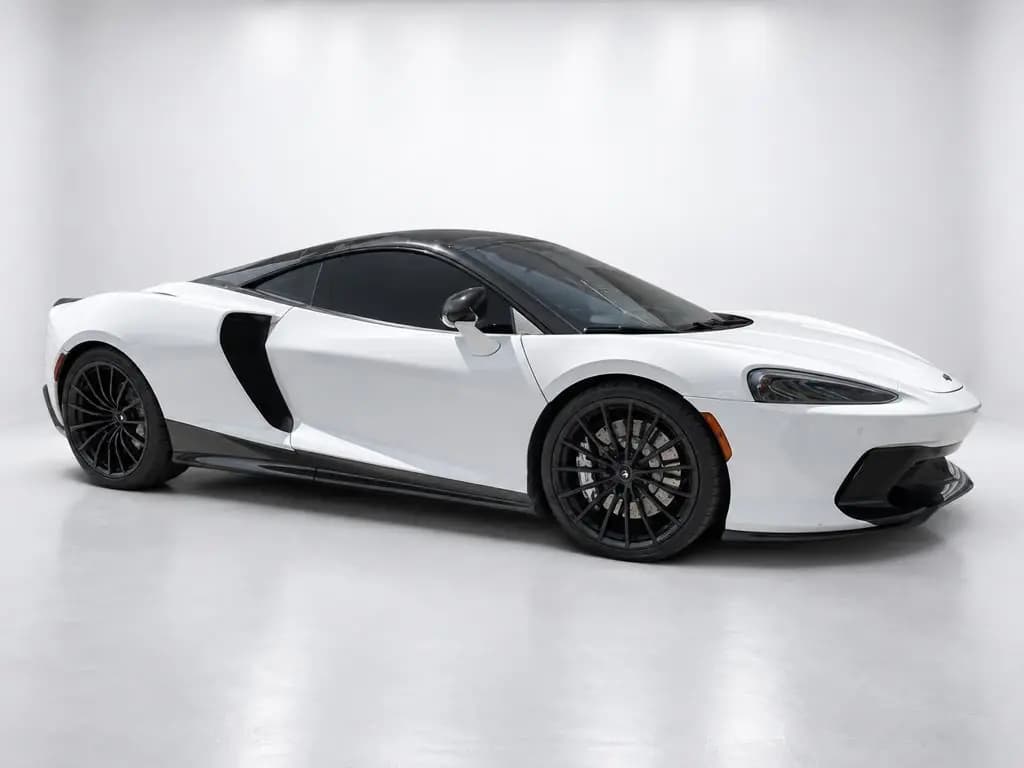
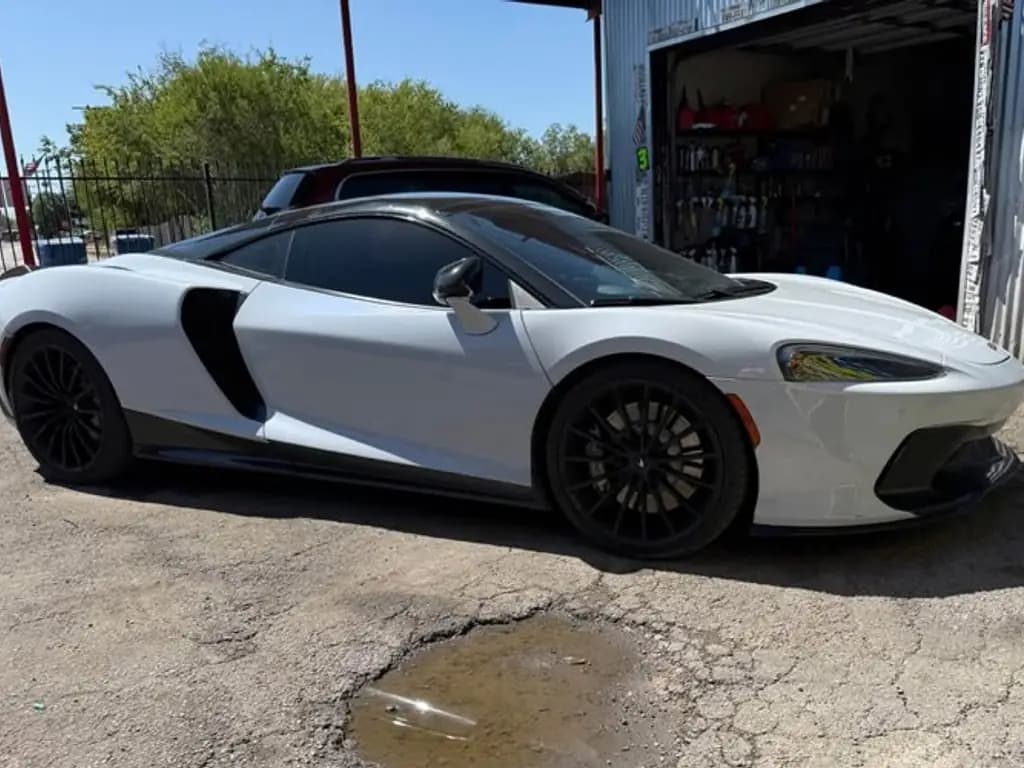
Try it on one of your cars
Upload a photo of any car, pick a backdrop and see the result in about 20 seconds. Free, no signup.
Take or upload a photo of a car
Any phone photo works, even on a busy lot.
Pick a backdrop
Remove the background, keep the car perfect
CarShots removes the lot, the sky, other cars and the people around them, and keeps the car itself exactly as it is: paint, wheels, badges, trim and stickers.
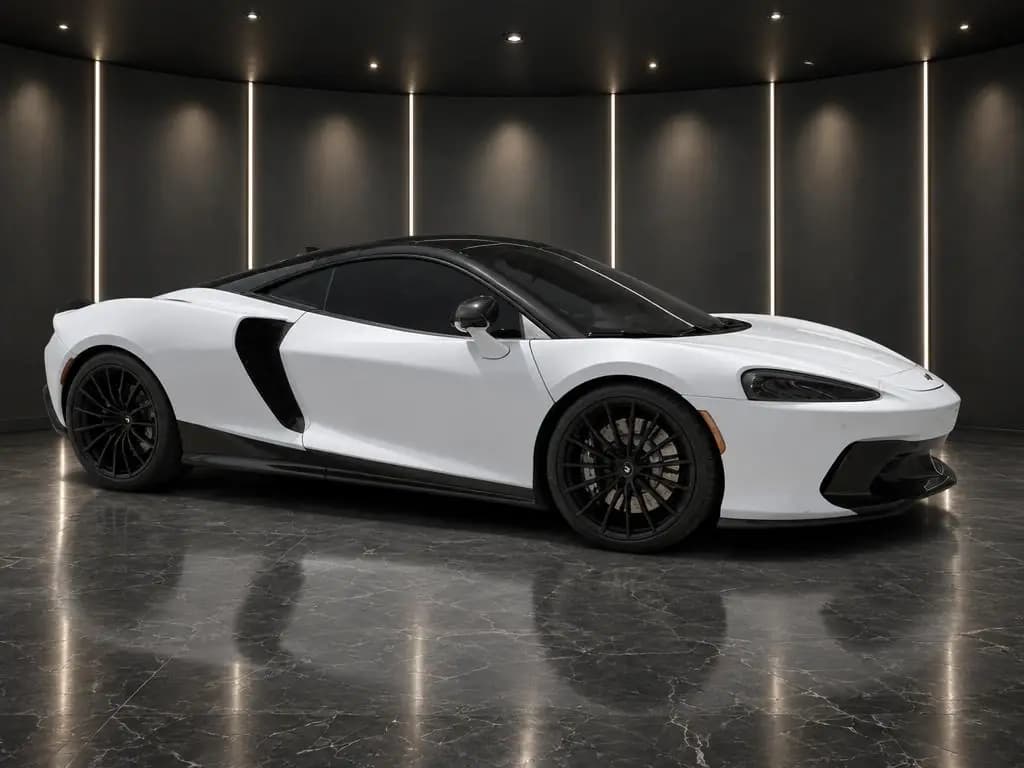
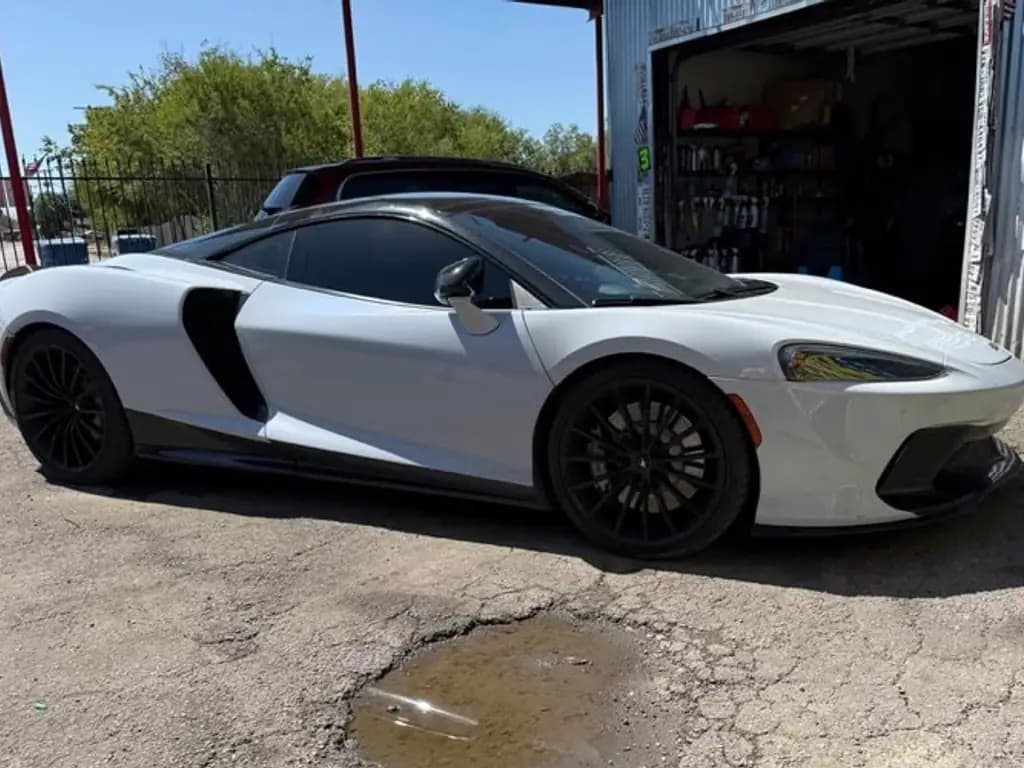 Before
McLaren GTSports car · Dark Showroom 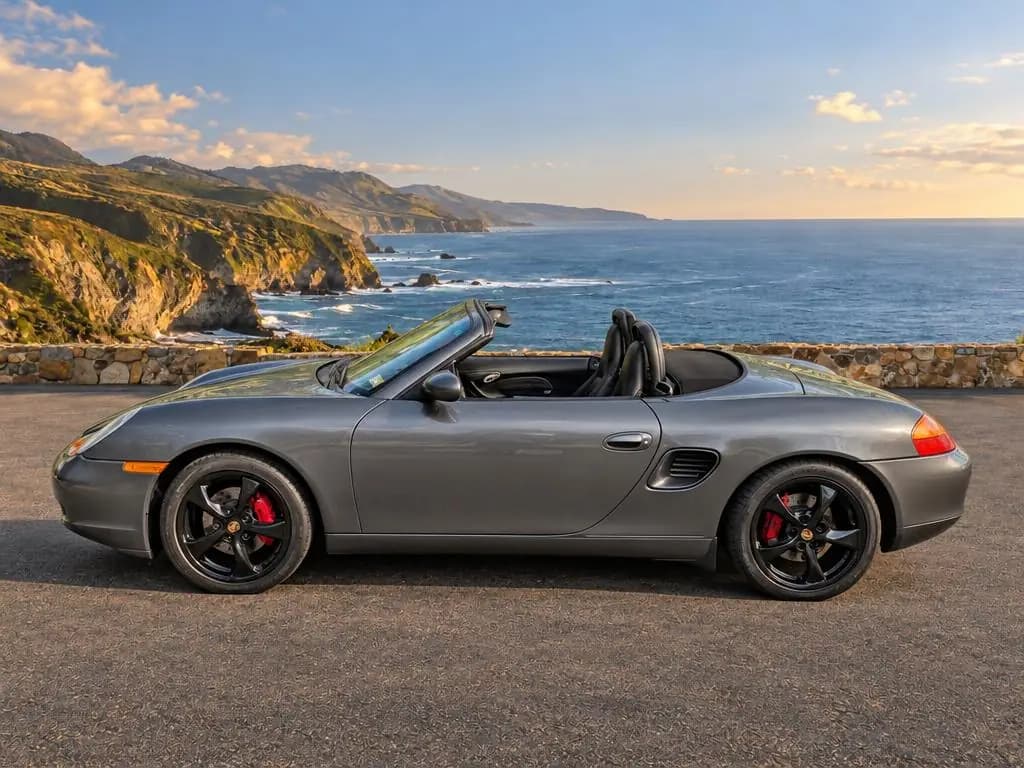
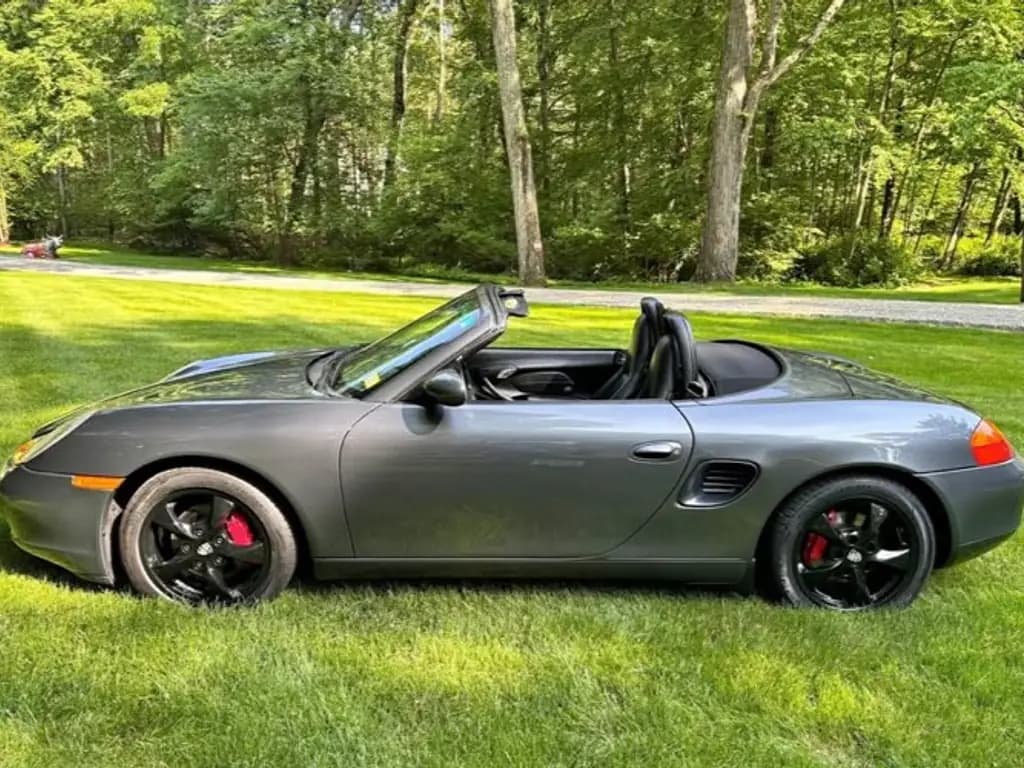 Before
Porsche BoxsterConvertible · Coastal Overlook 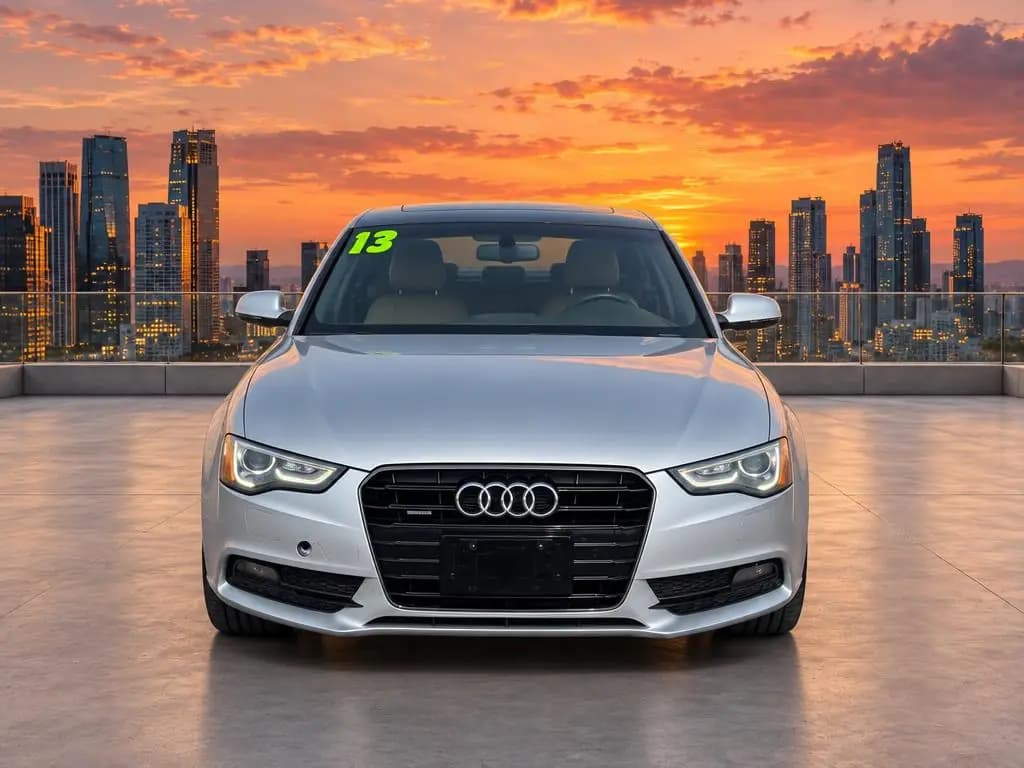
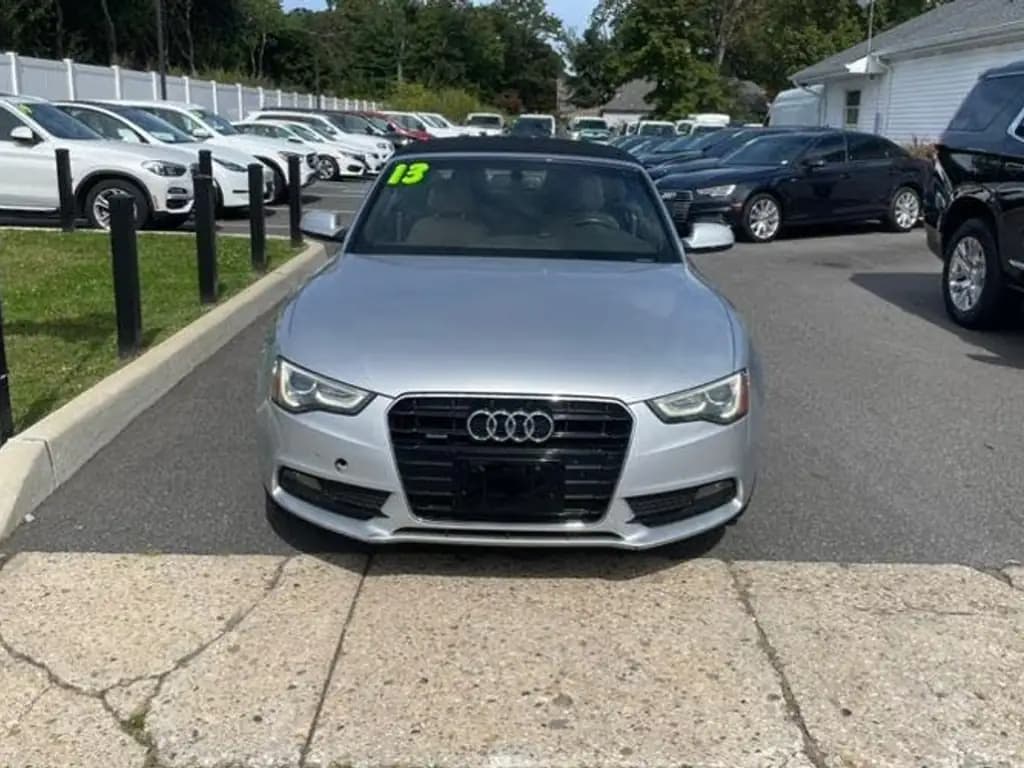 Before
Audi A5 CabrioletConvertible · City Rooftop
Studio, showroom, white, or your own branded background
20 curated backdrops: clean studios (including white), showrooms, outdoor spots and scenic overlooks. Want your own showroom or a branded background? Email us.
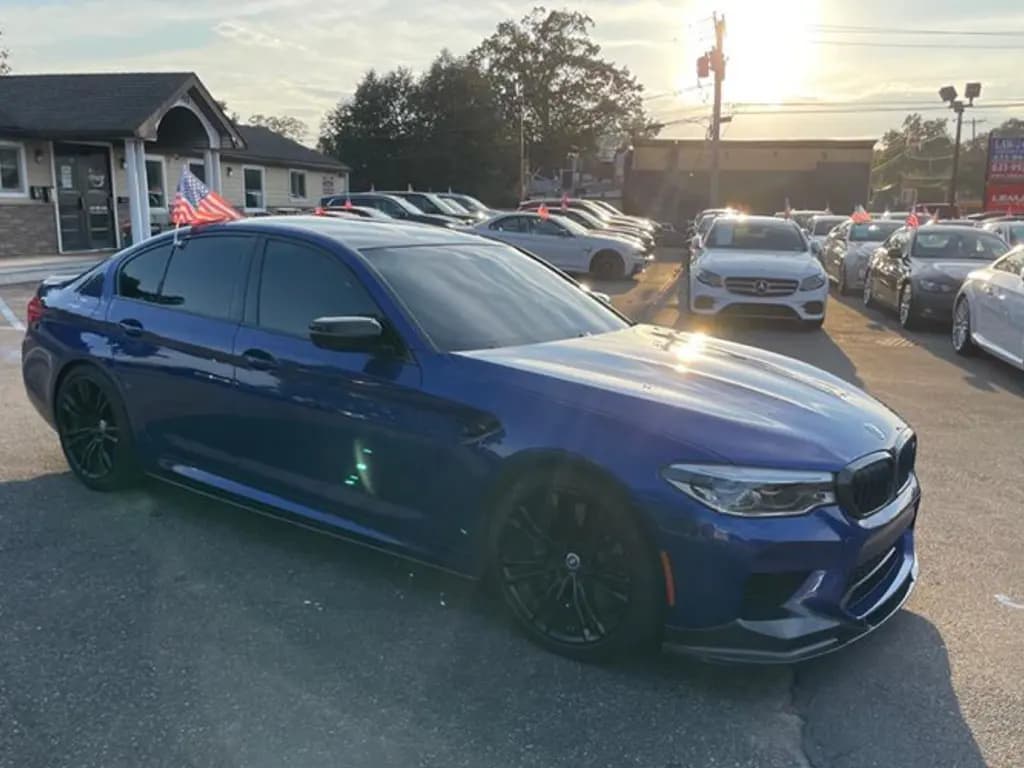
The phone photoOne shot of a BMW M5 on a dealer lot, on all 20 backdrops.
Studio
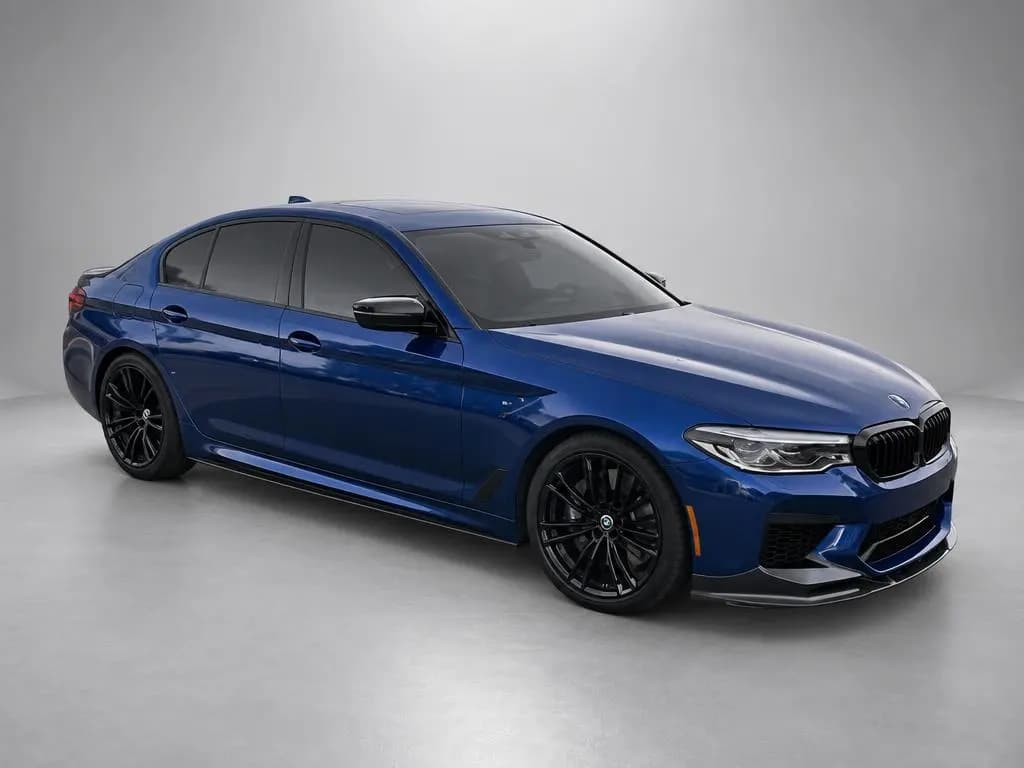
Gray Studio 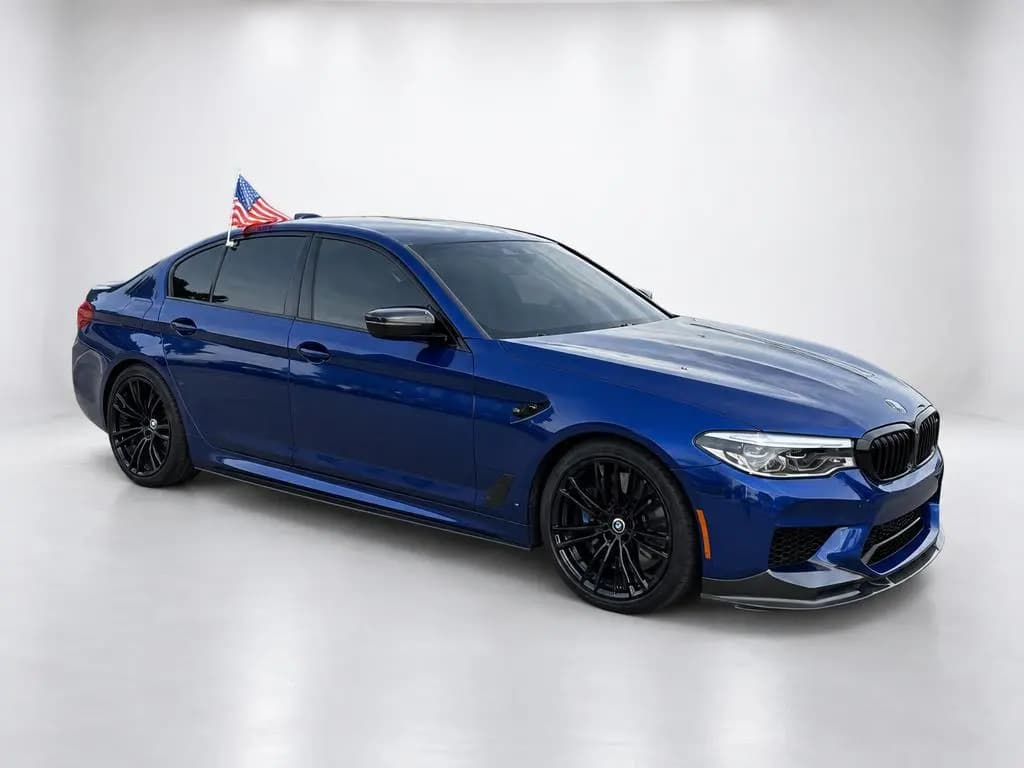
White Studio 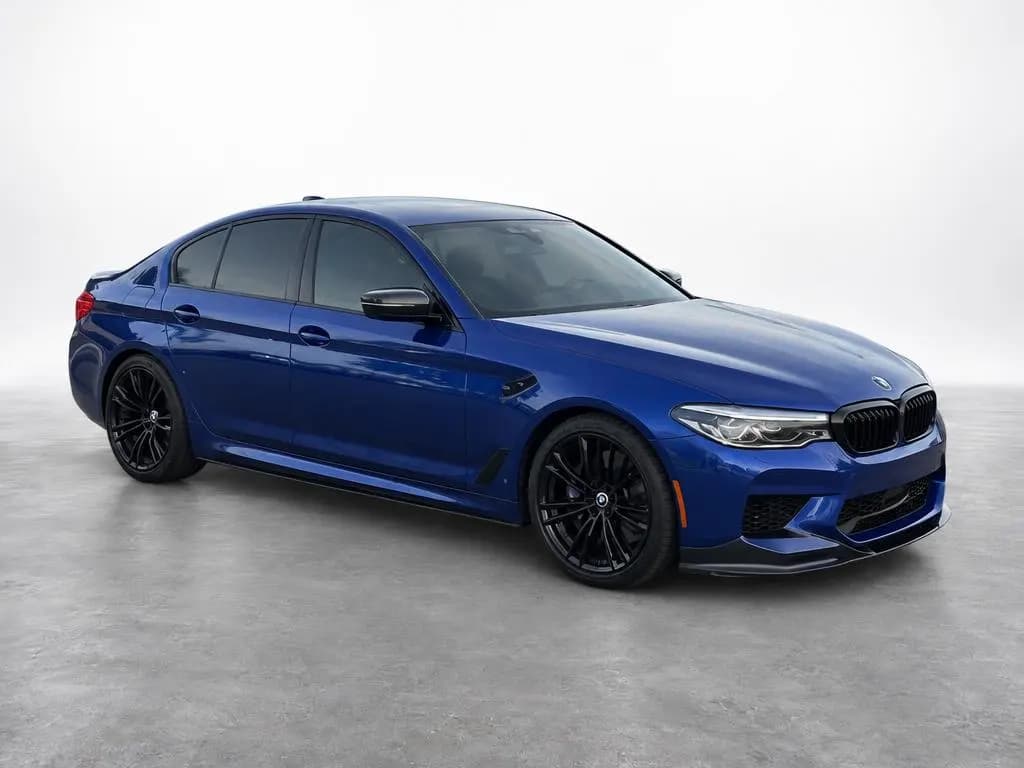
High-Key Studio 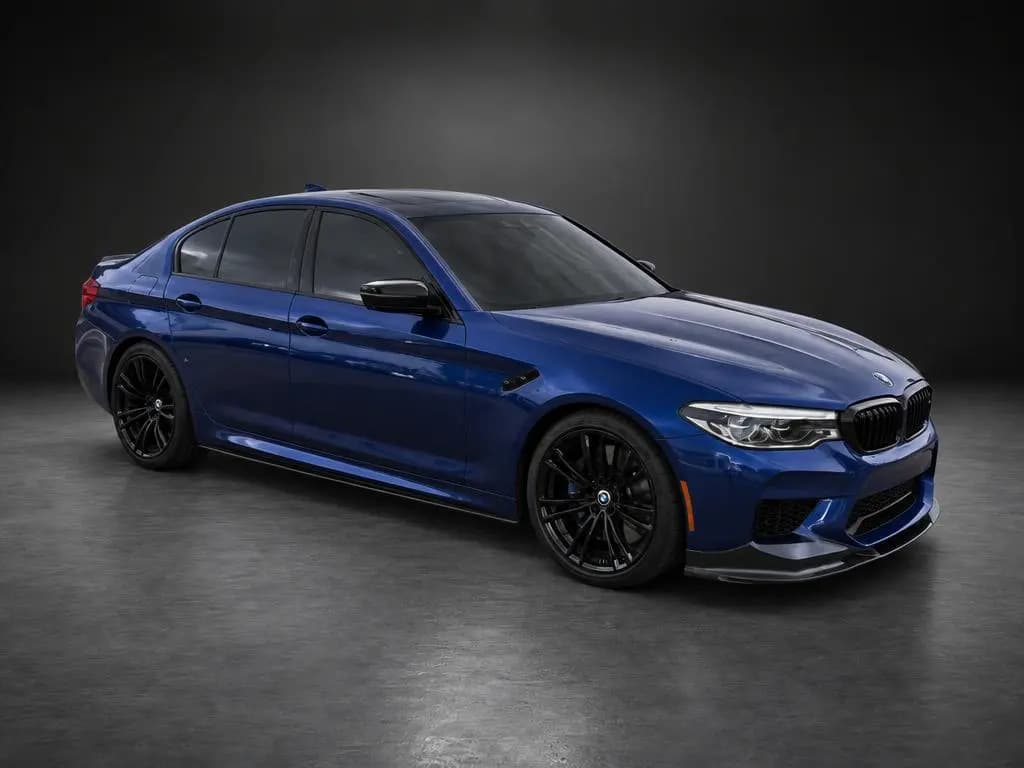
Dark Studio 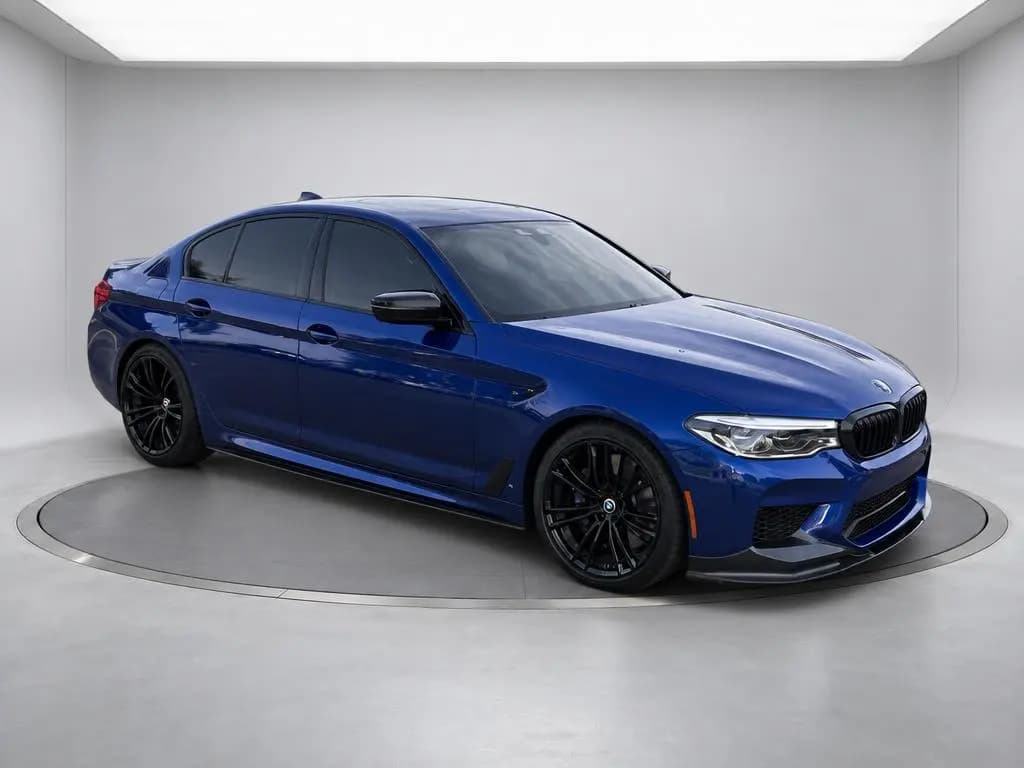
Turntable Studio
Showroom
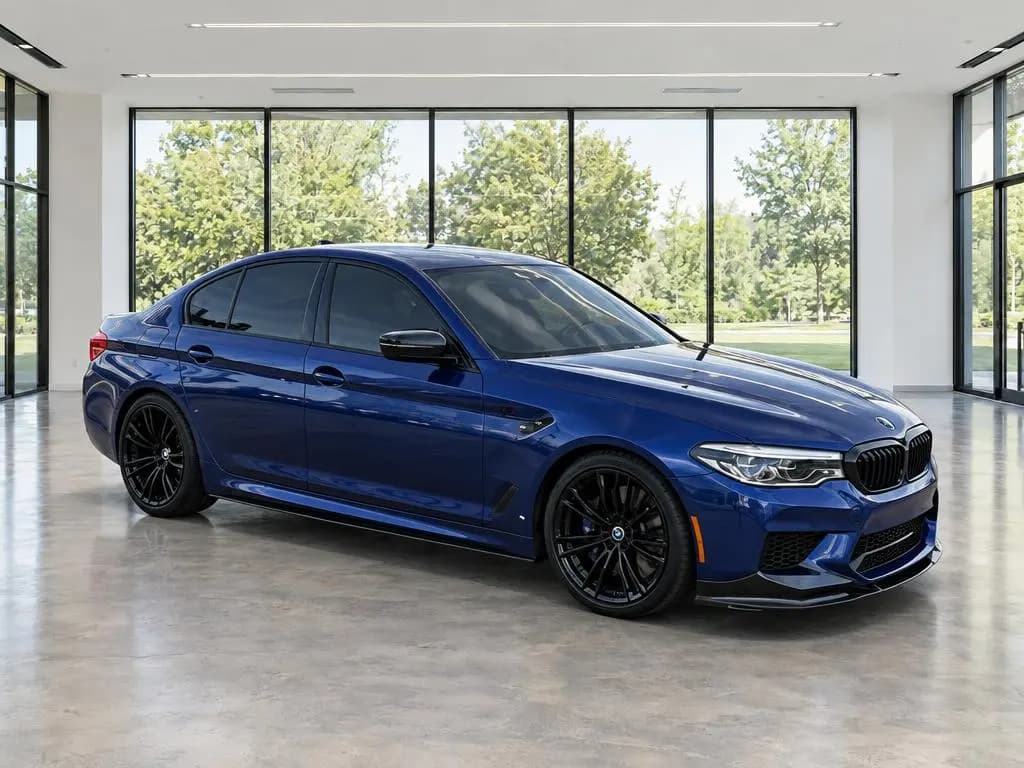
Modern Showroom 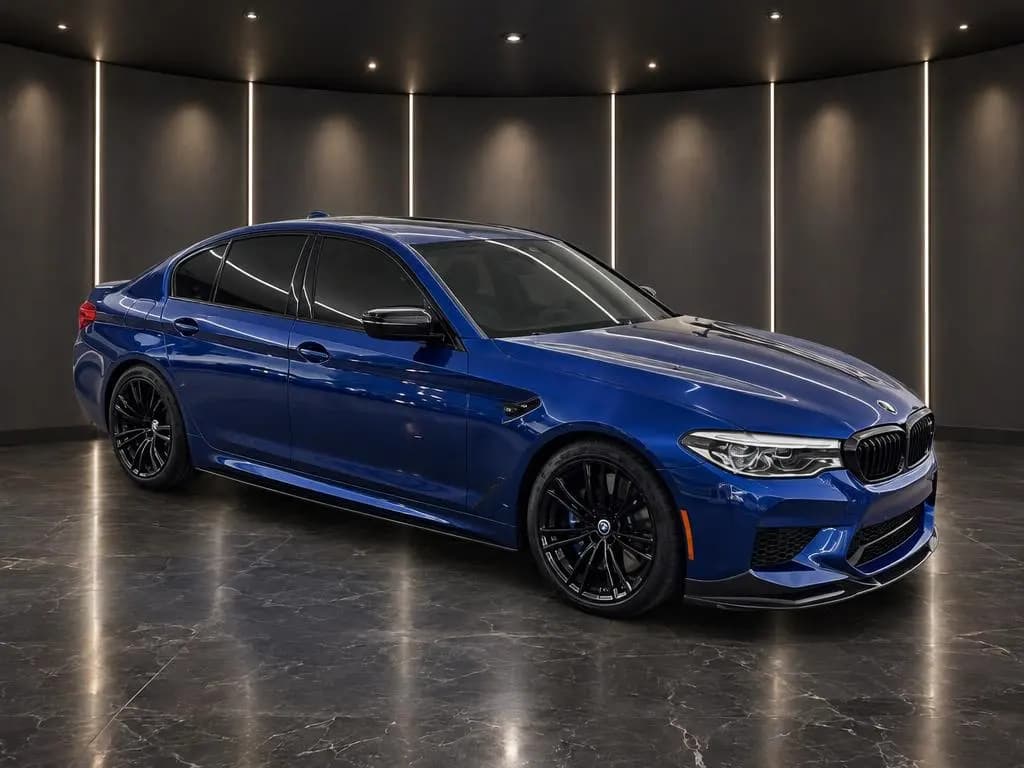
Dark Showroom 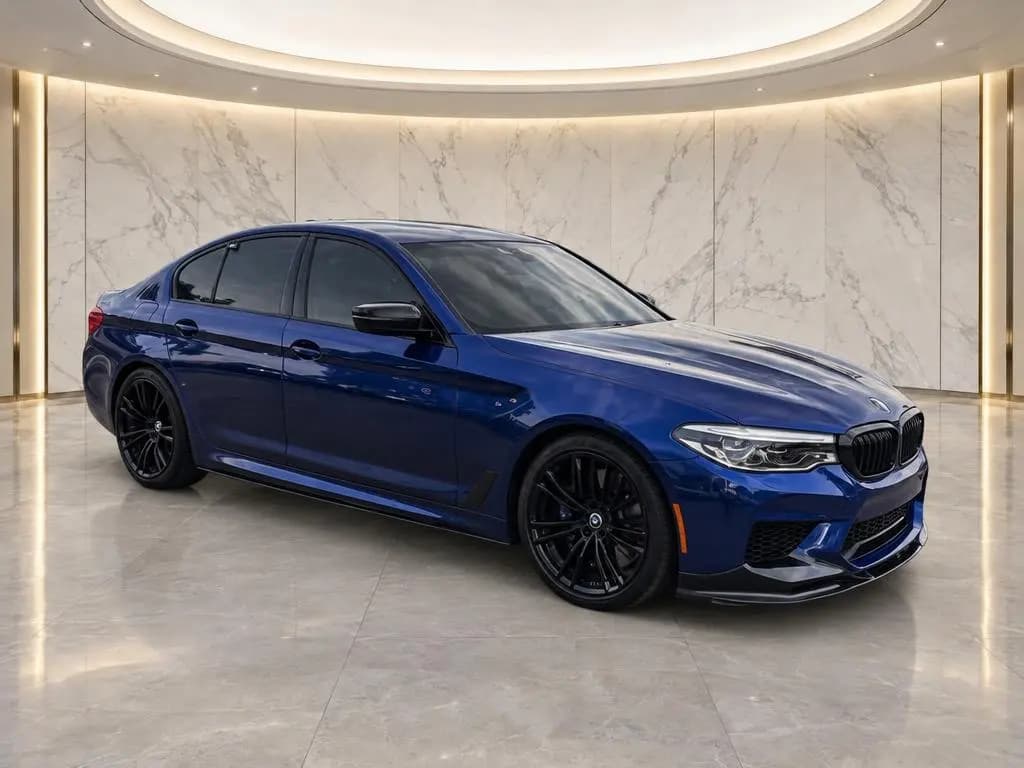
Marble Showroom 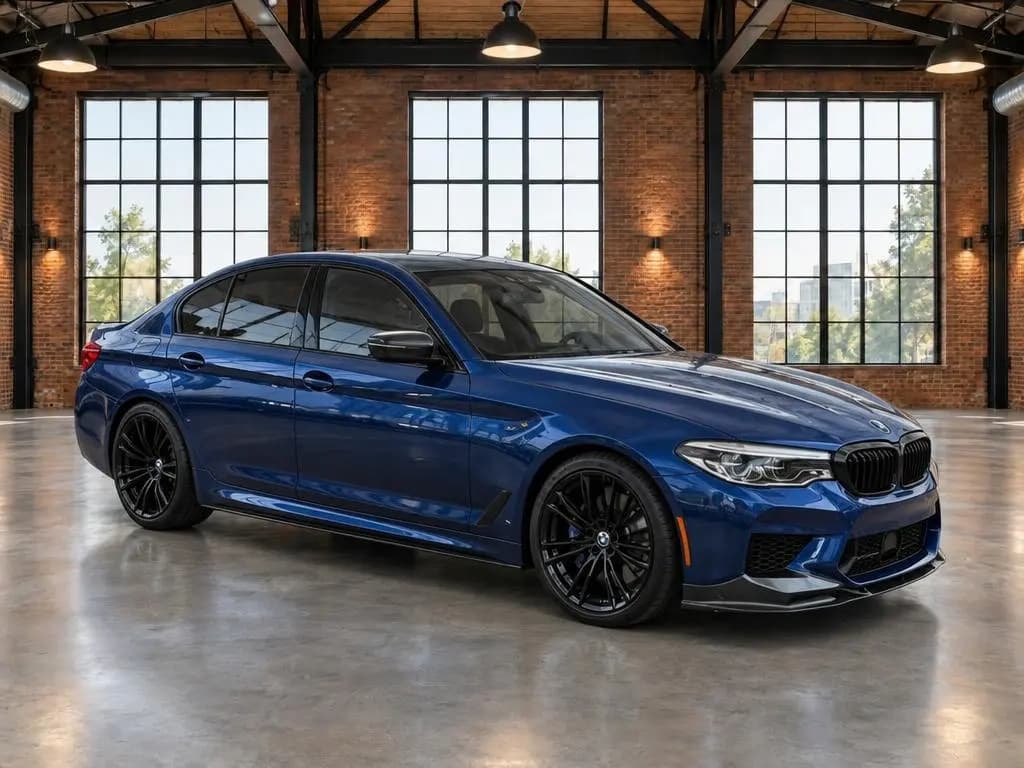
Industrial Loft
Outdoor
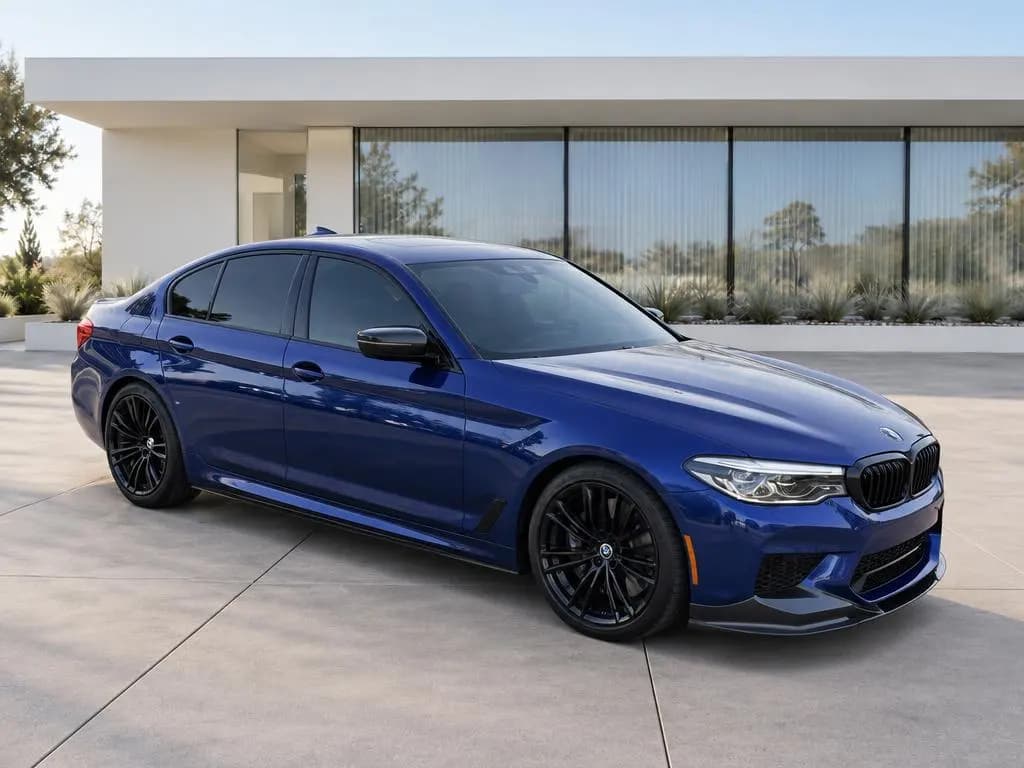
Modern Architecture 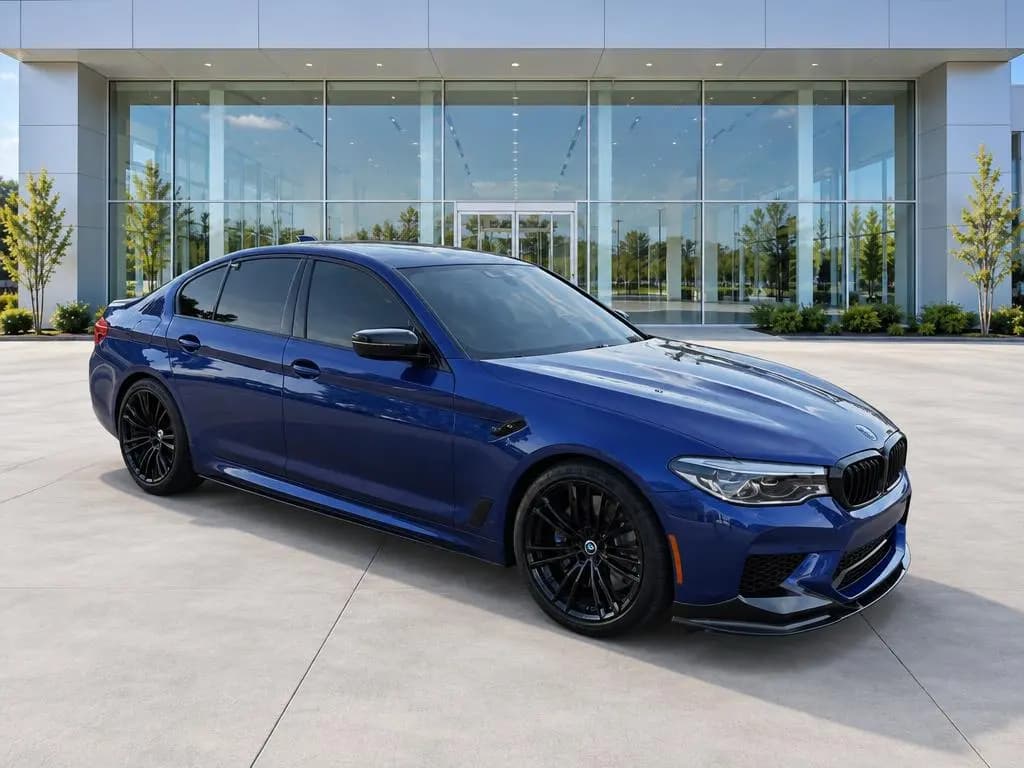
Dealership 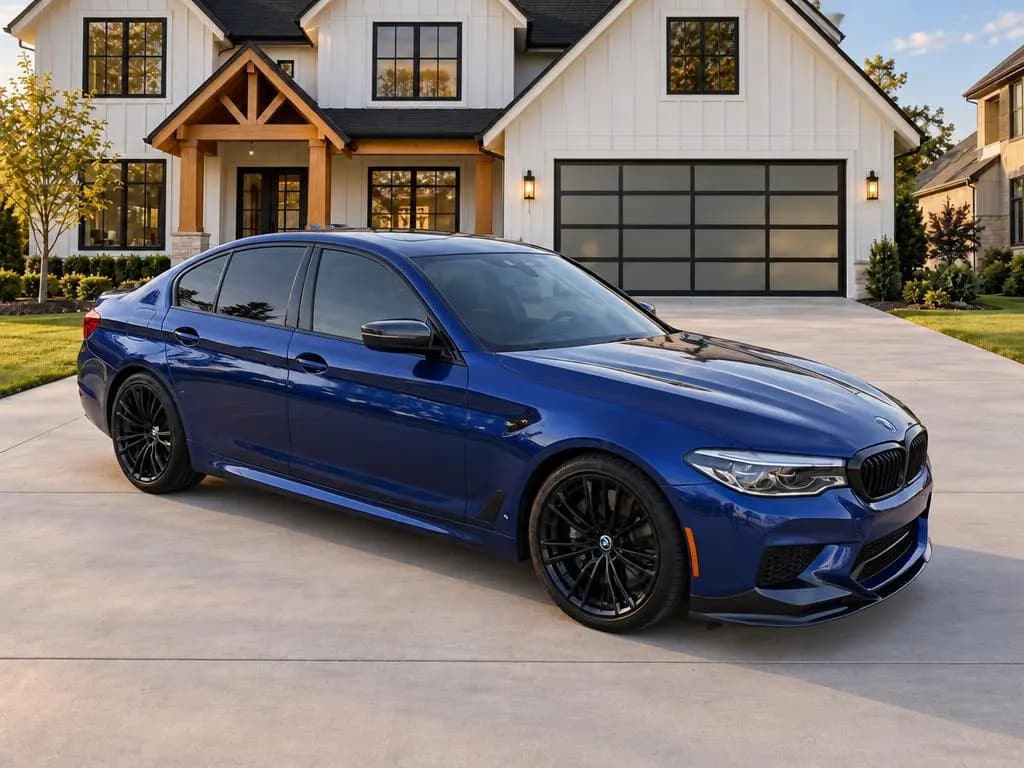
Home Driveway 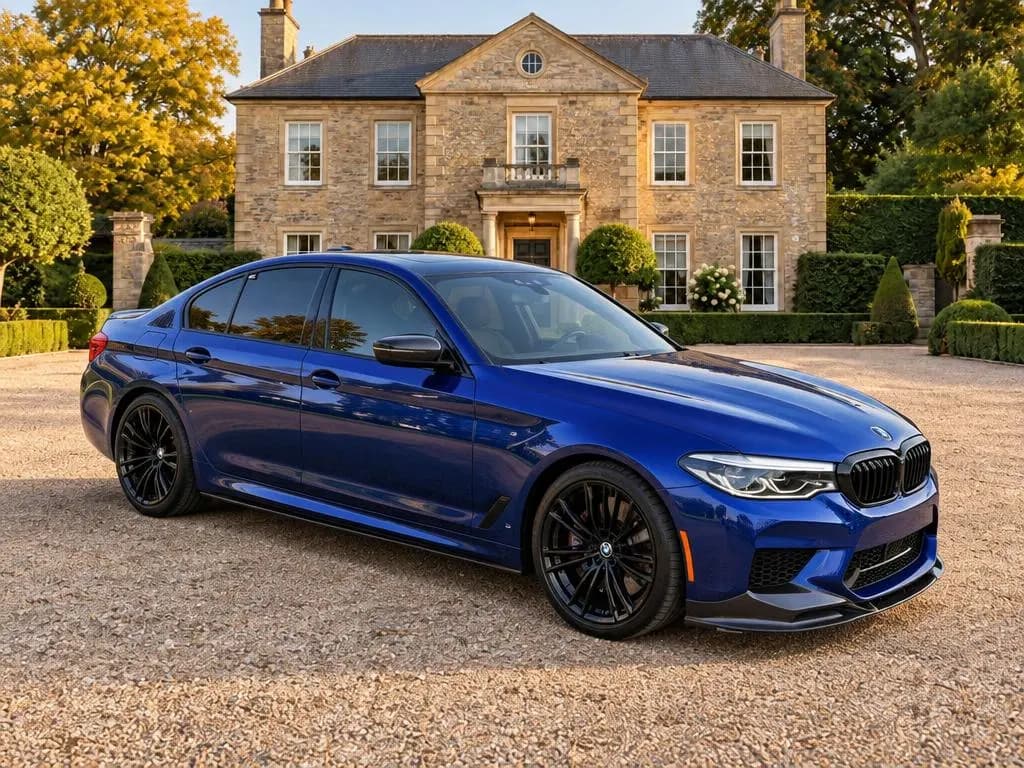
Estate Driveway 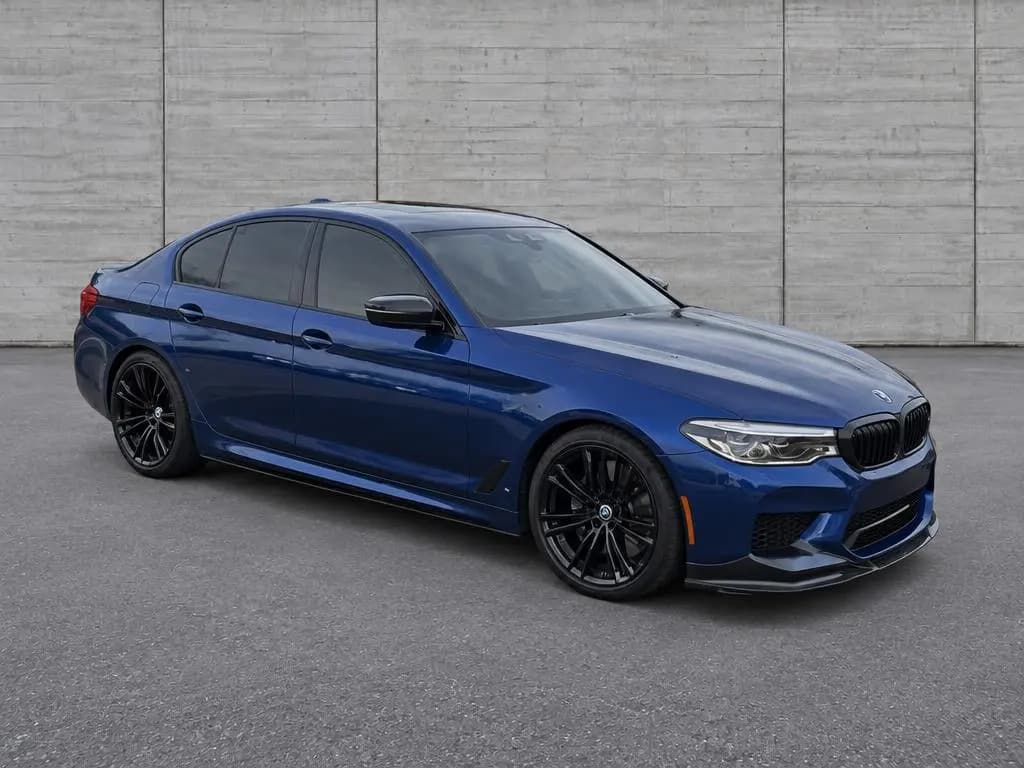
Urban Wall 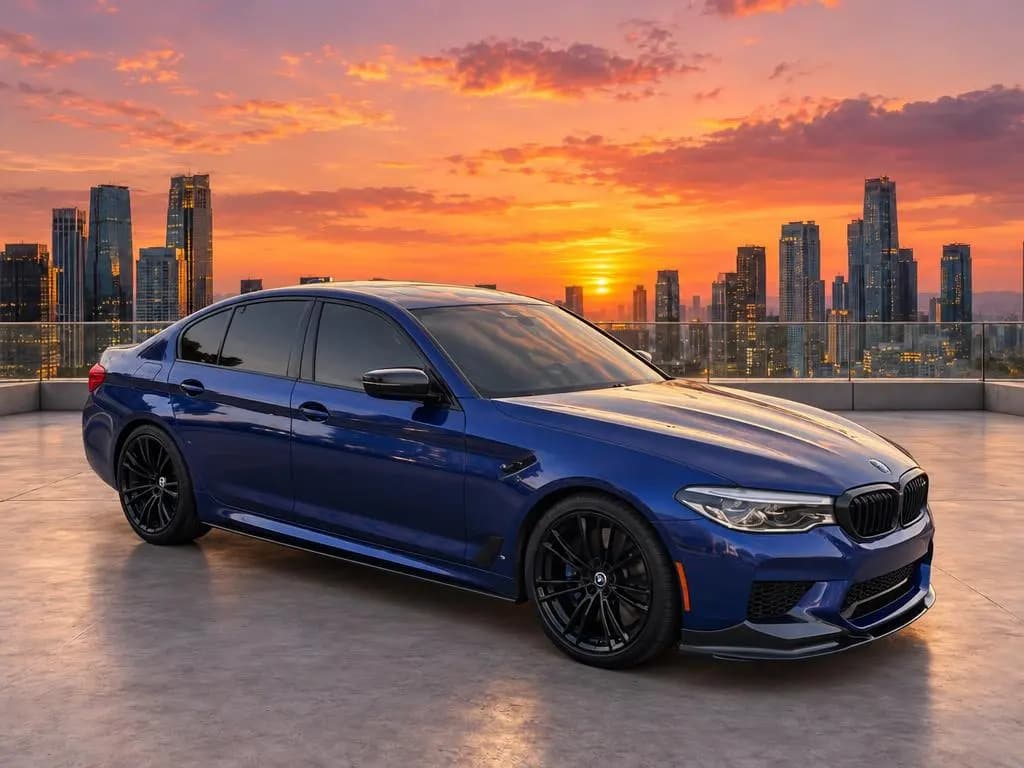
City Rooftop
Scenic
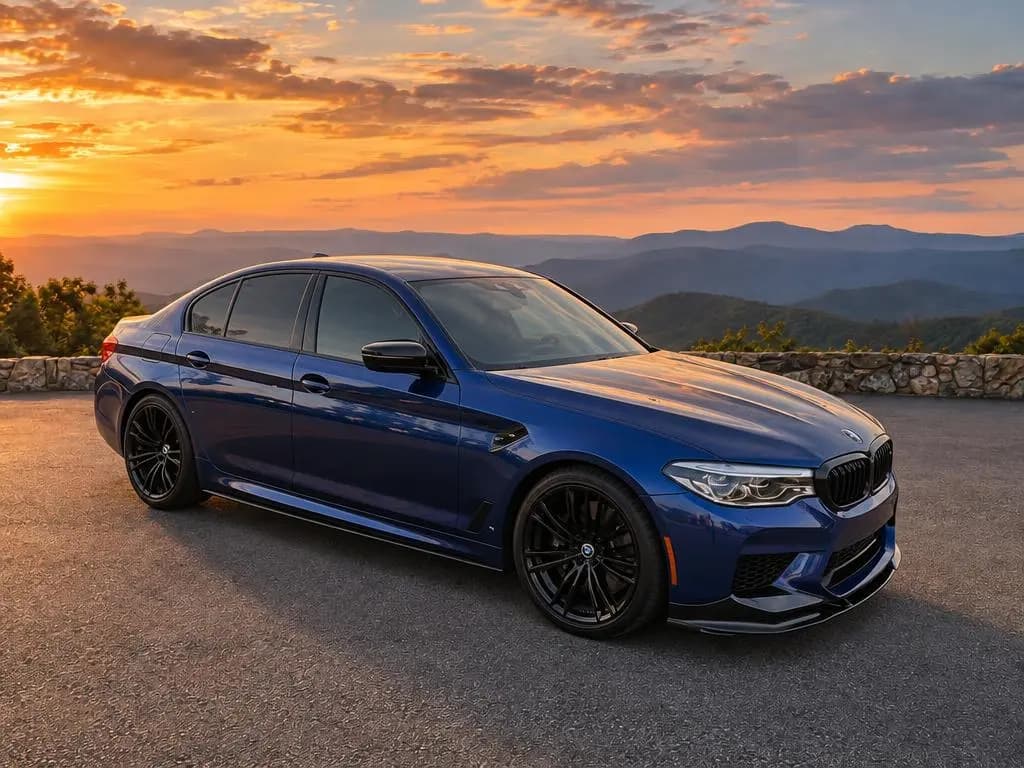
Mountain Overlook 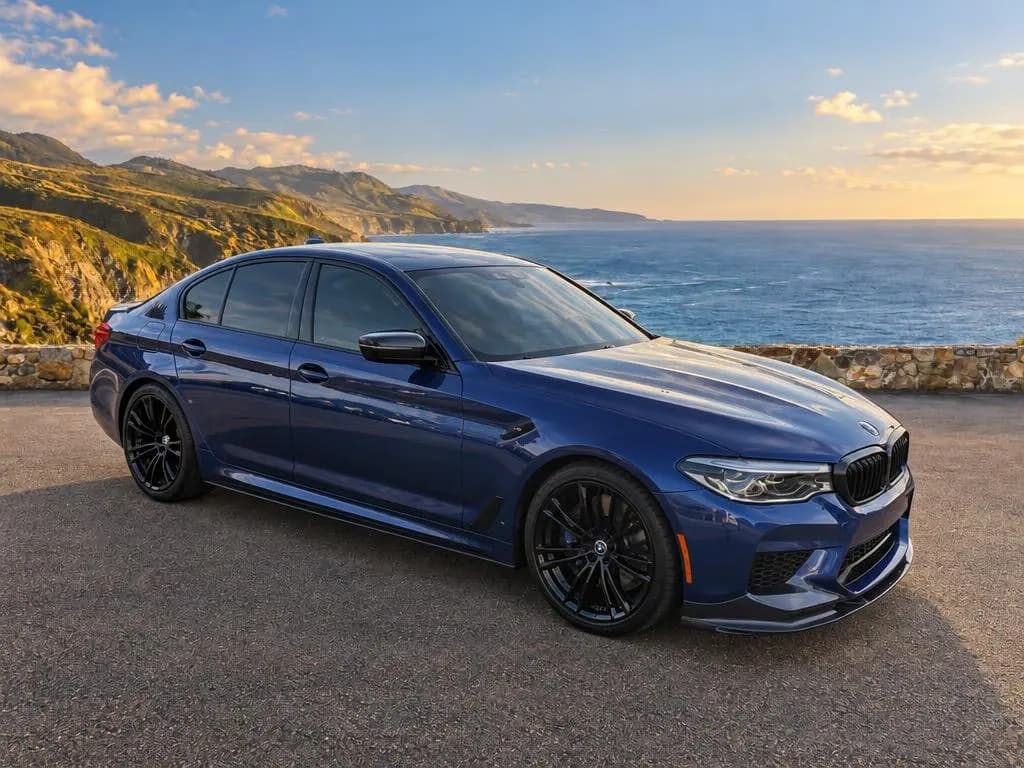
Coastal Overlook 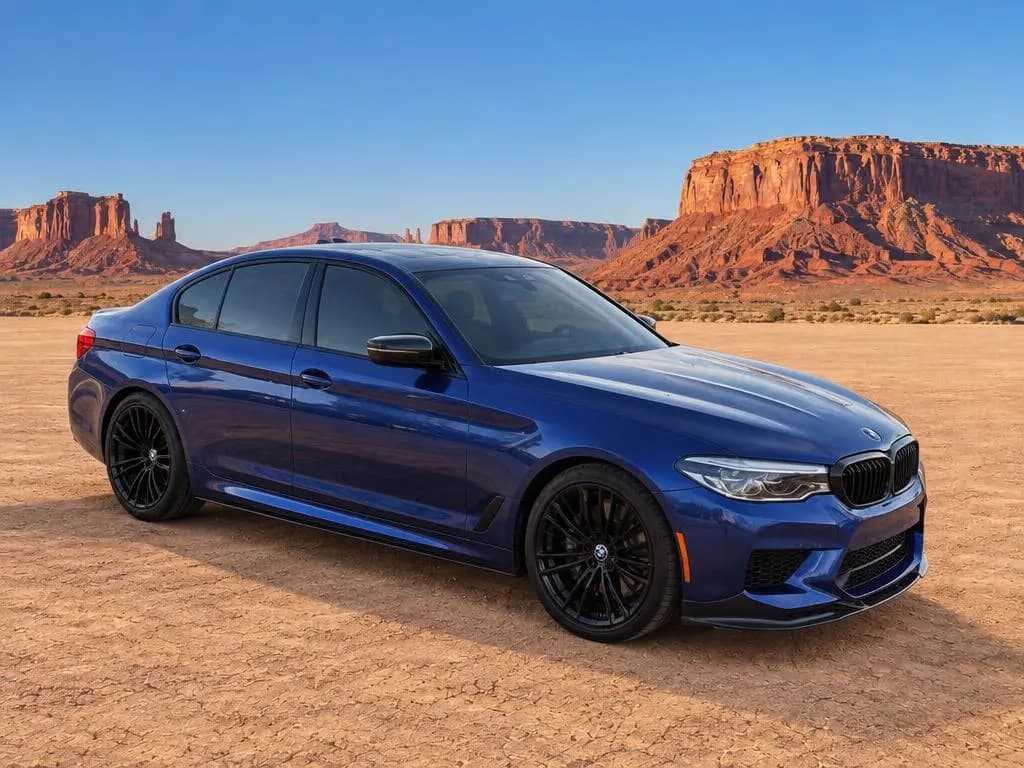
Desert Vista 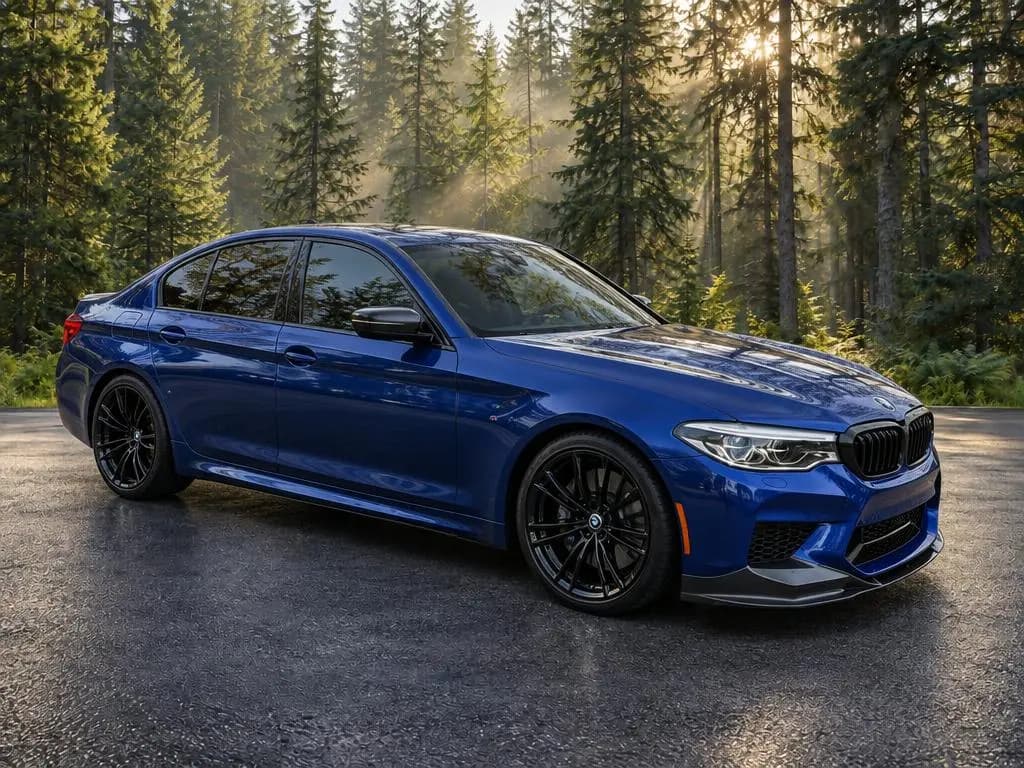
Forest Edge 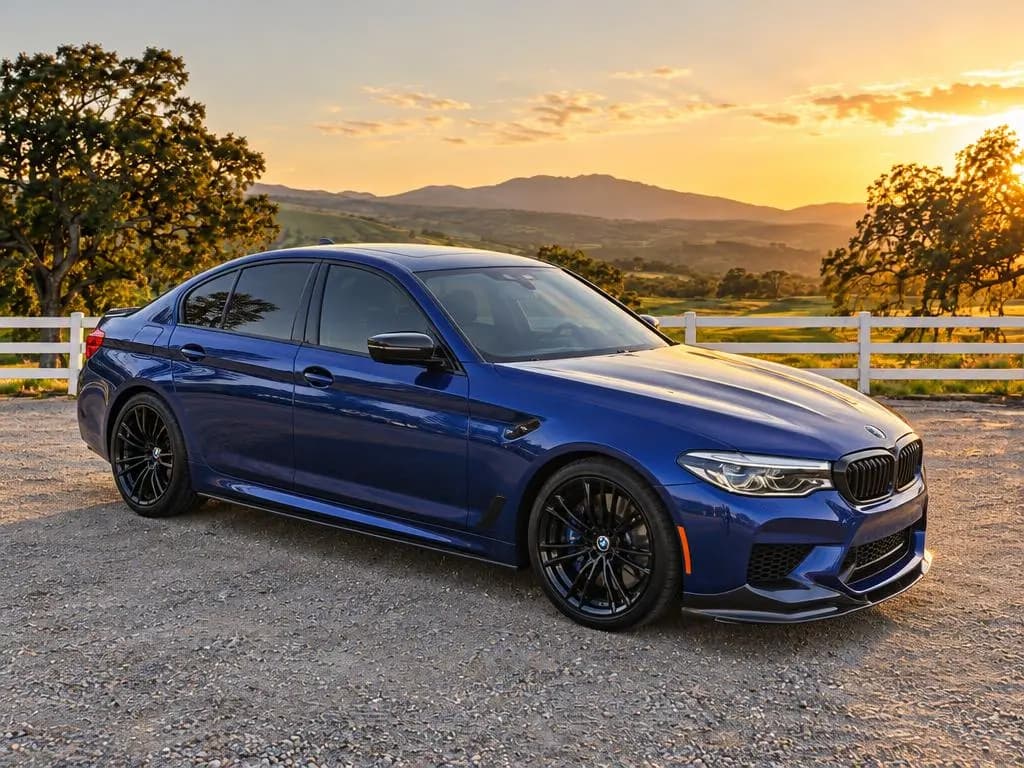
Countryside
Built for inventory, not one-off edits
A background changer for dealers has to work on every car, every week. Pick one backdrop and use it on your whole lot so every listing matches.
Shoot the full shot list on your phone: outside angles get the new backdrop, interiors and details get cleaned up and evenly lit. Download one photo or the whole car as a zip.
Outside
- Front angle
- Driver side
- Rear angle
- Rear
- Passenger rear
- Passenger side
- Passenger front
- Front
Inside
- Dashboard
- Driver seat
- Back seats
- Trunk
Details
- Wheel
- Odometer
Car background removal vs replacement
Background removal cuts the car out and leaves it on white or a transparent layer. It often looks pasted on: no shadow under the tires and the old parking lot still reflected in the doors.
CarShots replaces the background instead. The car is placed into the new scene, so it sits on the floor and picks up the scene's light. For a clean white look, use the White or High-Key Studio backdrop.
Removal
- Car cut out onto white
- No contact shadow
- Old reflections stay
- Often looks pasted on
Replacement
- Car placed into the scene
- Shadows under the tires
- Paint reflects the new scene
- Lit by the backdrop
Why it doesn't look fake
Fake-looking car photos give themselves away at the tires, in the glass and in the paint. CarShots adds contact shadows under the tires, lights the car with the backdrop's light, and makes the paint and glass reflect the new surroundings instead of the lot.
It also removes glare and sun spots, and frames the whole car centered with room above the roof, like a dealership hero shot.
- Tires
- Contact shadows so the car sits on the floor
- Glass
- Reflects the new surroundings, not the lot
- Paint
- Lit by the backdrop, with glare removed
- Framing
- Whole car, centered, room above the roof
One simple plan
$50 a month covers 333 photos, about 15¢ each. That's about 16 cars a month at 20 photos a car, with no contract and no hardware to buy.
CarShots Monthly
$50a month
7-day free trial with 20 photos and a 360° video. Card required. Cancel anytime.
- 333 photos a month, about 15¢ a photo
- About 16 cars a month at 20 photos a car
- All 20 curated backdrops
- 15-second 360° walkaround videos with voiceover and music
Background changer questions
Is it free to try?
Yes. Upload a photo of a car and see it on a backdrop of your choice, free and without signing up. A 7-day trial with 20 photos and a 360° video comes next if you want to keep going.
Can I use my dealership's logo or showroom?
The curated backdrops are ready to use today. If you want your own showroom or a branded background, email us.
Does it work on trucks, SUVs, and motorcycles?
It is built for cars, trucks and SUVs. For motorcycles and other powersports vehicles, try one of yours free first and see how it looks.
What photo size do I get back?
Photos come back as 1024 × 768 JPEGs in a 4:3 landscape frame, the shape most dealer websites and listing sites use.
Keep reading
- The AI car photo editor built for dealer inventoryEdit car photos for your whole inventory: new backgrounds, light and glare fixes, plates hidden on request, and the same framing on every car. Try it free.
- Walkaround videos with voiceover, made from your phoneTurn a car's photos into a 15-second 360° walkaround video with voiceover and music, ready for your website, listings and social feeds.
- Simple pricing for dealer-quality car photosStart with a free trial, then one simple monthly plan with photos included. No hardware, no photographer, and no long contract.
- CarShots vs SpyneComparing Spyne and CarShots for dealer car photos: image quality, turnaround time, pricing, and setup. See which one fits your lot.
- CarShots vs Dealer Image ProComparing Dealer Image Pro and CarShots for dealer car photos: image quality, turnaround time, pricing, and setup. See which one fits your lot.
- Car photo backgroundsBrowse studio, showroom, and white backgrounds for car photos, each with before and after examples, and apply one to your own photos.
Studio-quality photos of every car, from your phone
Try it on one of your own cars, free and without signing up. When you're ready, the 7-day trial includes 20 photos and a 360° video.