
On this page
Car backgrounds for editing, without the editing
Most car backgrounds for editing are stock images: you download one, cut the car out of your photo by hand and try to match the light and shadows. CarShots skips that step. Upload a photo of your car, pick a backdrop, and the photo comes back on it in about 20 seconds. For a whole inventory, the car background changer shows how it works car after car.
The gallery shows one car on every backdrop, so you're comparing backgrounds, not cars. There are 20 in four groups: studio, showroom, outdoor and scenic. For before and after pairs on other cars, see the examples.
All 20 backdrops on one car
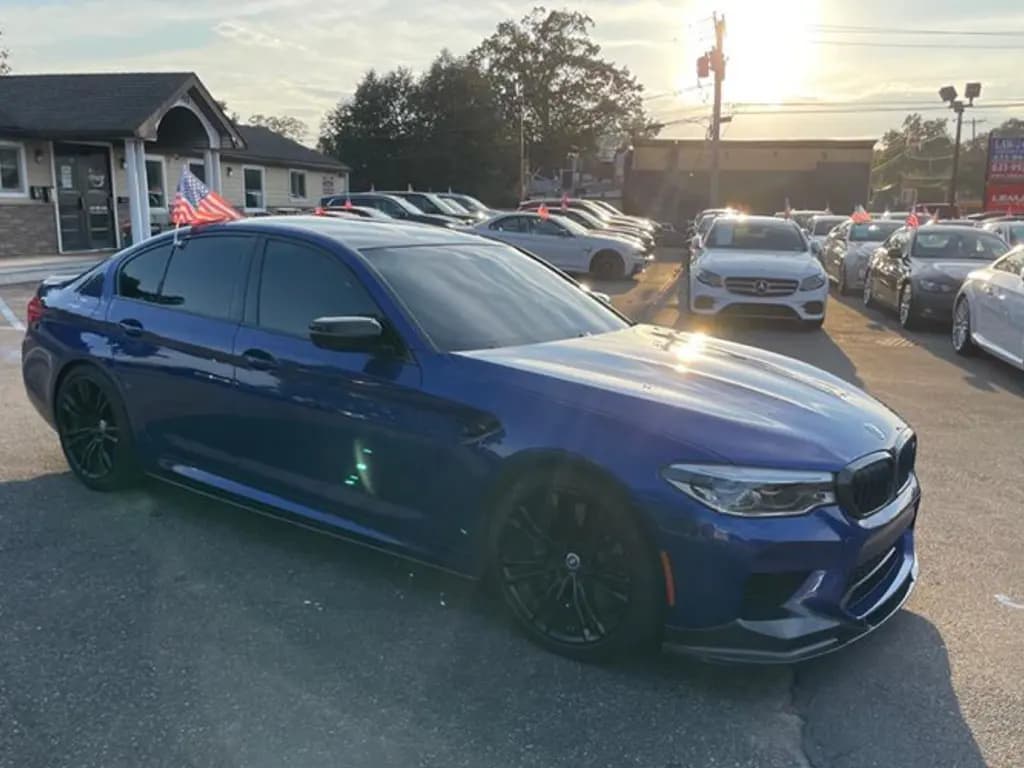
The phone photoOne shot of a BMW M5 on a dealer lot, on all 20 backdrops.
Studio
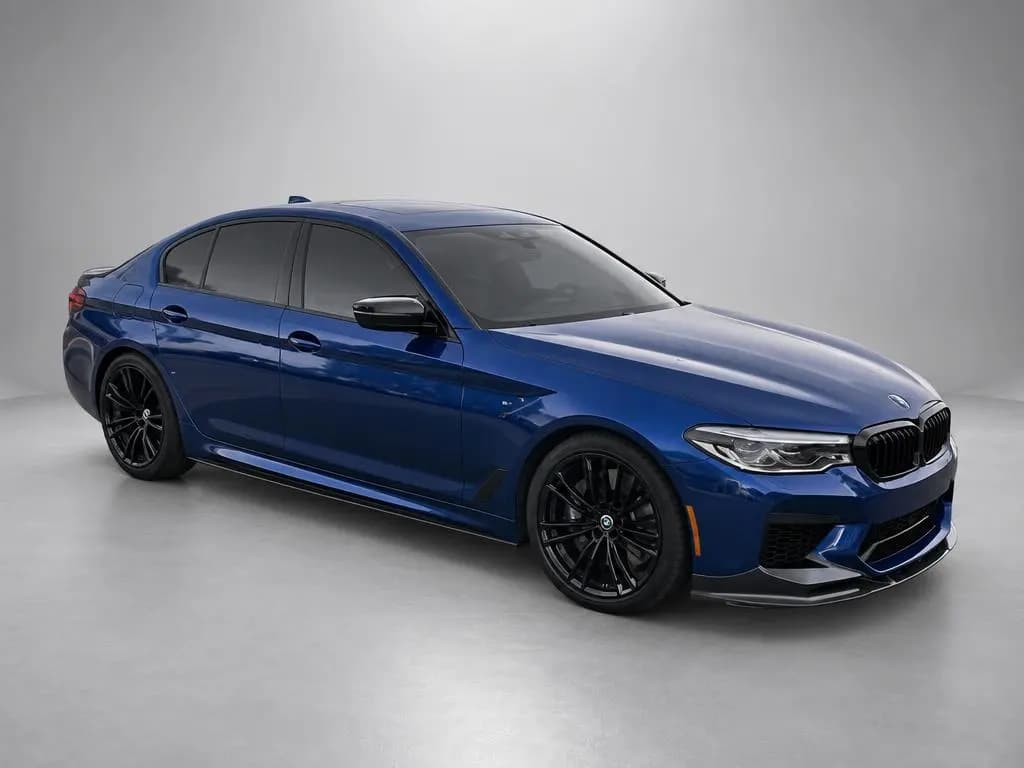
 Backdrop
Gray StudioSeamless light-gray photo studio with soft overhead light; the safe default for any vehicle and paint color. 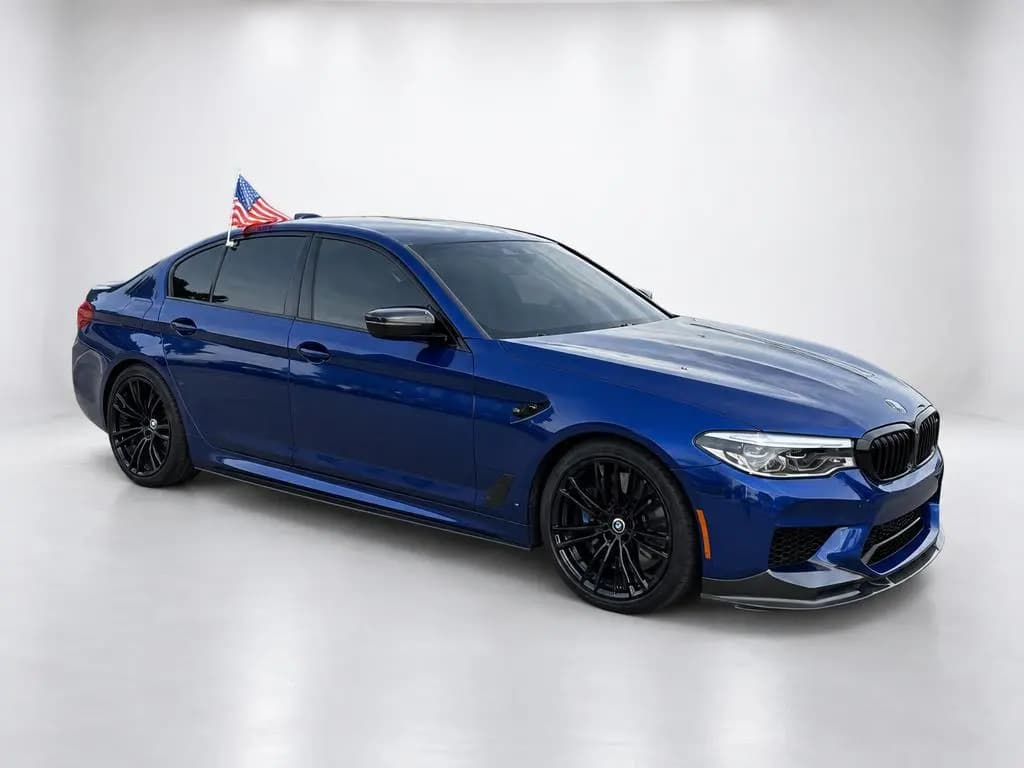
 Backdrop
White StudioBright, seamless white studio with a glossy white floor for a clean catalog look. 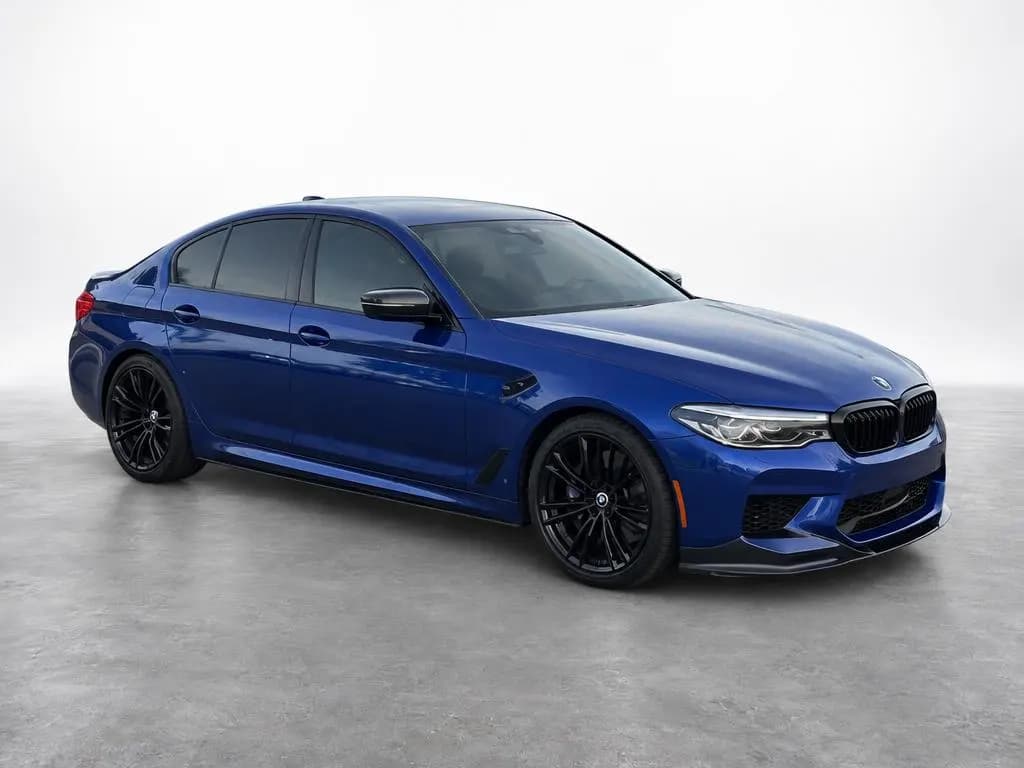
 Backdrop
High-Key StudioPure white background that fades into a textured gray concrete floor; a crisp, modern dealer look. 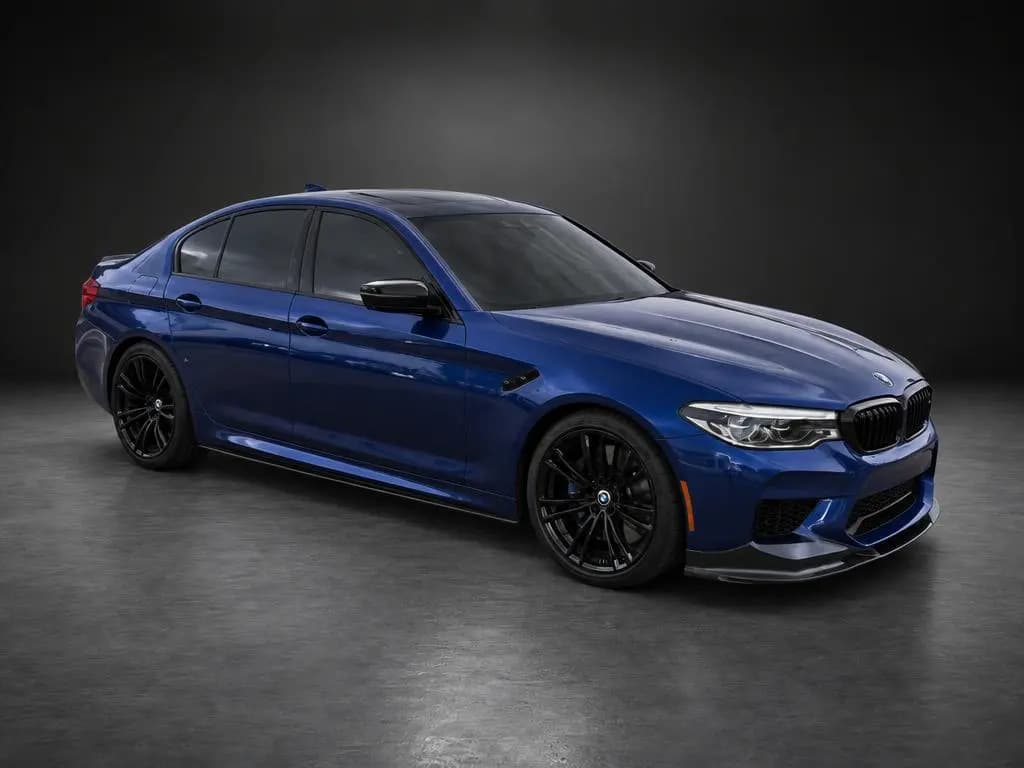
 Backdrop
Dark StudioMoody charcoal studio with a soft pool of overhead light; makes paint and chrome pop. 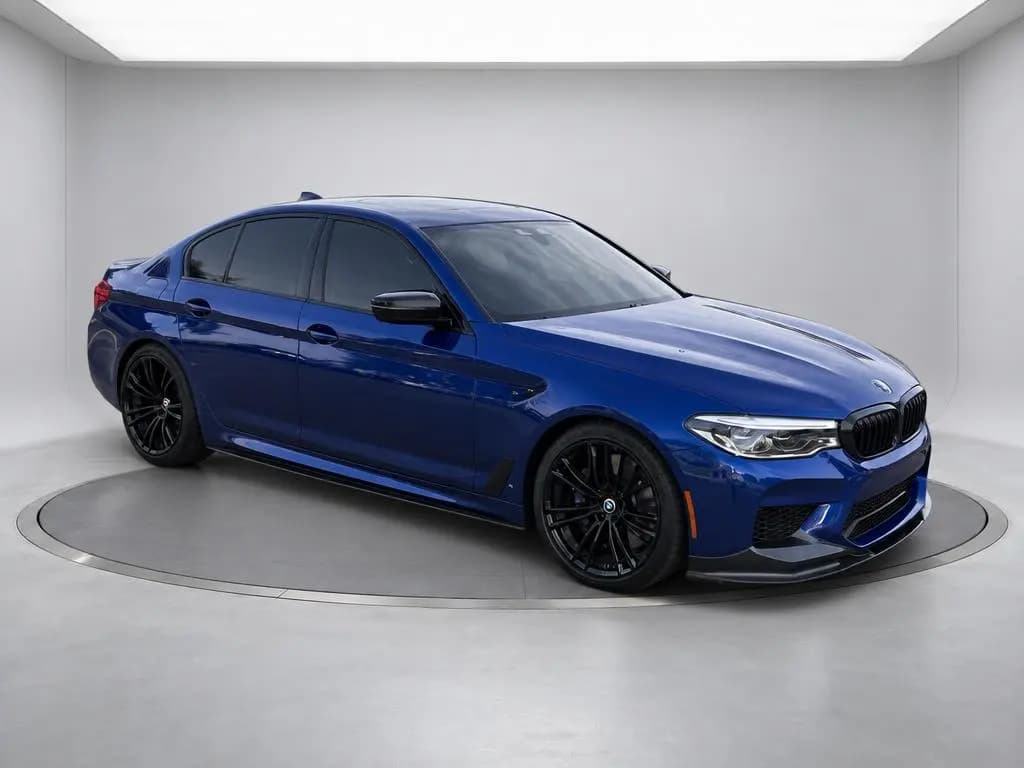
 Backdrop
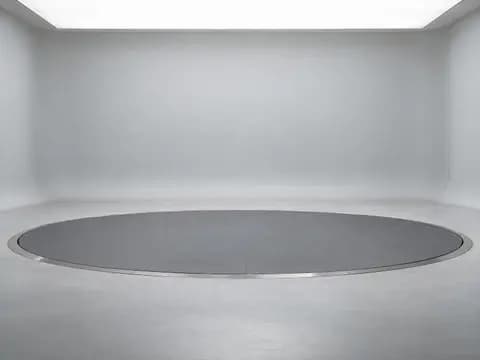
Turntable StudioLight-gray studio with a large flush car turntable and a glowing ceiling light panel.
Showroom
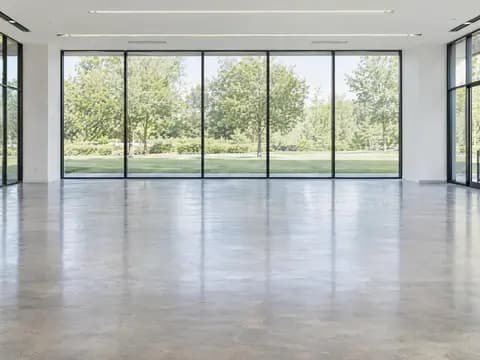 Backdrop
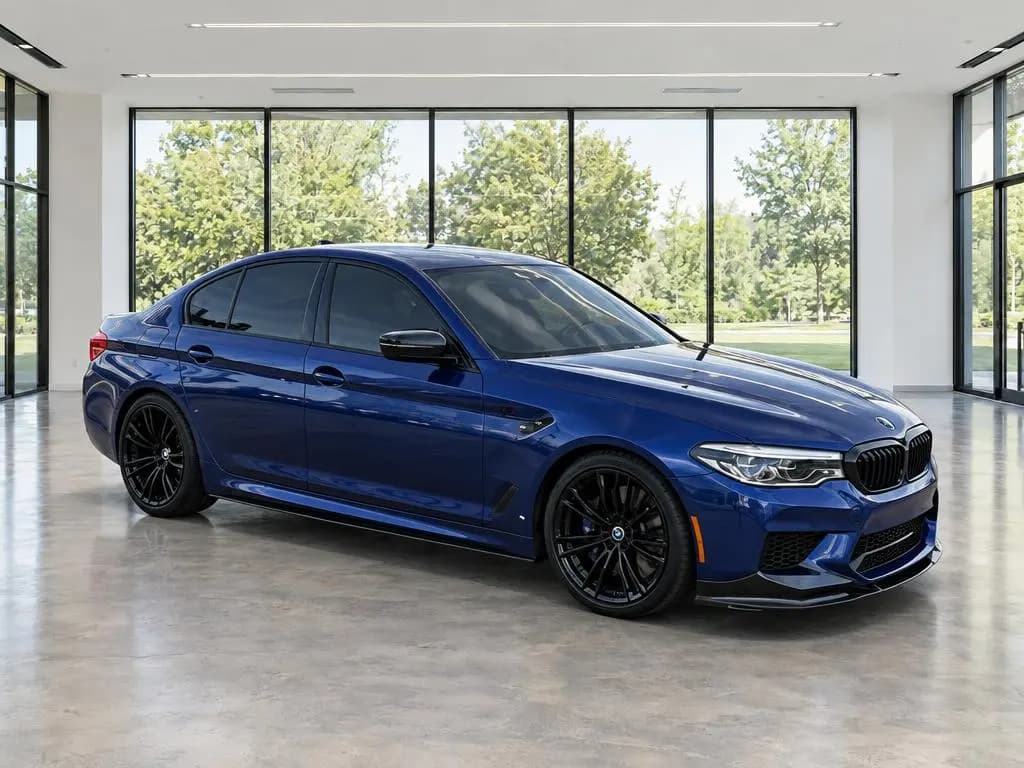
Modern ShowroomBright, airy dealership showroom with floor-to-ceiling windows and polished concrete. 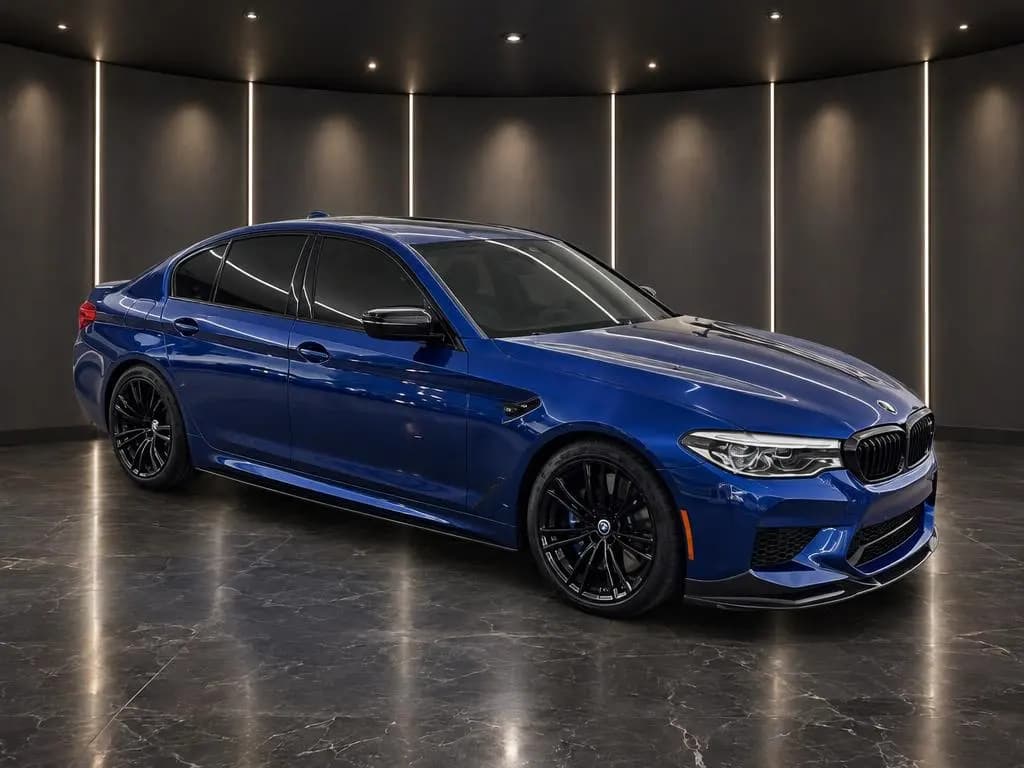
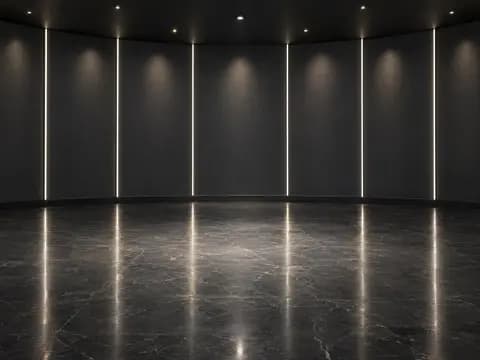 Backdrop
Dark ShowroomLuxury display room with dark wall panels, vertical light lines and a polished black stone floor. 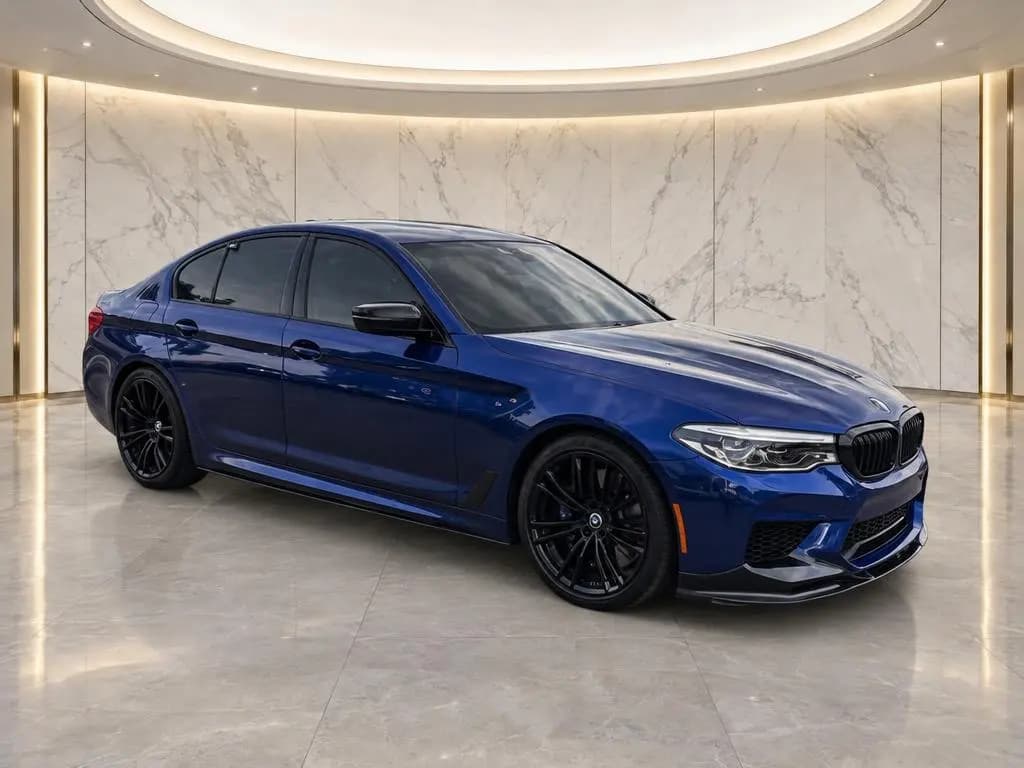
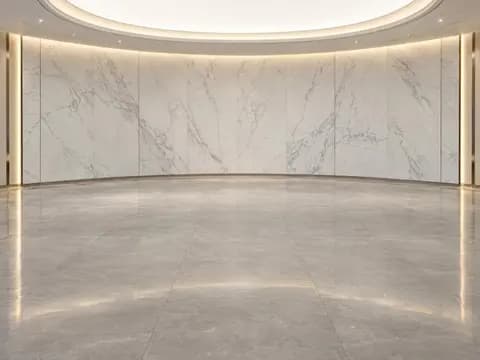 Backdrop
Marble ShowroomBright white marble display room with a soft ceiling light and a polished stone floor. 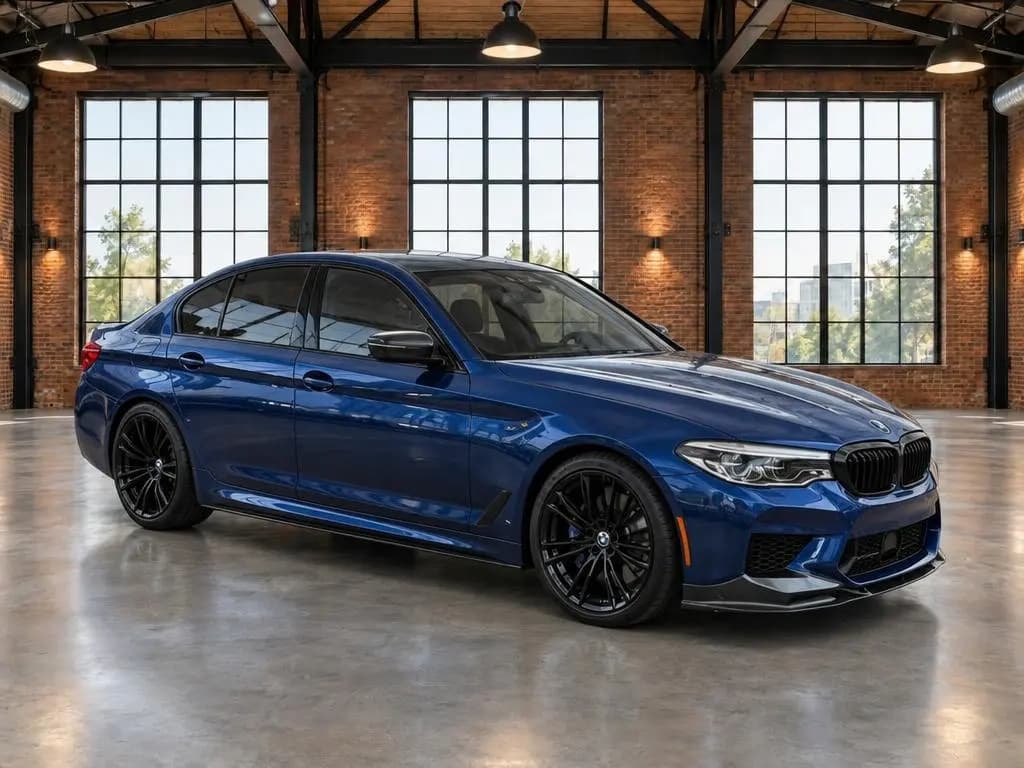
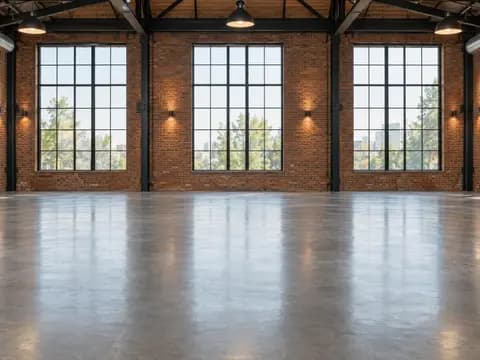 Backdrop
Industrial LoftBoutique loft showroom with exposed brick, steel factory windows and polished concrete.
Outdoor
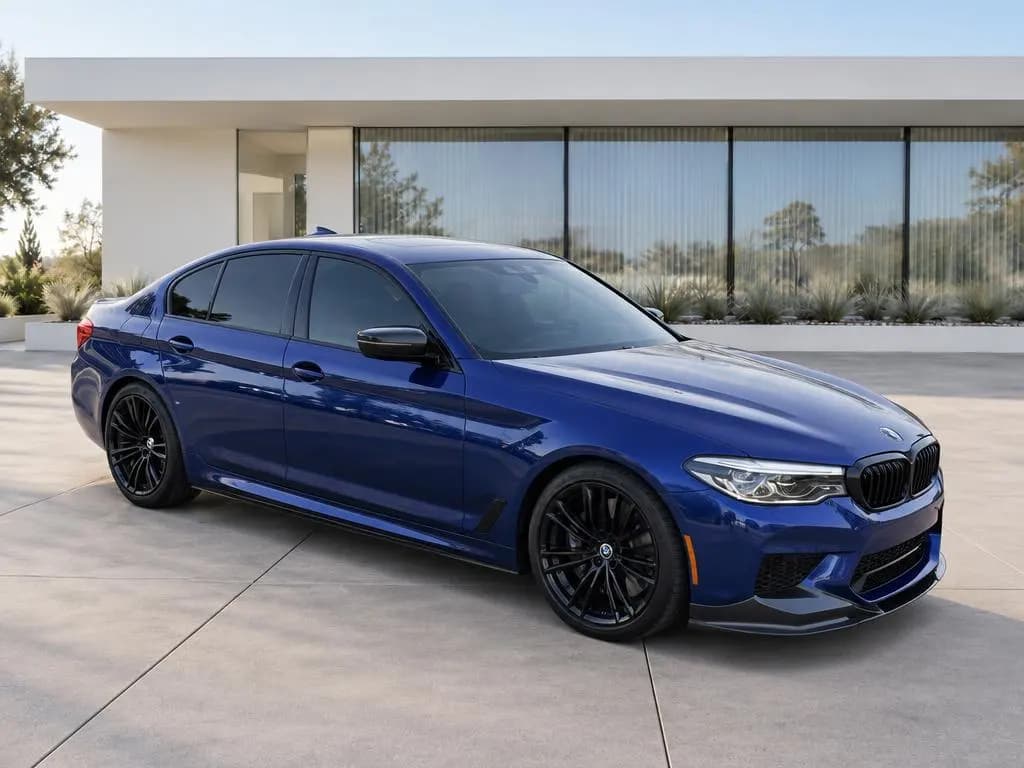
 Backdrop
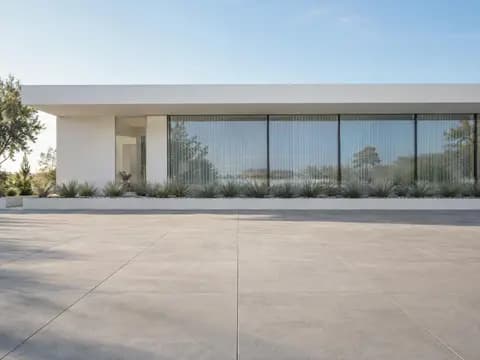
Modern ArchitectureMinimalist white modern building with a clean concrete courtyard in soft daylight. 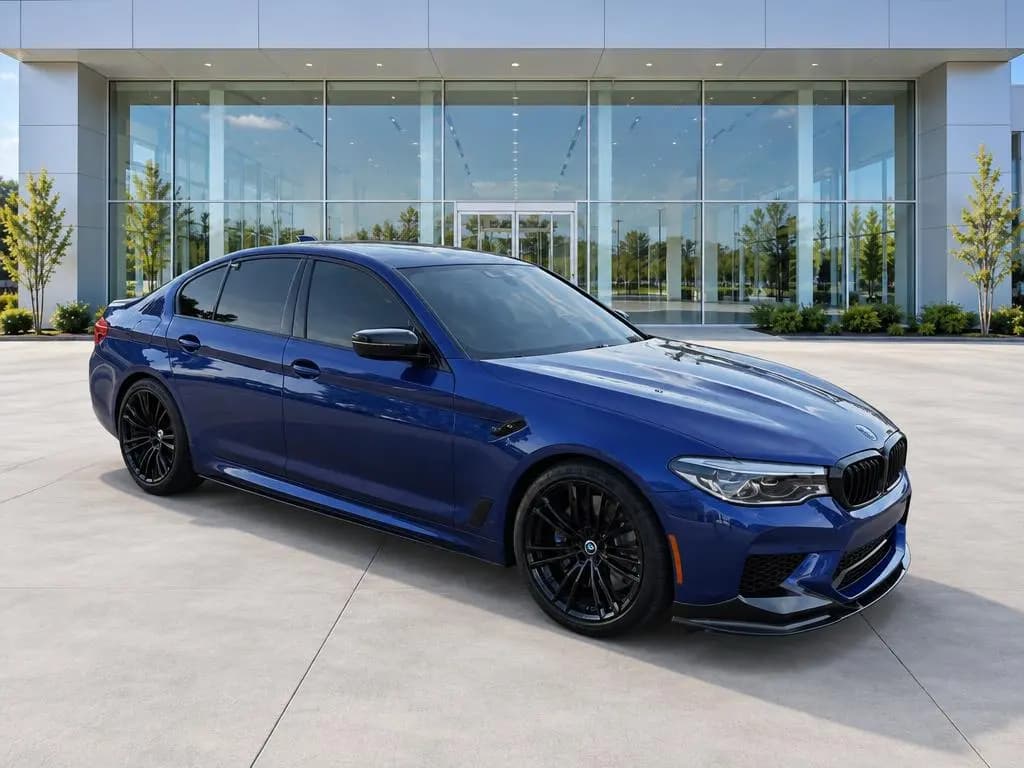
 Backdrop
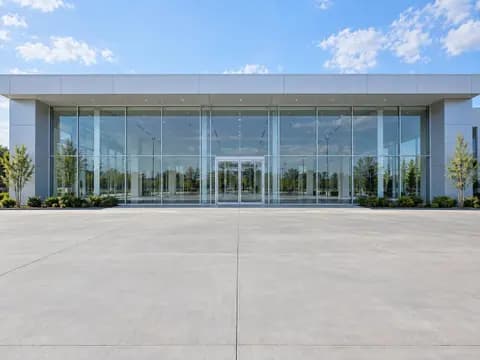
DealershipFront of a modern glass dealership building on a clean concrete apron, with no signage. 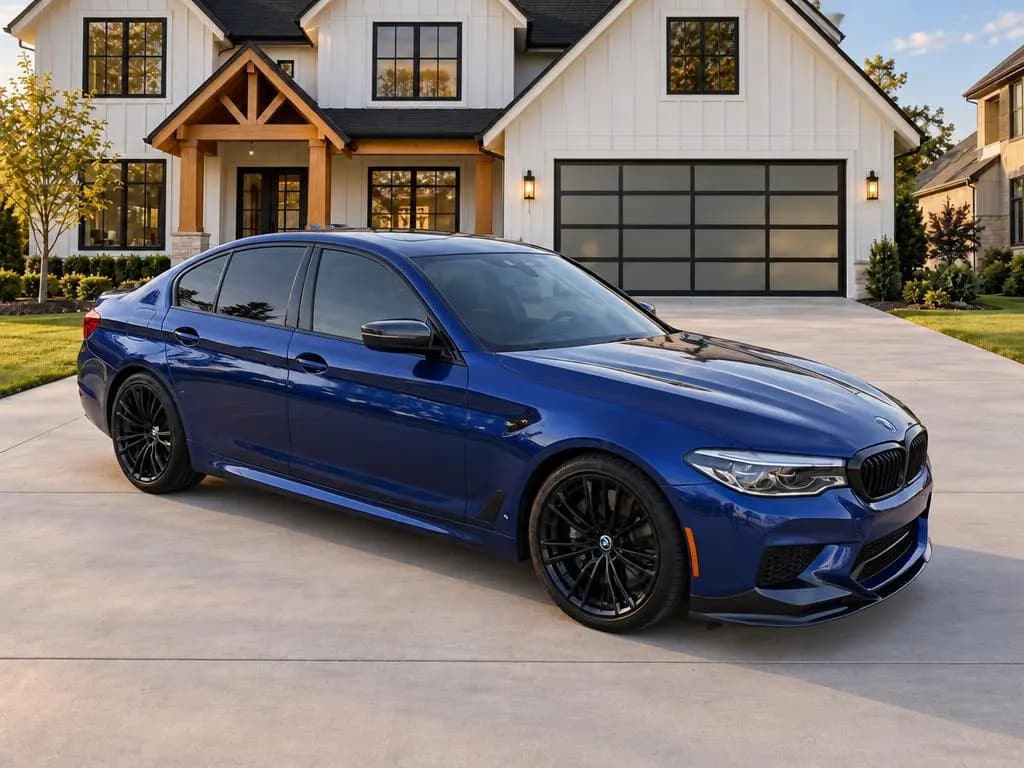
 Backdrop
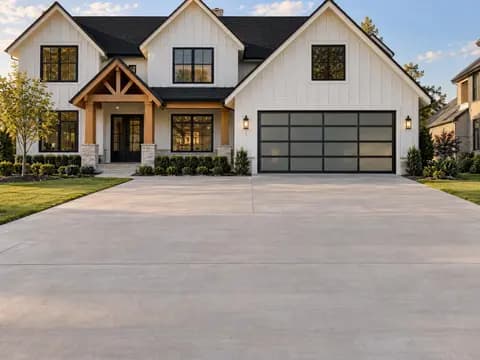
Home DrivewayWide concrete driveway in front of an upscale modern farmhouse with a glass garage door. 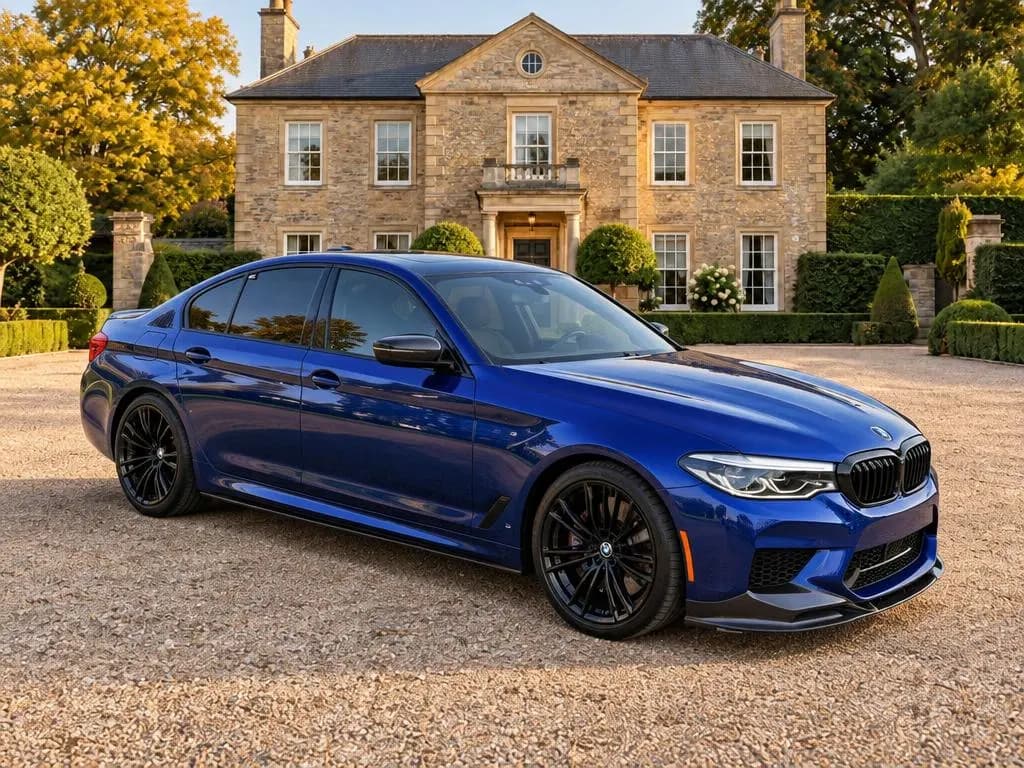
 Backdrop
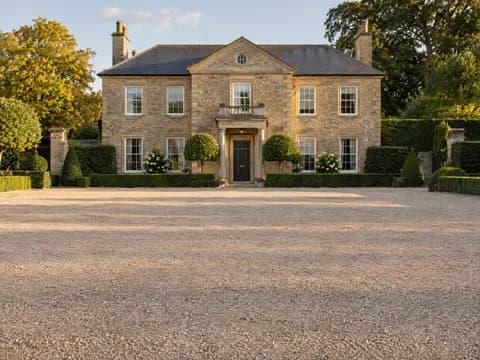
Estate DrivewayRaked gravel forecourt of a stately stone manor framed by hedges and mature trees. 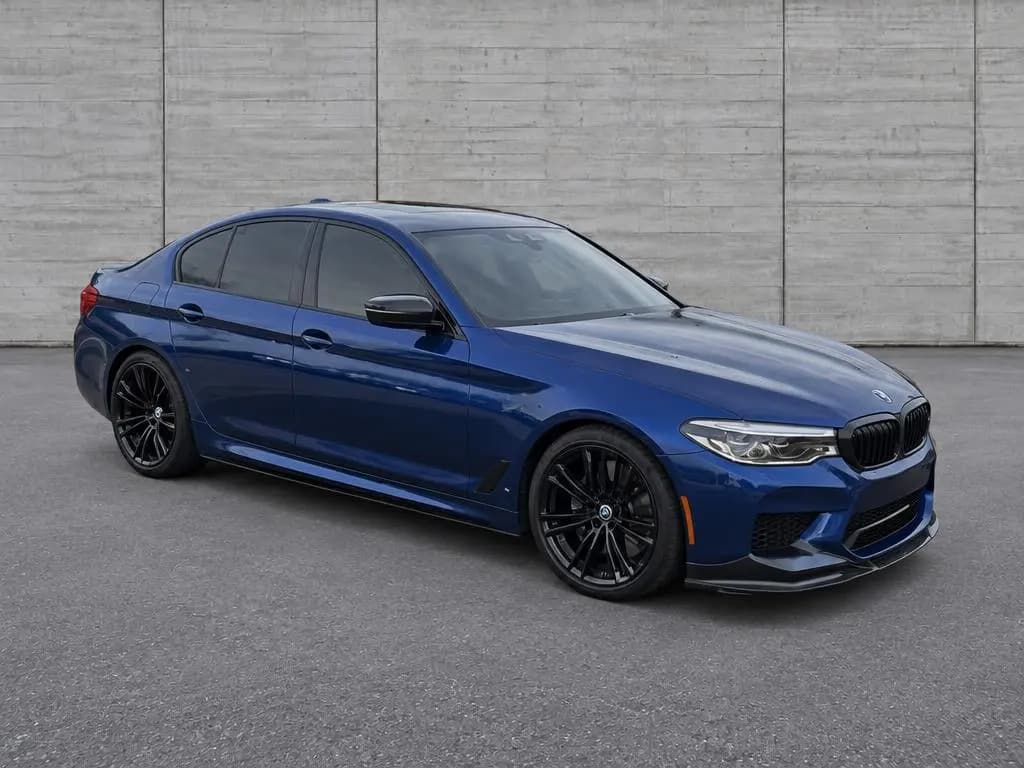
 Backdrop
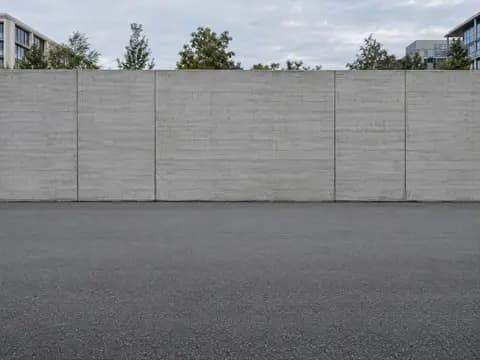
Urban WallClean city spot in front of a long board-formed concrete wall in soft overcast light. 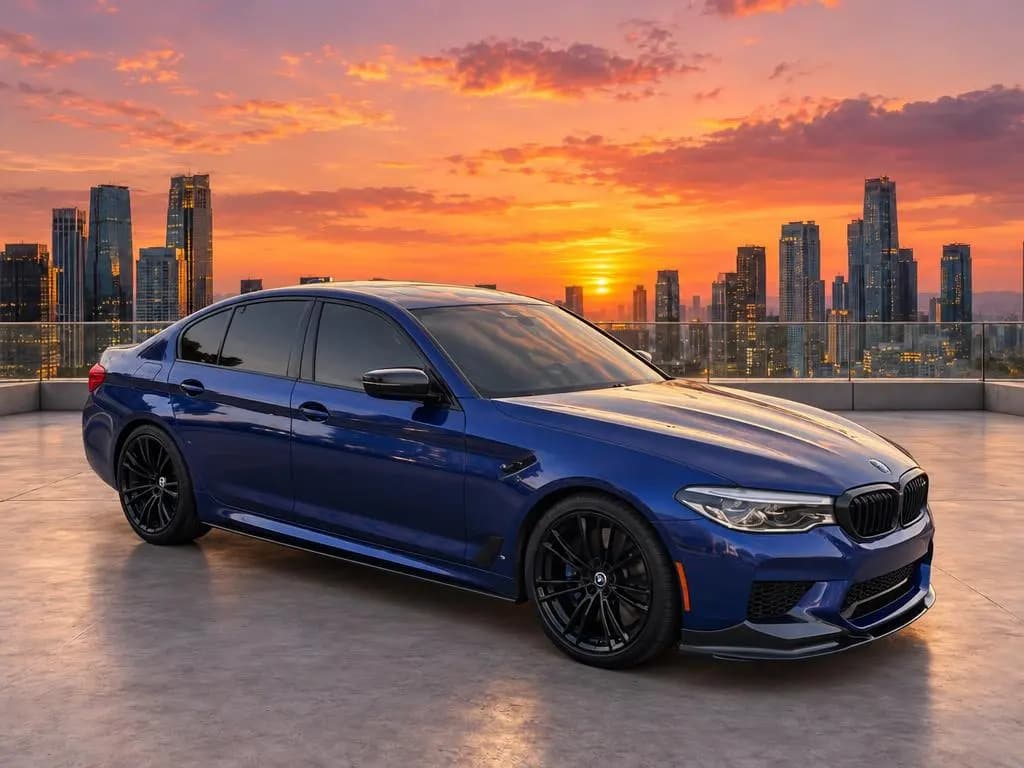
 Backdrop
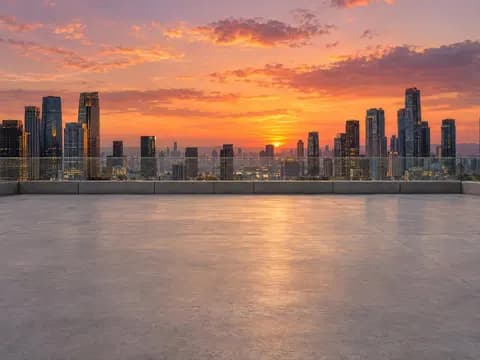
City RooftopOpen rooftop deck above a city skyline at sunset.
Scenic
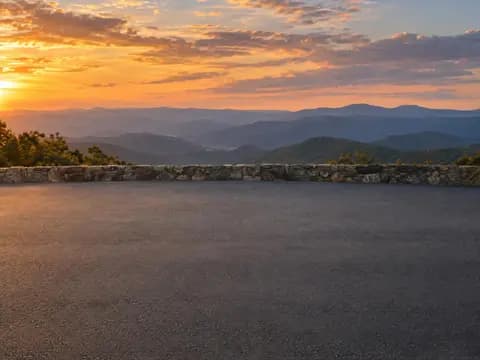 Backdrop
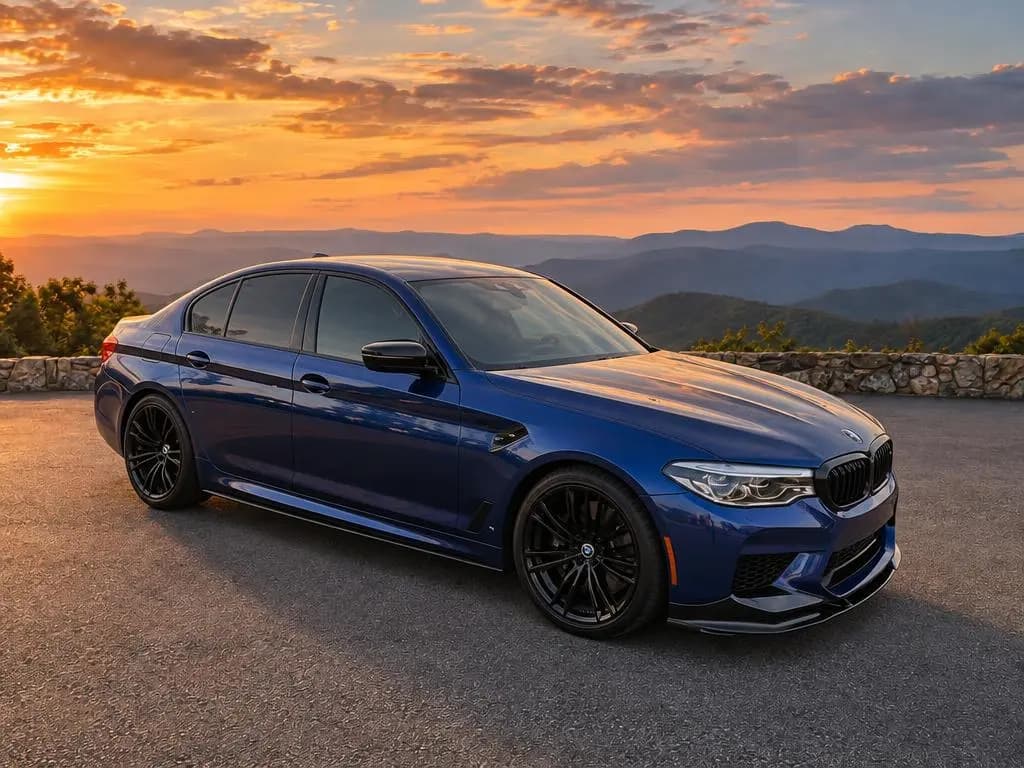
Mountain OverlookPaved scenic overlook with layered mountain ranges at golden hour. 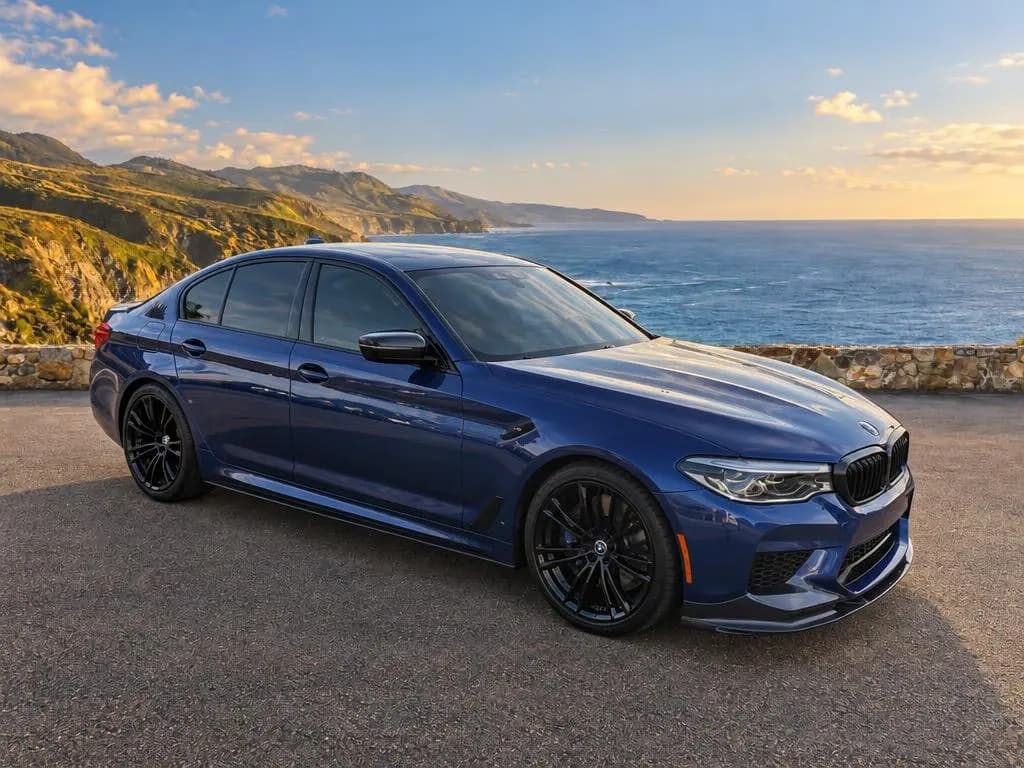
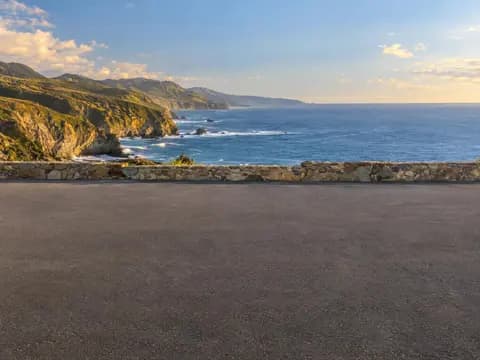 Backdrop
Coastal OverlookPaved clifftop overlook above a deep-blue ocean and rugged coastline in late-afternoon sun. 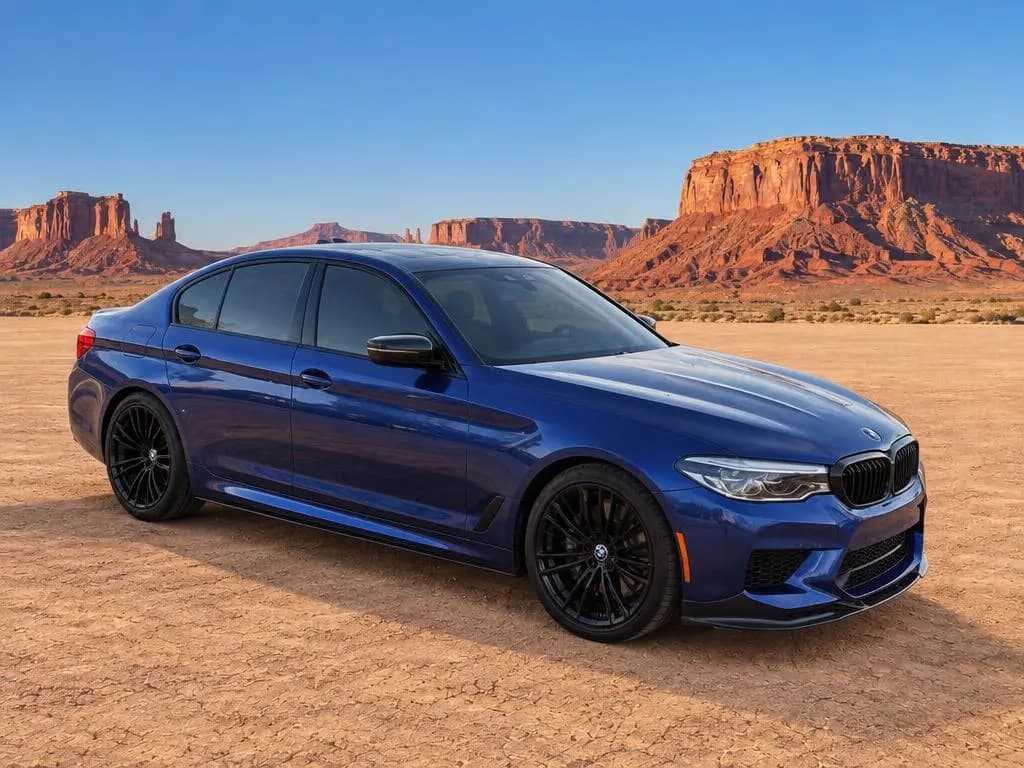
 Backdrop
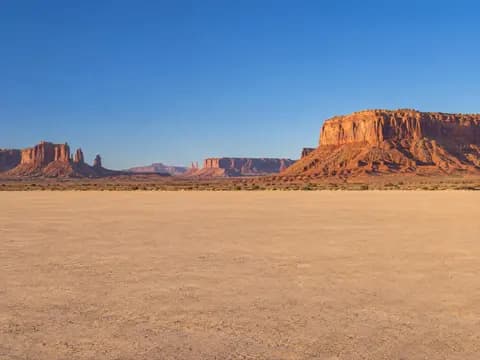
Desert VistaFlat desert clay pan with red sandstone mesas under a clear blue sky. 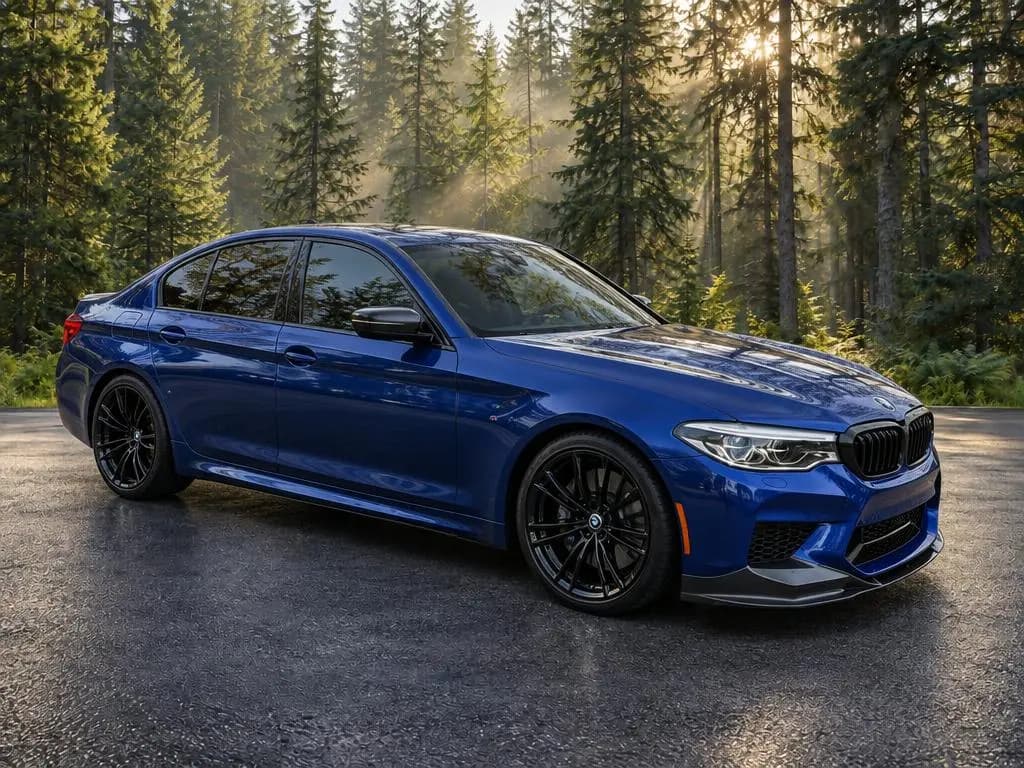
 Backdrop
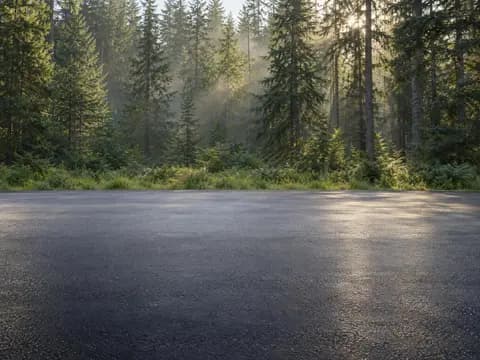
Forest EdgeSmooth asphalt clearing at the edge of a tall evergreen forest in soft morning light. 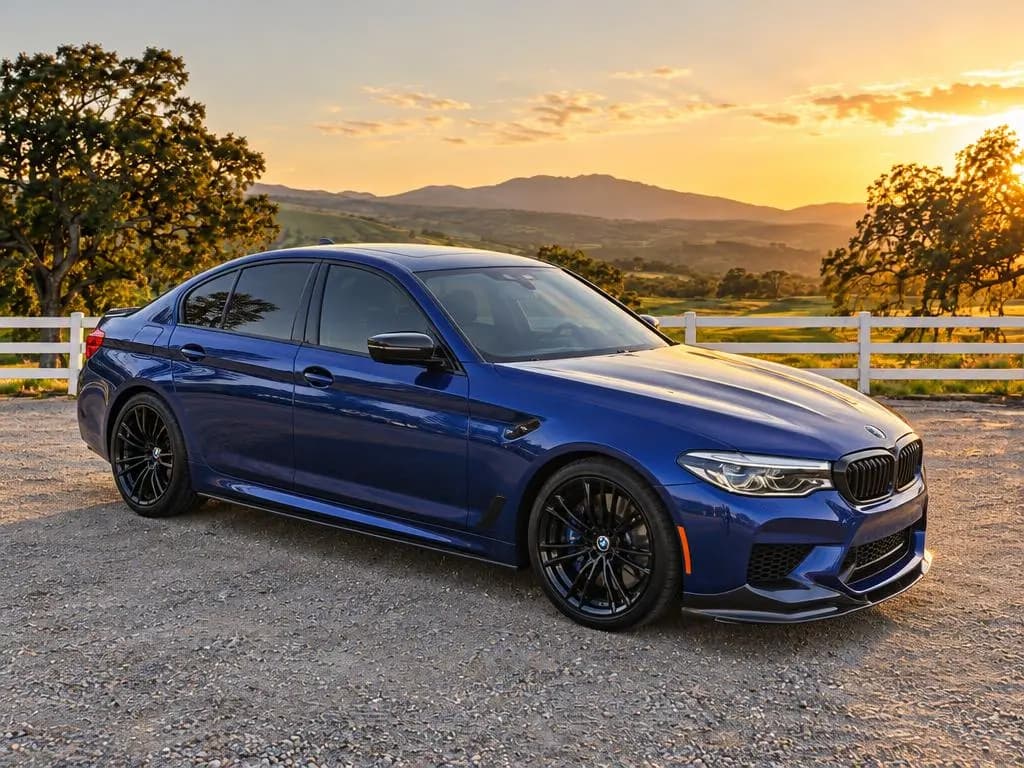
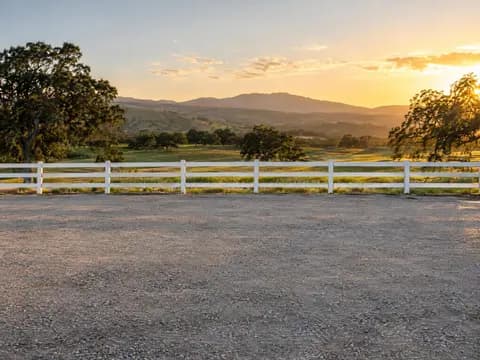 Backdrop
CountrysideGravel yard by a white ranch fence with rolling pastures and oak trees at golden hour.
Which car background should you use?
| Group | Backdrops | Best for |
|---|---|---|
| Studio | Gray Studio, White Studio, High-Key Studio, Dark Studio, Turntable Studio | A clean catalog look on any car; gray is the safe default for any paint color |
| Showroom | Modern Showroom, Dark Showroom, Marble Showroom, Industrial Loft | A virtual car showroom, so any lot looks like a dealership floor |
| Outdoor | Modern Architecture, Dealership, Home Driveway, Estate Driveway, Urban Wall, City Rooftop | A real place without the clutter of your lot |
| Scenic | Mountain Overlook, Coastal Overlook, Desert Vista, Forest Edge, Countryside | Convertibles, sports cars, trucks and SUVs shown off in the open |
Whichever you choose, use the same backdrop on every car so your listings look like one store.
White, gray or dark: which photo studio background?
A studio backdrop is the closest thing to a car studio without building one:
- White (White Studio and High-Key Studio) is the classic catalog look: bright, clean and uniform across a page of listings.
- Gray (Gray Studio) is the safe default. It flatters every paint color, including white and silver cars that can wash out against white.
- Dark (Dark Studio) makes paint and chrome pop, which suits sports and luxury cars.
- Turntable Studio adds a flush turntable and a glowing ceiling light panel, the look of a high-end photo booth without the build-out.
Car dealership and showroom backgrounds
If you want buyers to picture the car at a dealership, use a showroom or the Dealership backdrop. The four showroom backdrops cover the main looks: bright and airy (Modern Showroom), dark wall panels and a black stone floor (Dark Showroom), white marble (Marble Showroom), and exposed brick with steel windows (Industrial Loft). The Dealership backdrop puts the car in front of a modern glass dealership building with no signage, so it works for any store.
Want your own showroom or a branded background? Email CarShots.
How do you replace a parking lot background?
The parking lot is the background most dealer photos are trying to lose: other cars, curbs, light poles, puddles and the building next door. Shoot the car where it's parked, and CarShots replaces everything behind it with the backdrop you pick. For the cleanest result, give the car space on every side, keep other cars out of the frame and shoot in even daylight.
How to put your car on one of these backgrounds
Take the photo
Shoot your car on a phone wherever it's parked, with the whole car in the frame.
Upload it
Try it free on a photo of your car with no signup, or shoot a full car in CarShots with on-screen outlines for each exterior angle.
Pick a backdrop
Choose any of the 20 and get the photo back in about 20 seconds.
Fix it in plain words
Ask for changes like "hide the license plate" or "make it a little brighter".