
On this page
What do these before and after photos show?
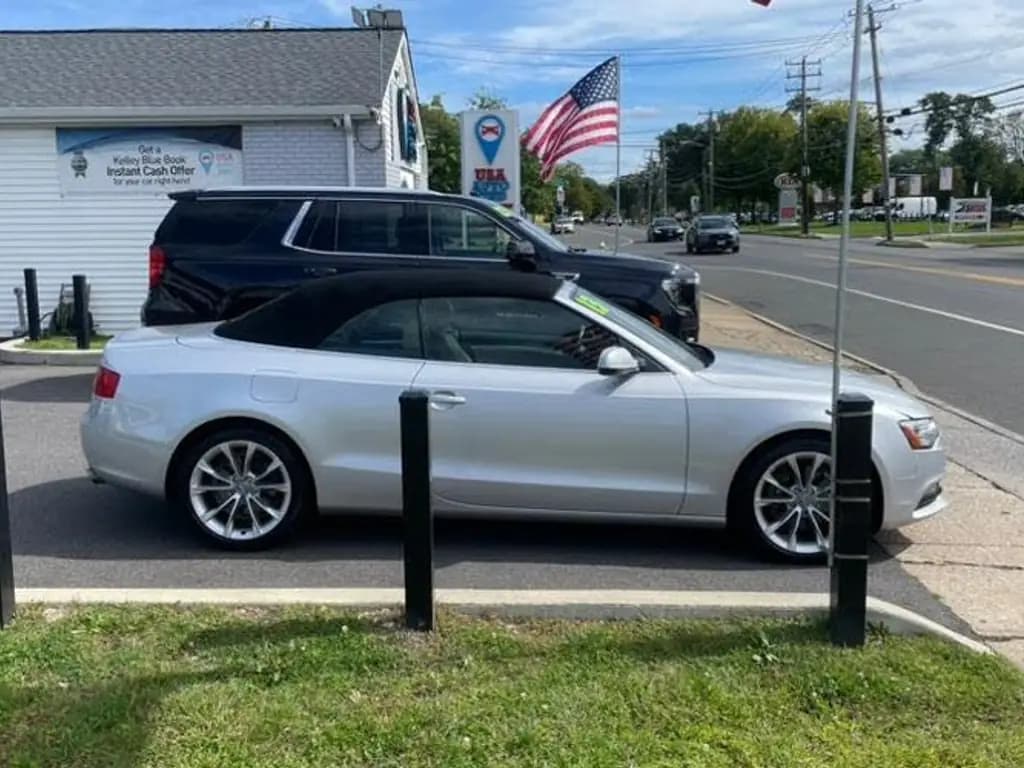
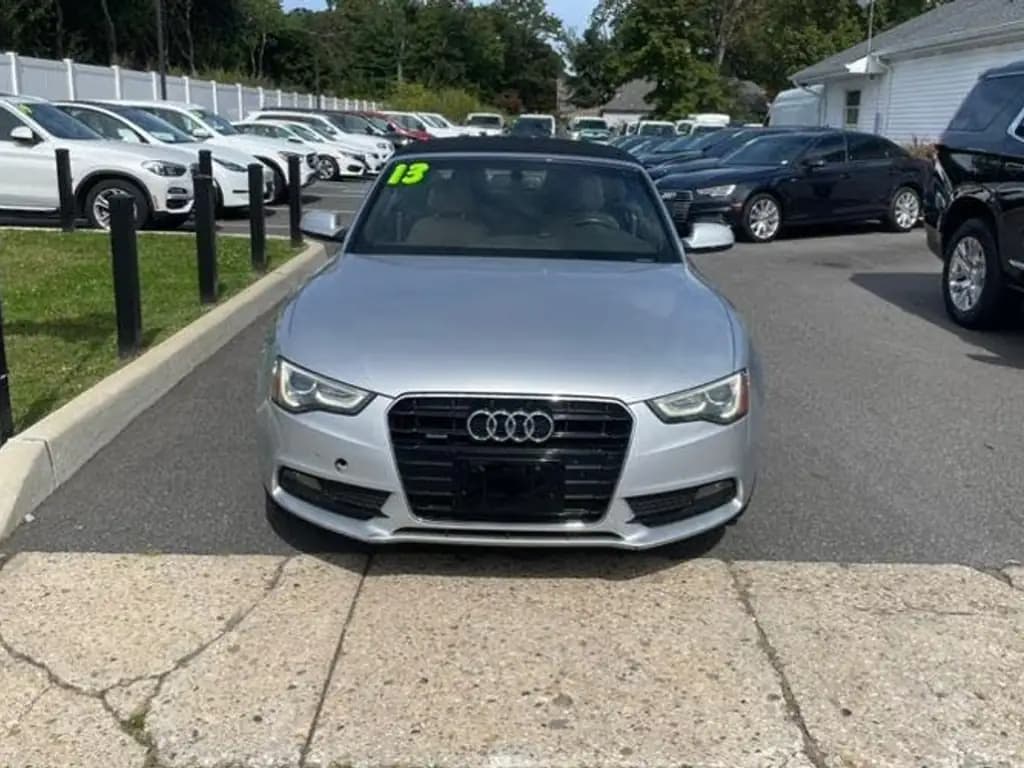
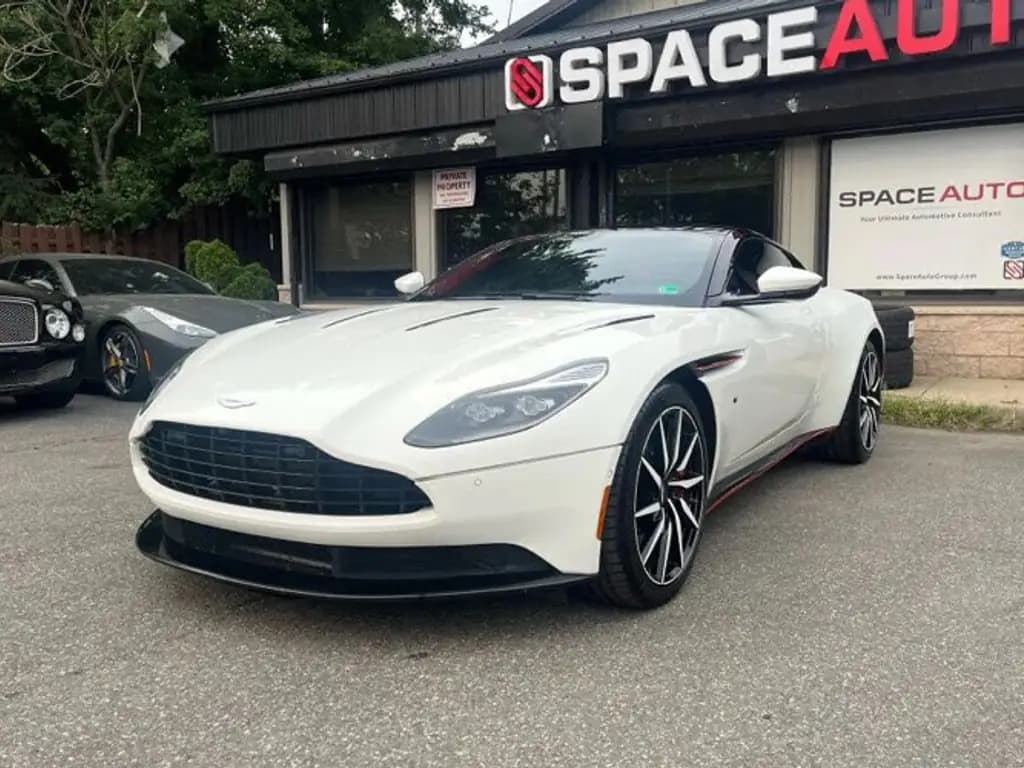
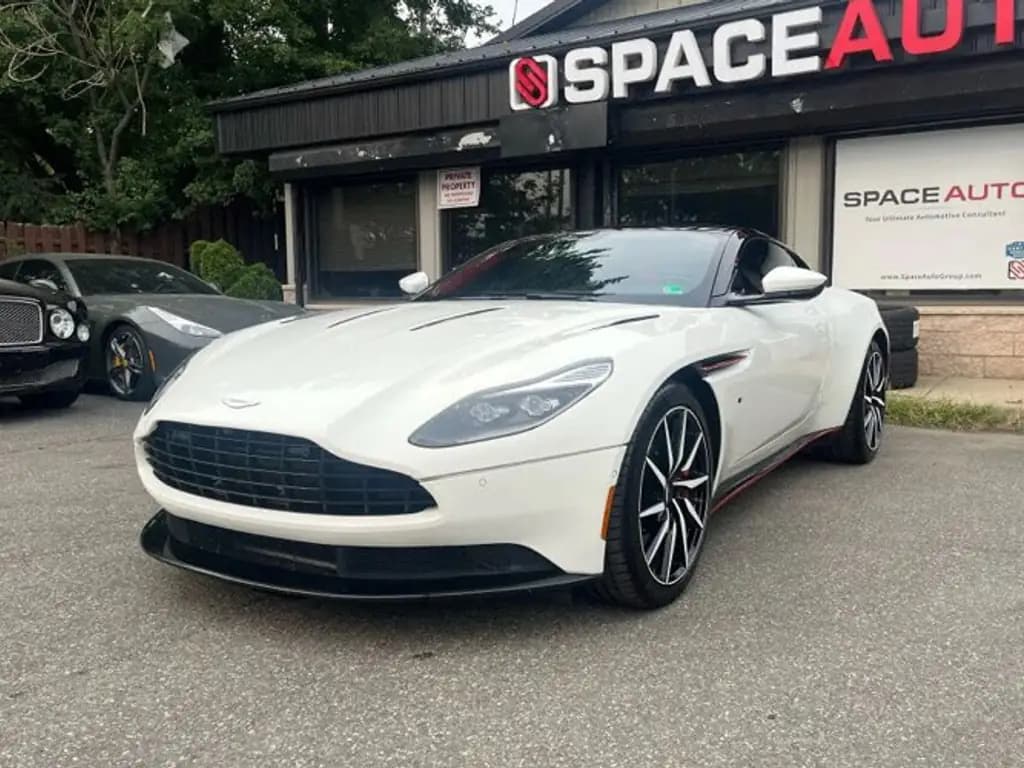
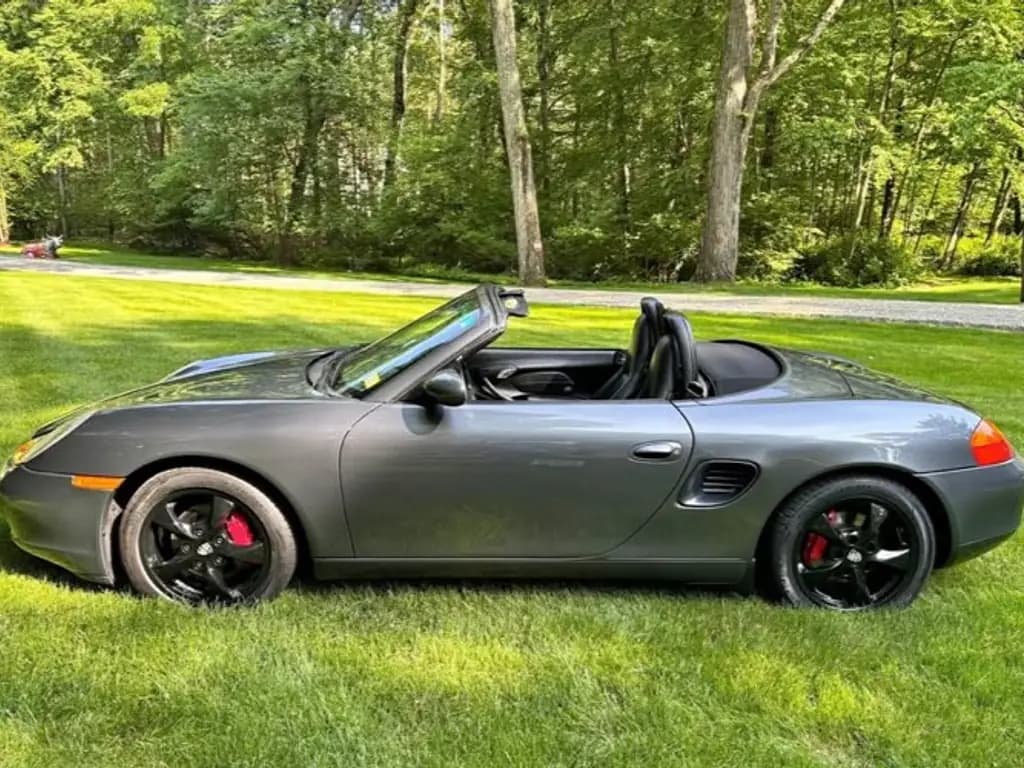
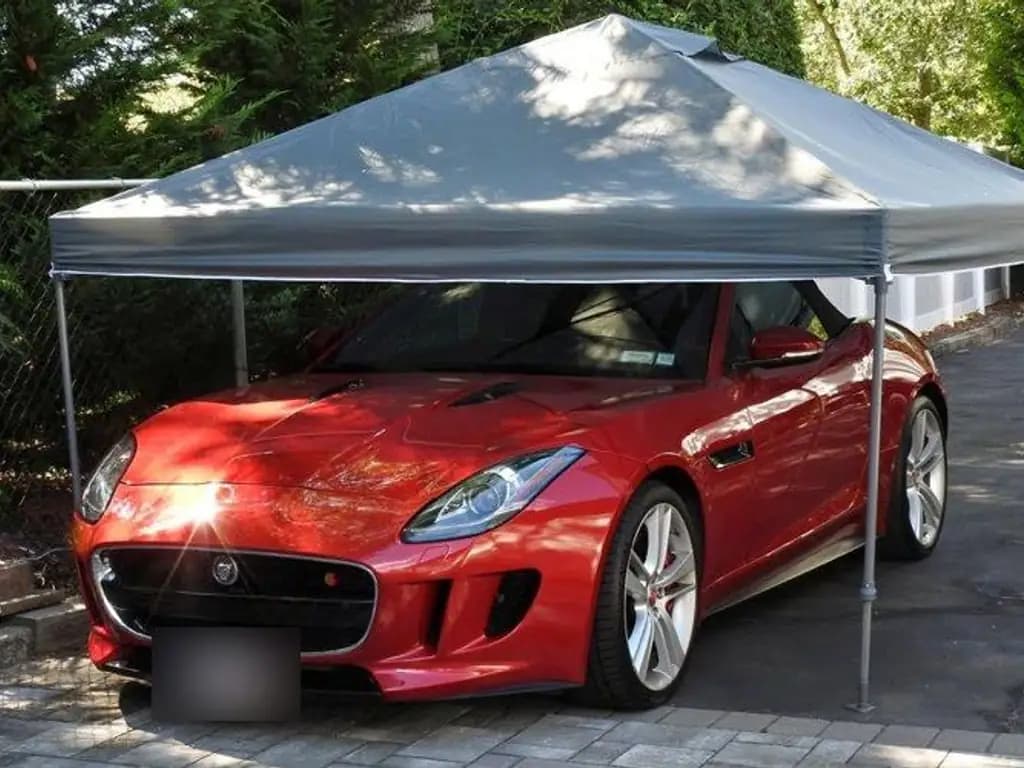
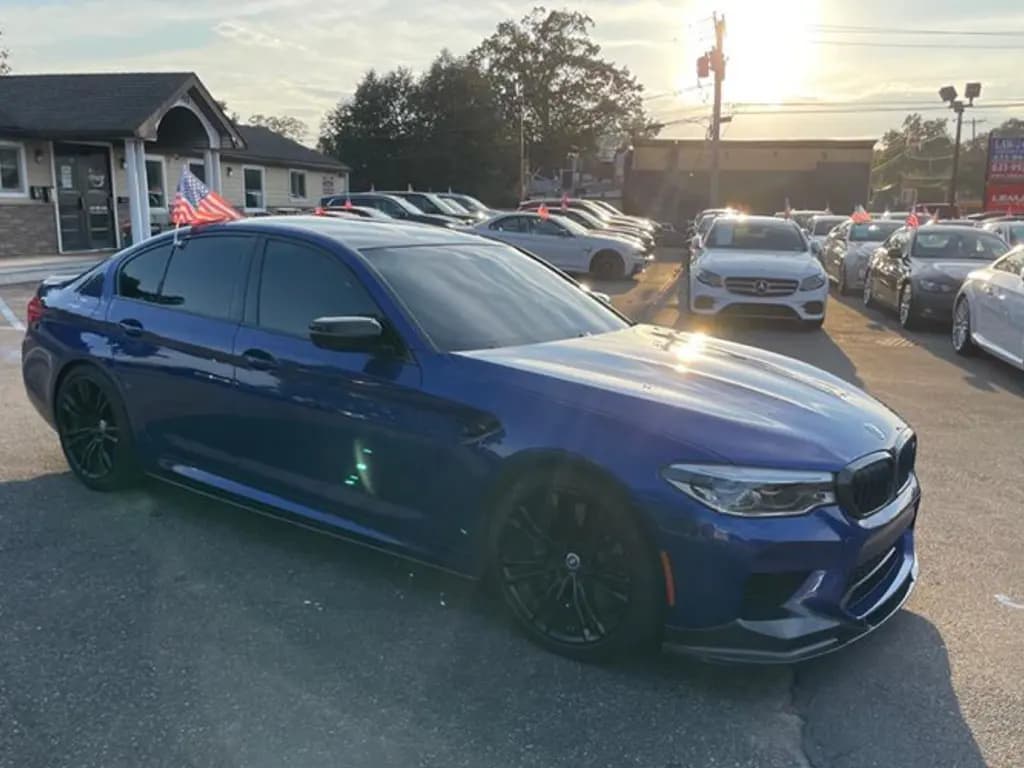
Every pair starts with an ordinary phone photo, taken where the car was parked. The after is what CarShots made from it: the same car from the same angle, on one of its 20 curated studio, showroom, outdoor and scenic backdrops. Each photo takes about 20 seconds, and the same photos also make a 15-second walkaround video.
Readable license plates are blurred in these examples. In CarShots itself, plates stay as shot until you hide them with an edit.
12 before and after pairs
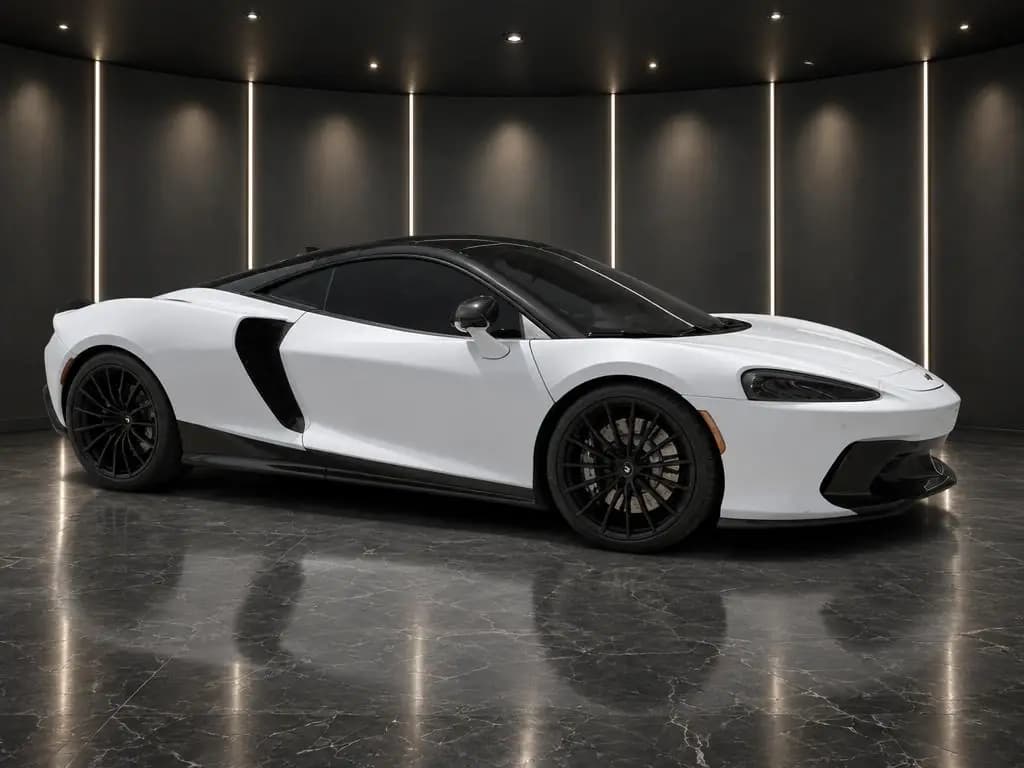
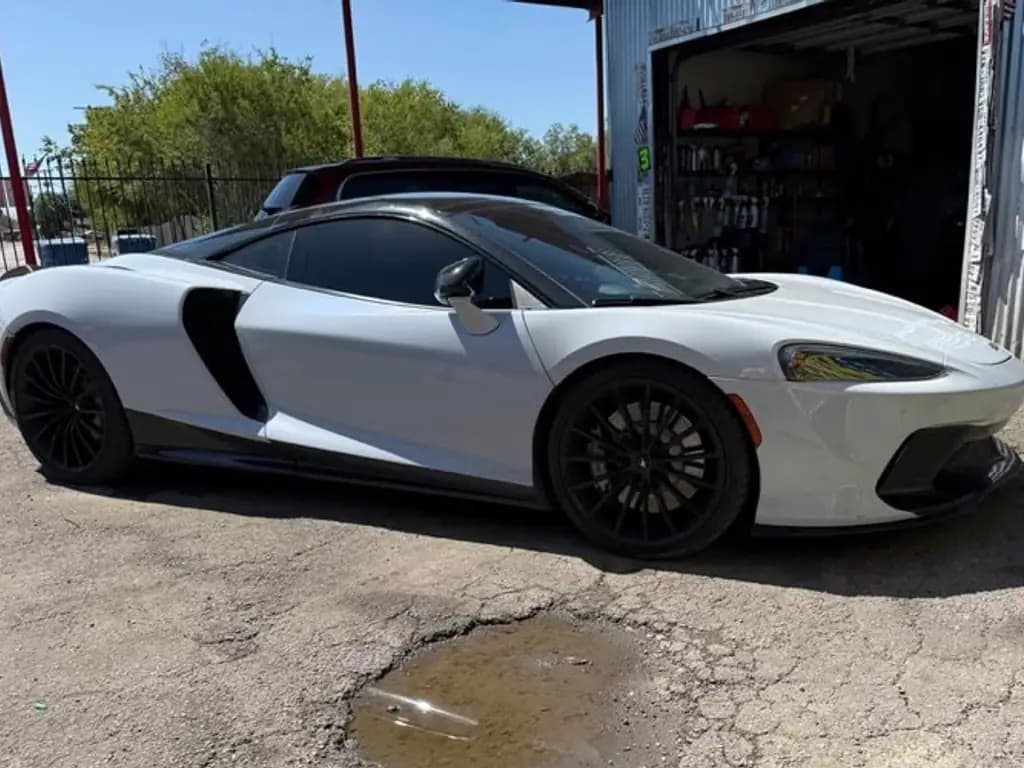 Before
McLaren GTSports car · Dark Showroom 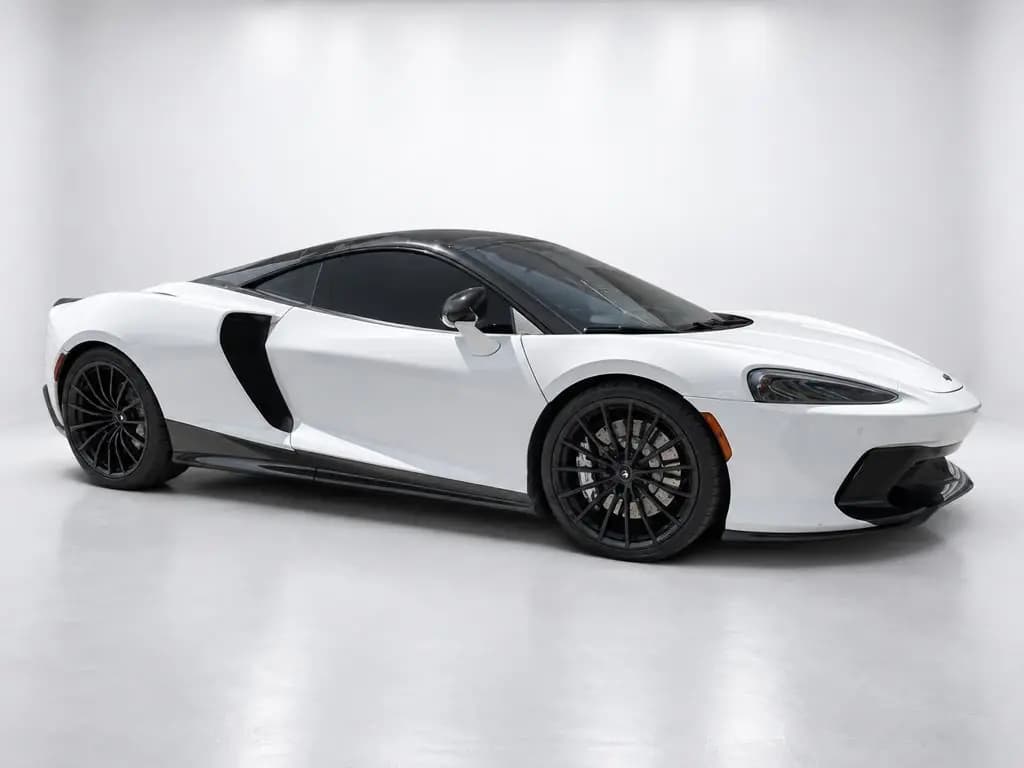
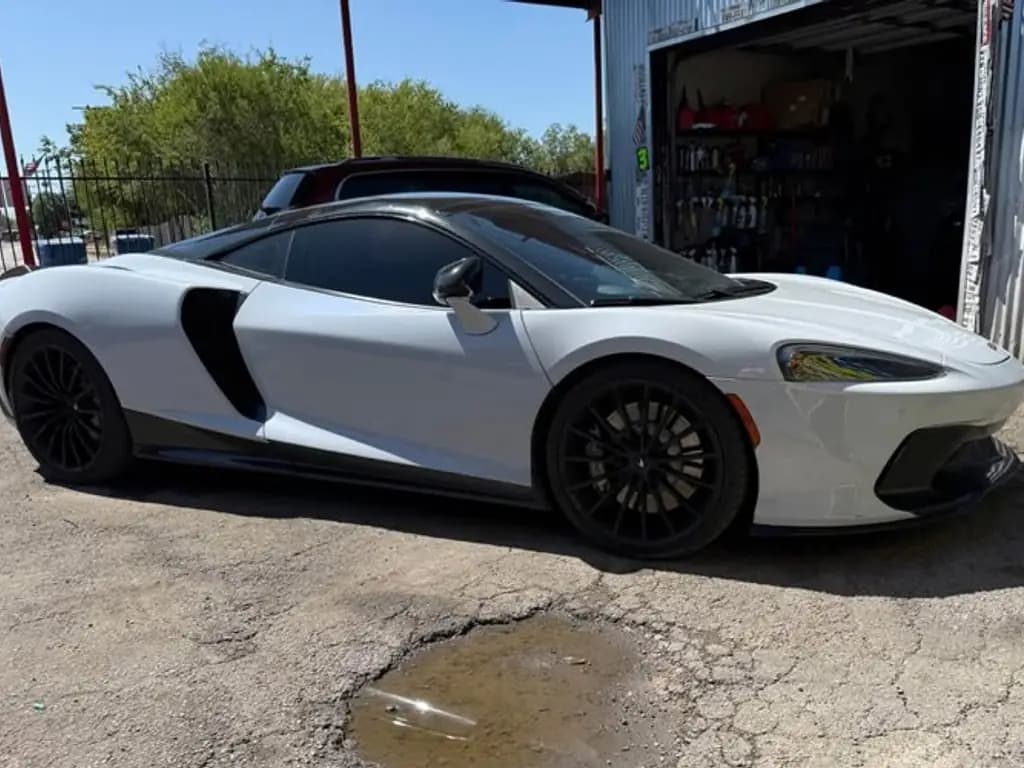 Before
McLaren GTSports car · White Studio 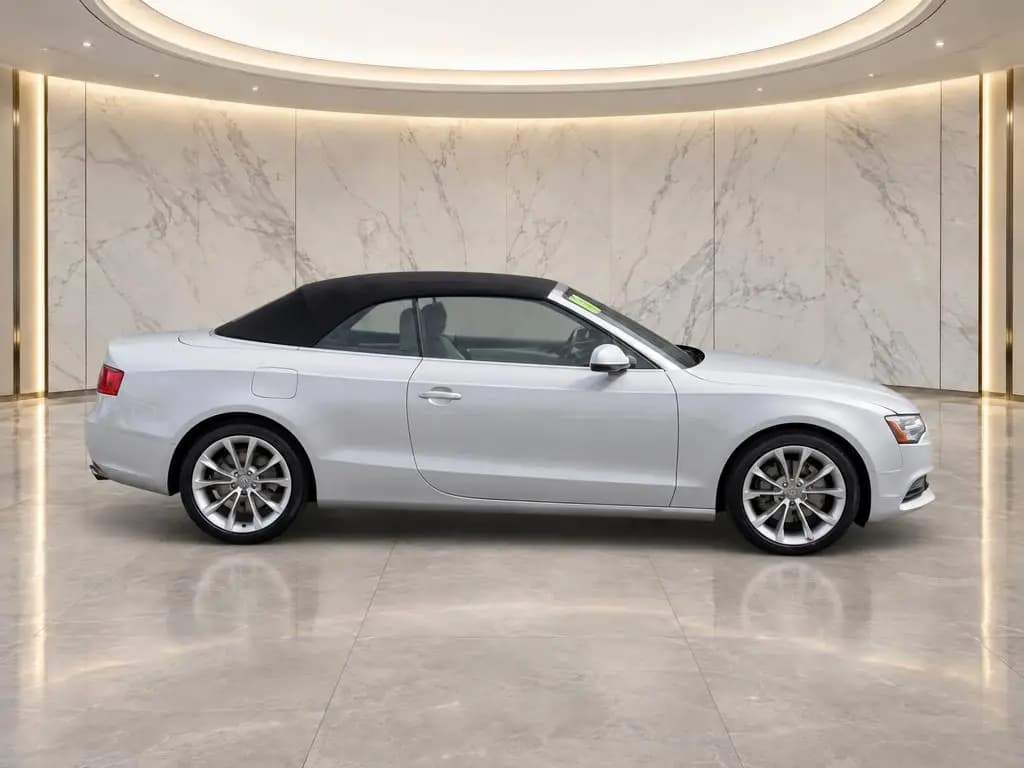
 Before
Audi A5 CabrioletConvertible · Marble Showroom 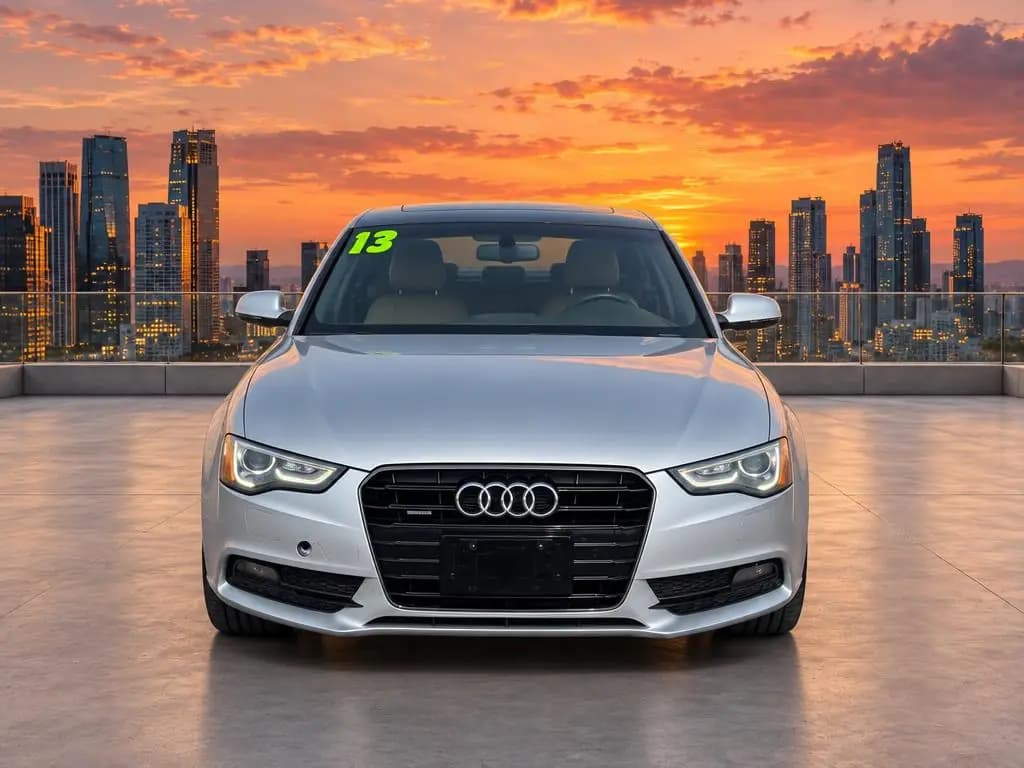
 Before
Audi A5 CabrioletConvertible · City Rooftop 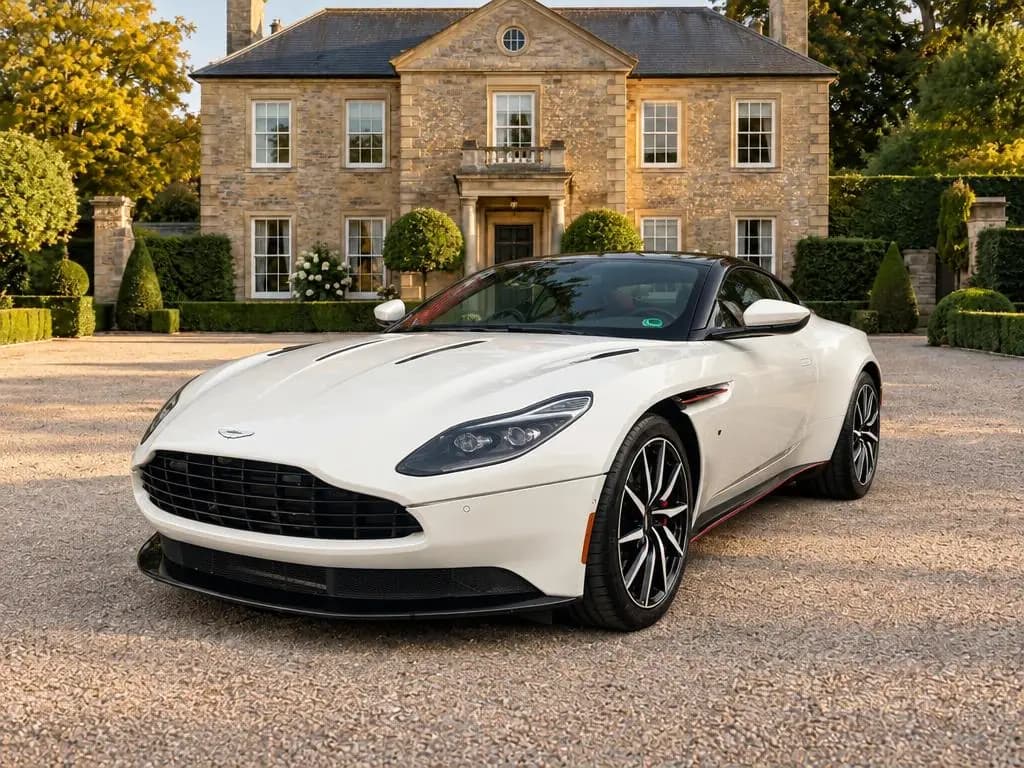
 Before
Aston Martin DB11Coupe · Estate Driveway 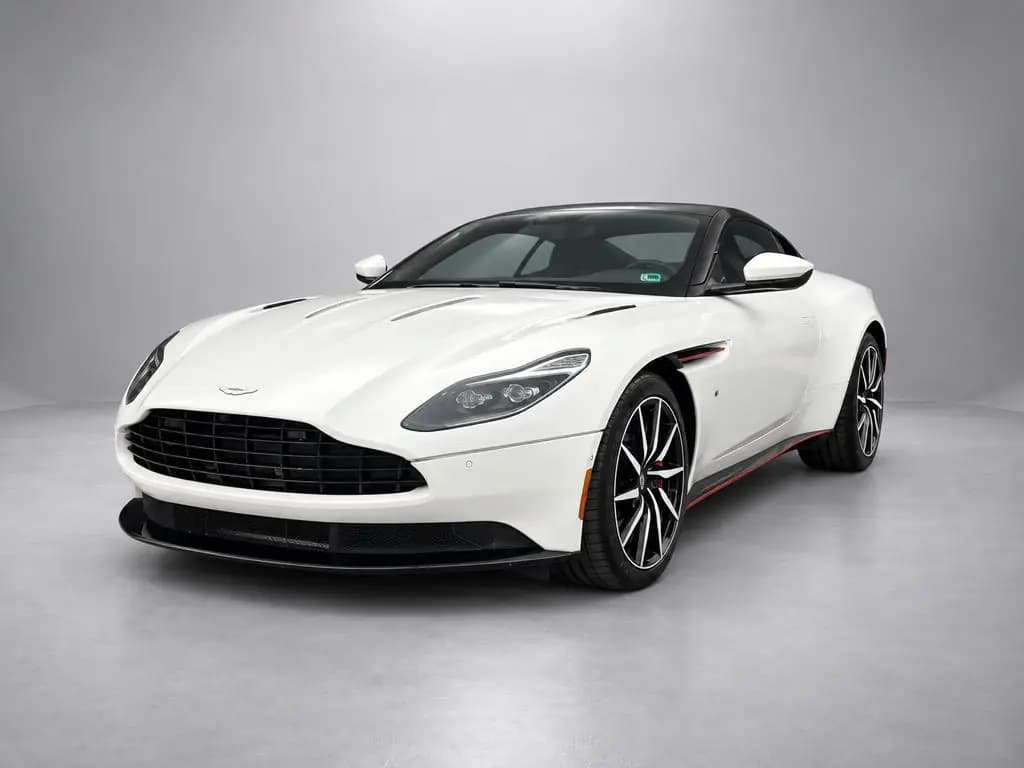
 Before
Aston Martin DB11Coupe · Gray Studio 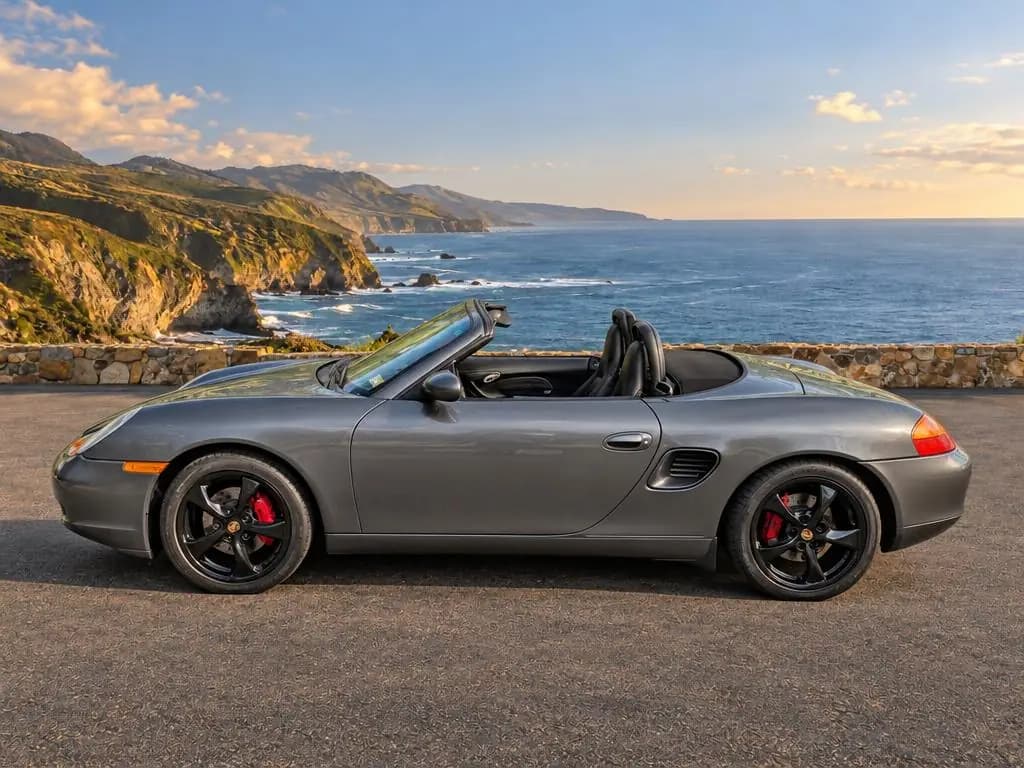
 Before
Porsche BoxsterConvertible · Coastal Overlook 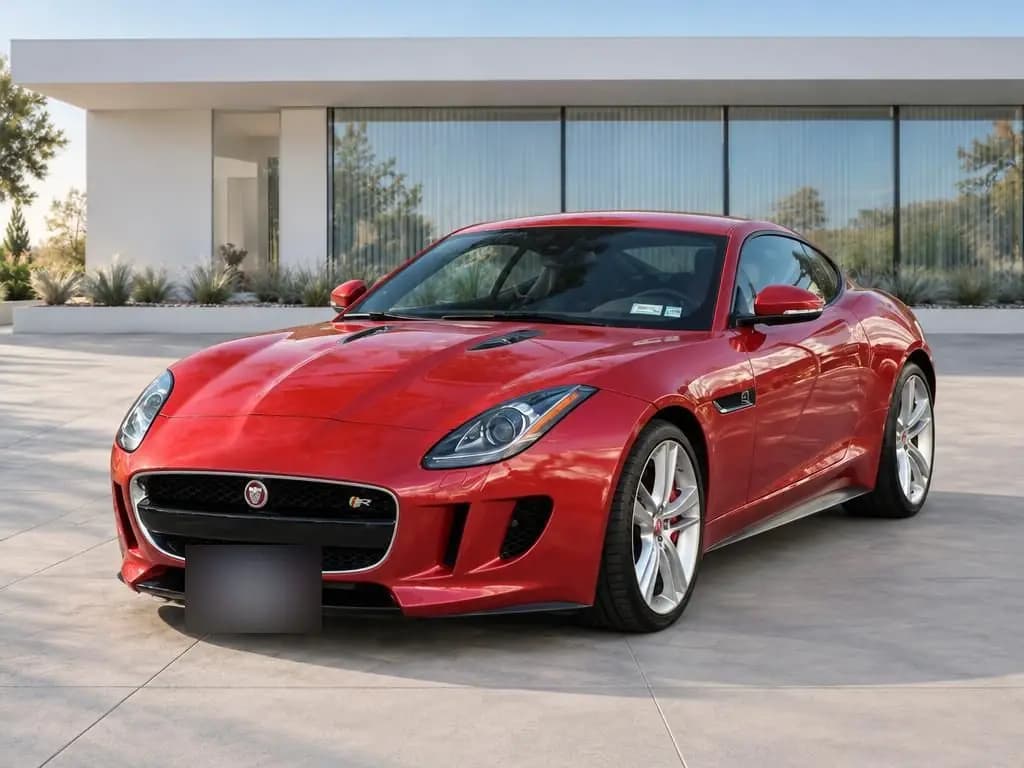
 Before
Jaguar F-TypeSports car · Modern Architecture 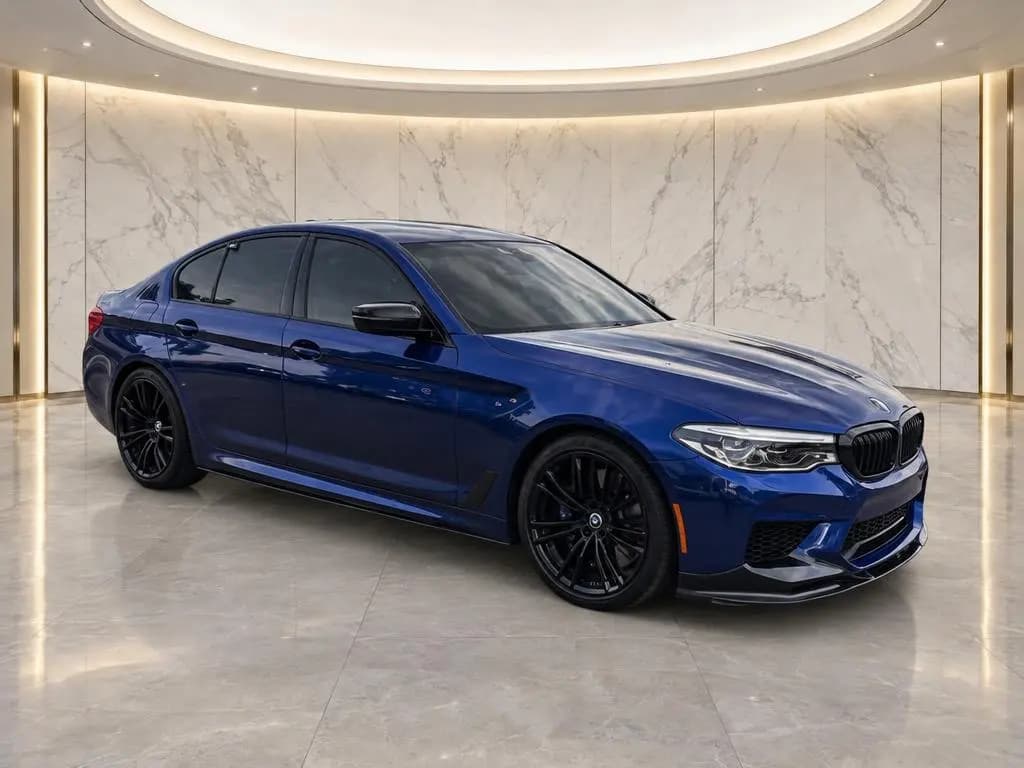
 Before
BMW M5Sedan · Marble Showroom 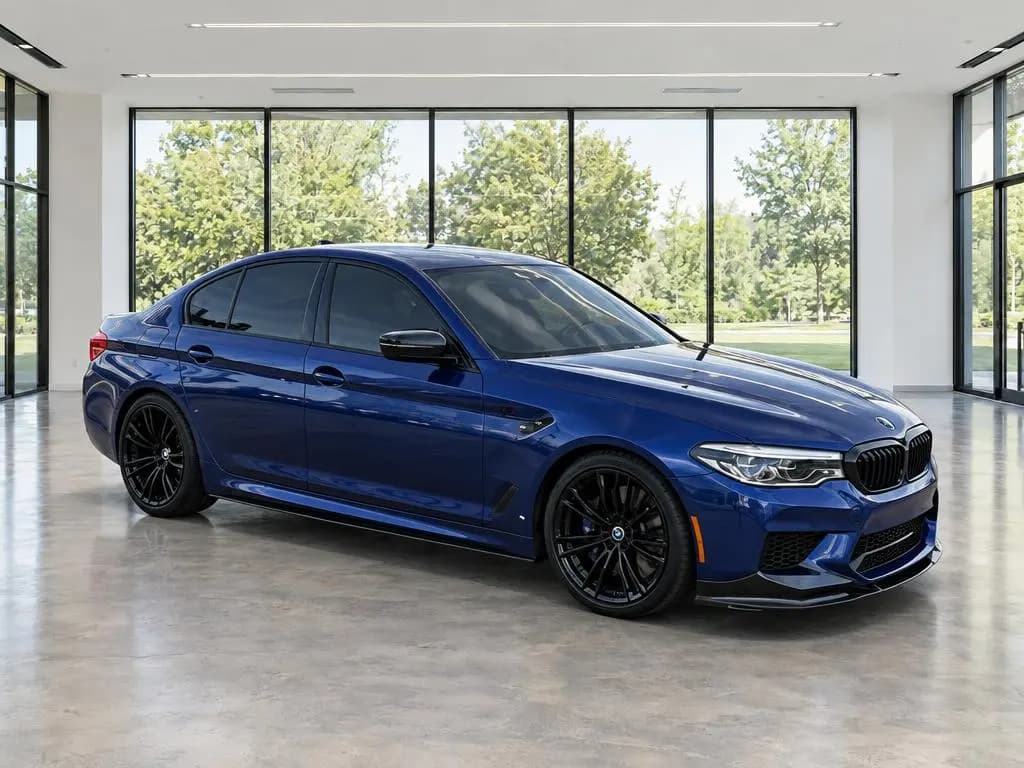 Before
BMW M5Sedan · Modern Showroom 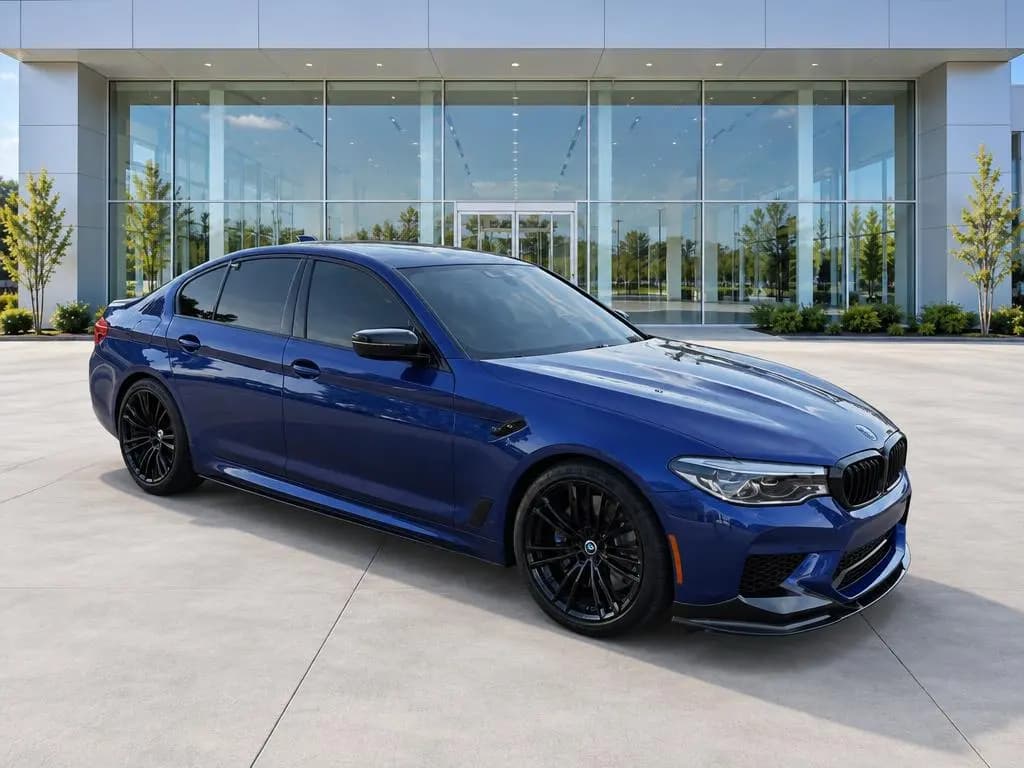 Before
BMW M5Sedan · Dealership 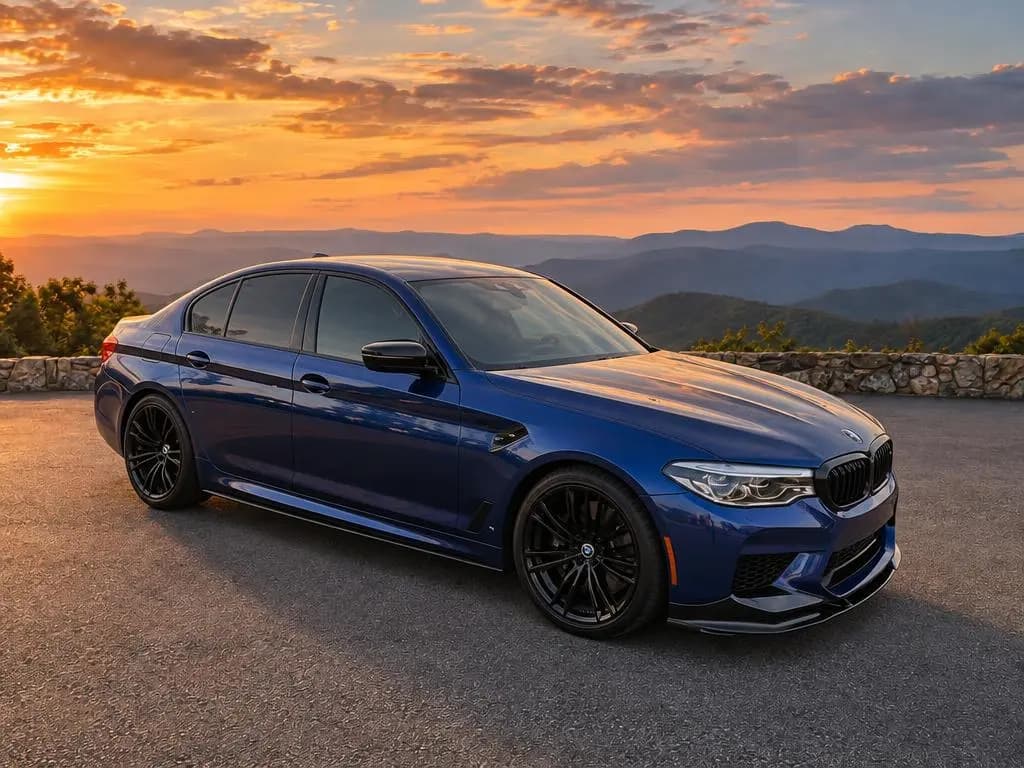 Before
BMW M5Sedan · Mountain Overlook
How to judge an AI car photo
Look past the backdrop and check the details that give a fake away:
- Tires: they should sit on the floor with a shadow under them, not float above it.
- Edges: mirrors, antennas and spoilers should be crisp, with no halo of the old background.
- Glass: you shouldn't see the old parking lot through the windows.
- Paint: the color should match the car in person.
- Proportions: the car shouldn't look stretched or squashed.
Use the same checklist on any tool you're comparing, including this one.
How to choose a backdrop for your listings
- Studio backdrops in gray, white or dark give a clean catalog look on any car.
- Showroom backdrops put the car on a dealership floor, even if you sell from a gravel lot.
- Outdoor backdrops, from modern architecture to a home driveway, look like a real place without your lot's clutter.
- Scenic backdrops suit convertibles, sports cars and anything else you want to show off.
Whichever you pick, use it on every car so your inventory looks like one store. All 20 are on the car backgrounds page, shown on the same car.
How to get results like these
Clean the car
Dust, water spots and a dirty windshield stand out more on a studio backdrop than on the lot.
Shoot in even light
Open shade or an overcast day keeps paint and glass clean, without hard reflections.
Follow the outlines
Stand where the on-screen outline shows for each angle and keep the whole car in the frame.
Stick to one backdrop
Use the same one on every car, so your listings match.