
At a glance
- Equipment
- The phone you already carry
- Cost
- About 15¢ a photo
- Contract
- None; month to month
- Try it
- One photo free, no signup
On this page
Why do photos matter so much on a used car lot?
On a used lot every car is one of a kind, so the photos carry the listing. A shopper scrolling Marketplace or a listing site sees your car next to the same model at other stores, and the picture is the first thing they judge. A car on a clean backdrop looks cared for. The same car parked between a dumpster and a pickup doesn't.
If you can't justify a photographer for every unit, you're probably shooting on a phone already. CarShots keeps that workflow and fixes the result.
How it works on a small lot
Shoot with the outlines
Open CarShots in your phone's browser or the iOS app. On-screen outlines show where to stand for each angle, so you don't need to know photography.
Get it back on a backdrop
Each photo returns in about 20 seconds on the backdrop you picked, and the next angle uploads while you shoot. Need a fix? Ask in plain words, like "make it a little brighter".
Post it where you sell
Turn on Website feed to send the car's photos and walkaround video to your website or DMS through a CSV or XML inventory feed or SFTP upload. For Marketplace and listing sites, download one photo or the whole car as a zip.
How do you make a mixed lot look like one store?
Independent inventory is all over the place: a commuter sedan, a work truck and a ten-year-old SUV in the same row. You can't control what comes in on trade, but you can control how it looks online. Pick one of the 20 curated studio, showroom, outdoor and scenic backdrops and put every car on it, and your inventory page stops looking like a parking lot.
Browse the car backgrounds, and see before and after pairs on the examples page.
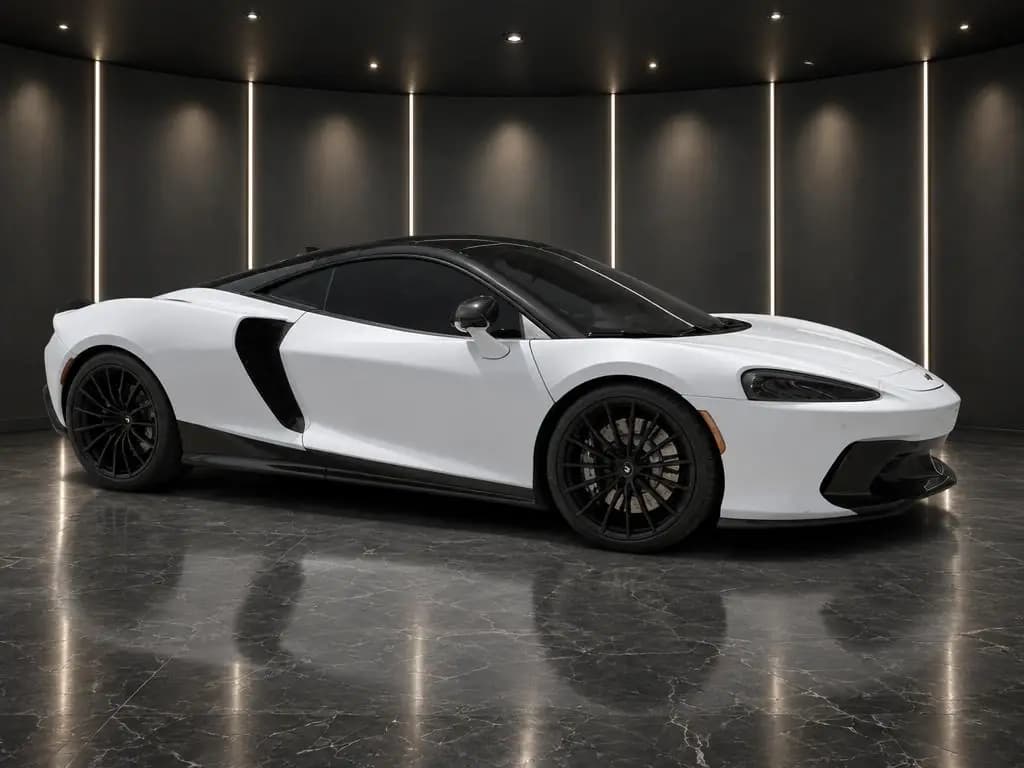
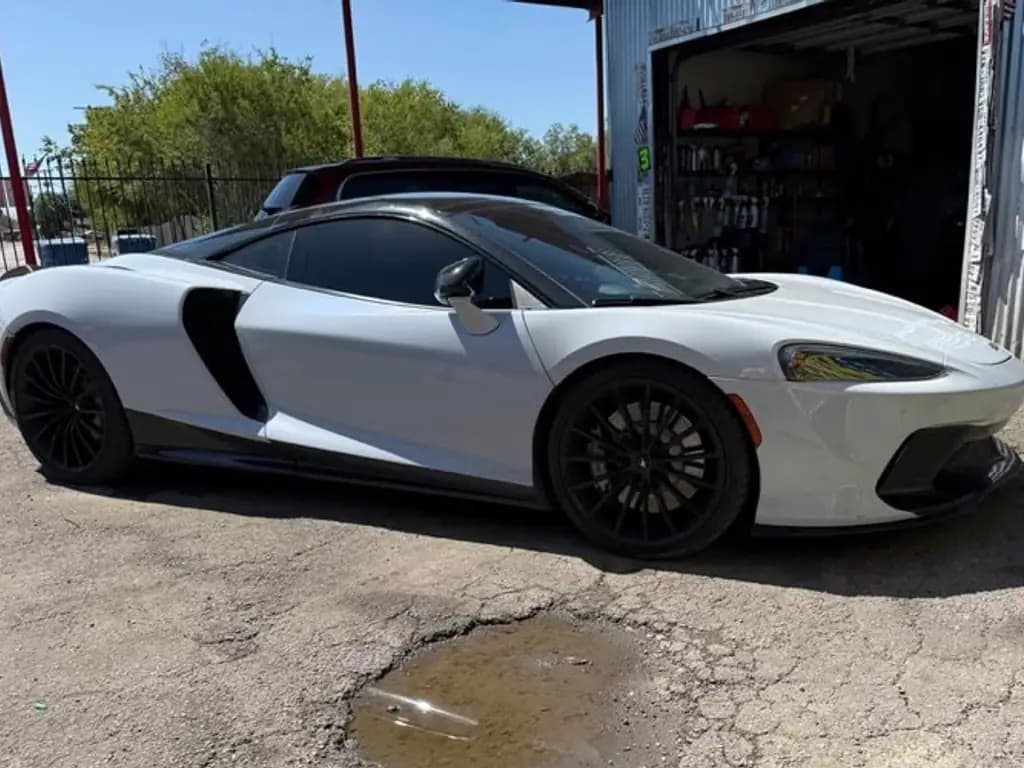
Hide plates and fix small things in plain words
Trade-ins often arrive wearing the last owner's plates. CarShots doesn't blur them automatically, but hiding one is a single edit: type "hide the license plate" and the edited photo comes back. Small fixes work the same way, like "make it a little brighter".
For plates on photos you already have, the free license plate blur tool blurs them without an account.
Walkaround videos without filming
A short video stands out in a feed full of still photos. CarShots turns each car's photos into a 15-second 360° walkaround with voiceover and music, so you get a video without filming or editing one. More on walkaround videos.
Free paperwork tools for independent dealers
If you sell more than five used vehicles in 12 months, the FTC's Used Car Rule requires a Buyers Guide displayed on each used car, light truck and van you offer for sale. These free tools handle that and more, with no signup:
- FTC Buyers Guide generator: As Is or with a warranty, filled in from the VIN and printed at the official size, with a Spanish version for sales conducted in Spanish.
- Window sticker maker: a used car sticker with your price, features and a QR code.
- VIN decoder: confirm the year, trim and engine before you write the listing, and see the model's recalls.
This is general information, not legal advice. The FTC's Dealer's Guide has the full rule.
What does it cost per car?
The plan is $50 a month for 333 photos, about 15¢ a photo, so what a car costs depends on how many shots you take. Shoot a dozen angles on a budget car and more on a clean one; both come out of the same monthly photos. Run short and add 67 photos for $10.
There's no contract, and you can cancel anytime. See pricing.