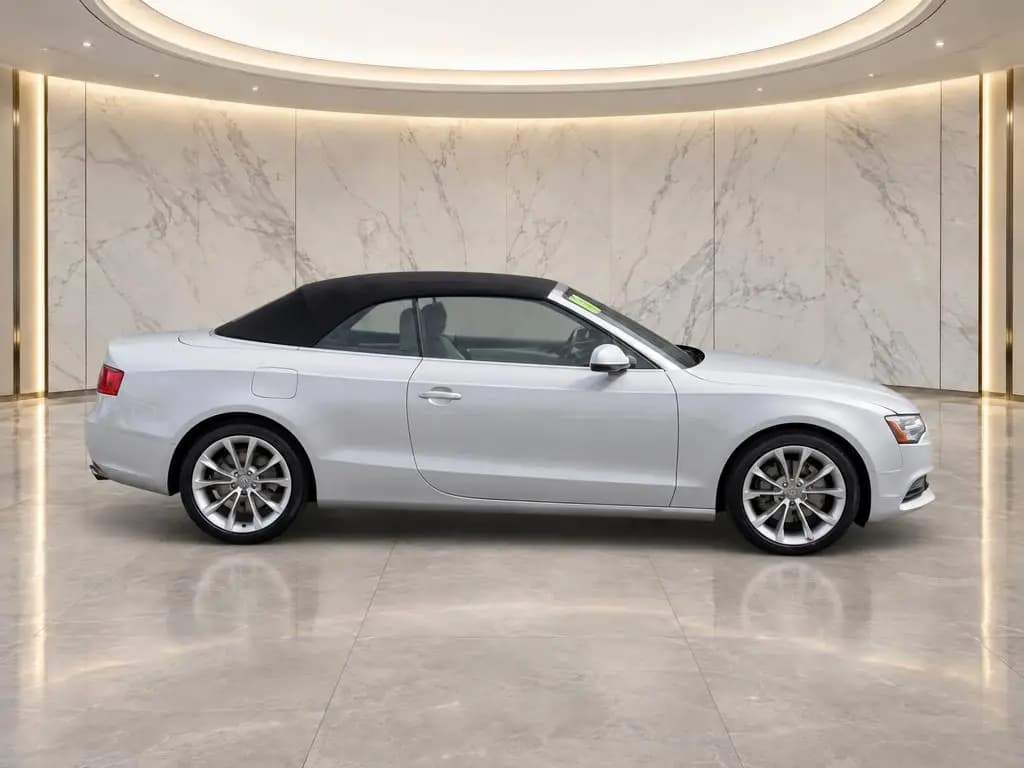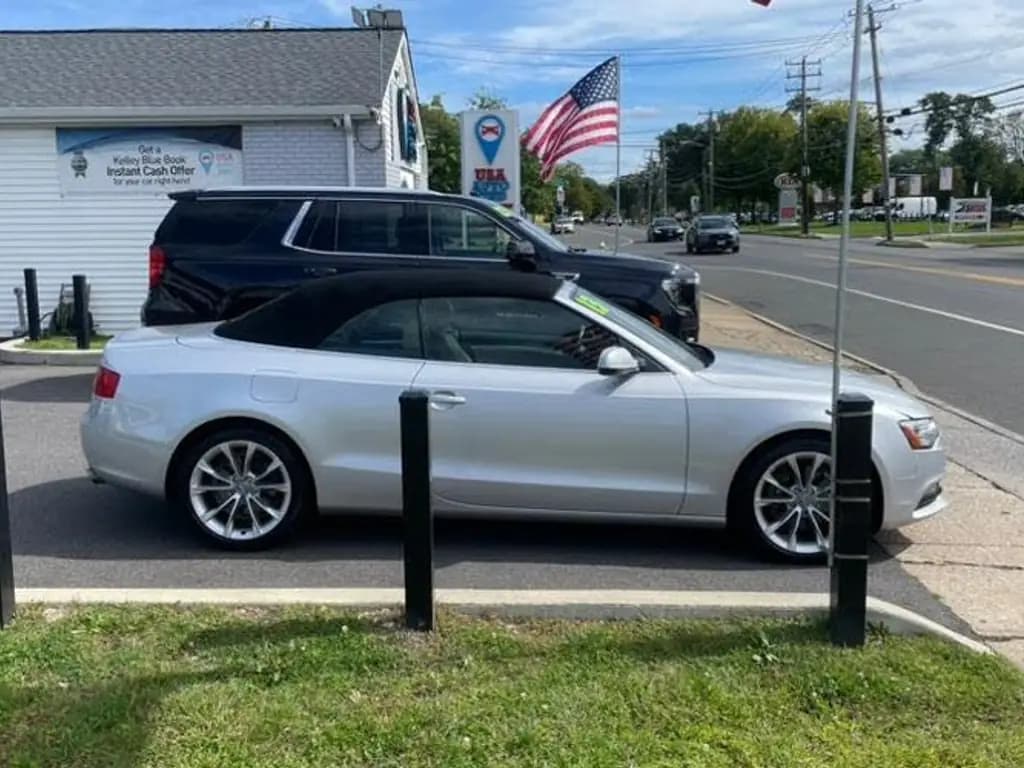
At a glance
- Fastest setup
- One phone, one shot list and an AI app that cleans up the background while you shoot
- When to shoot
- Right after the car is detailed and reconditioned, so it's shot once
- Photos per car
- About 20 to 30
- Processing with CarShots
- About 20 seconds a photo, while you shoot the next angle
On this page
- What's the fastest way for a small dealership to photograph its inventory?
- How to photograph a car for your inventory, step by step
- What slows down dealership inventory photography?
- Should you use a phone or a camera for inventory photos?
- How long should it take to photograph one car?
- How do you keep inventory photos consistent when different people shoot?
- How CarShots speeds up inventory photos
- Common questions
What's the fastest way for a small dealership to photograph its inventory?
Shoot every car on a phone, in one pass, with a fixed shot list, and let software handle the background and the editing while you walk. Pressing the shutter is the quick part. The fastest setup cuts out every step around it:
- No waiting for a photographer. Whoever preps the car shoots it, the day it's ready.
- No moving cars to a booth. Shoot where the car is parked, then put it on a clean backdrop with AI.
- No editing session afterward. An AI car photo app returns finished photos while you shoot the next angle.
- No upload step. New photos join your inventory feed as they finish, for your website provider to import.
What's left is a routine: the same order, the same spot and the same settings on every car.
How to photograph a car for your inventory, step by step
Run this on every car, whoever is holding the phone:
Batch the cars that are ready
Shoot cars right after detail and reconditioning, so each one is shot once. Line up the day's cars and shoot them back to back, instead of one at a time between other jobs.
Use one spot
Pick an open spot with room to walk all the way around a car and nothing right behind it. The same spot every time means the same light and the same distance.
Clear the car
Take out paperwork, stock tags and anything on the dash or seats, and set the front wheels straight. A minute here saves a re-shoot.
Walk the outside in one direction
Start at a front corner and walk around the car, shooting each exterior angle in the same order every time. In CarShots, an outline on screen shows where to stand for each angle.
Shoot the inside and the details
Open the driver's door and shoot the dash, the front seats, the back seats and the cargo area, then the odometer, the screen, the wheels and any wear. Plan on 20 to 30 photos in all.
Don't stop to edit
In CarShots, photos upload and process while you shoot the next angle, and each one comes back in about 20 seconds on your backdrop. Check them once at the end, not one by one.
Switch the car into your feed and move on
Turn on the car's website feed switch, and its photos and walkaround video join your feed as they finish. Then walk to the next car.
What slows down dealership inventory photography?
When cars sit online without photos, look at everything around the shoot:
- Waiting for the photographer's next visit. A car that arrives the day after a visit waits for the next one.
- Re-shoots. A car shot before detail or reconditioning gets shot twice.
- Moving cars. A booth means driving every car in and out, one at a time.
- Editing by hand. Cutting out backgrounds and fixing light in photo software takes longer than shooting.
- Uploading. Someone has to get photos from the camera to your website and listings.
- One person. When the only person who shoots is out, new arrivals wait.
Fix the one that costs you the most days first.
Should you use a phone or a camera for inventory photos?
A phone, for most lots. A recent phone's main lens is sharp enough for any listing, it's always in someone's pocket, and photos go straight from the phone to the app with no memory card or laptop in between. Use the 1x or 2x lens, not the ultra-wide, and hold the phone at about headlight height.
A DSLR still has the edge in low light and for creative shots, but it adds a transfer and an editing step to every car. Our camera settings guide covers both.
How long should it take to photograph one car?
Time your own. Pick three cars and track three parts for each: the walk around the car, the editing and the upload. The walk is the part you can't skip. An AI app takes out the editing, and an inventory feed takes out the upload, so with both, the walk is most of what's left.
Then put a price on it. Our car dealership photography cost guide turns minutes per car into dollars per car, next to what a photographer or a booth costs.
How do you keep inventory photos consistent when different people shoot?
Write the shot list down and use it on every car, whoever shoots. An app that shows each angle on screen does that for you. Use the same backdrop on every car so your lot looks like one shoot, and the same photo count so no listing looks thin.
Our guide to getting the same background on every car photo covers backgrounds, and the car photography angles guide has the full shot list, with where to stand for each angle.
How CarShots speeds up inventory photos
CarShots puts the routine above in one app on the phones your team already carries, in the browser or the CarShots iOS app. The outline on screen shows where to stand for each exterior angle, each photo comes back on a clean backdrop in about 20 seconds, and a 15-second 360° walkaround video with voiceover and music is made from the car's photos. Photos and videos reach your website or DMS through a CSV or XML inventory feed or an SFTP upload, with no API or direct integration, and you can download any car as a zip.
It's $50 a month for 333 photos, about 15¢ a photo, month to month. See the pricing page for top-ups, or try a photo of your own car.