

At a glance
- Short answer
- Shoot on a phone with a fixed shot list, then use an AI car photo app to put every car on the same studio backdrop
- What you need
- A recent phone, a clean car and a shot list. No booth, lighting kit or turntable
- Cost with CarShots
- About $3 for a 20-photo car, on the $50 a month plan for 333 photos
- A photographer, for comparison
- About $12 to $15 a car, as dealers reported in March 2026
On this page
- How can a used car dealer get professional photos without a photographer?
- How do you make listing photos look professional with just a phone?
- What does an AI car photo app do that a photographer does?
- Is it cheaper than hiring a car photographer?
- When does a photographer or another tool make more sense?
- How CarShots works for dealers without a photographer
- Common questions
- Sources
How can a used car dealer get professional photos without a photographer?
Shoot the cars yourself on a phone, the same way every time, and let software do the job a photographer's studio used to do. Three things make dealer photos look professional, and none of them needs a photographer:
- The same angles on every car. A fixed shot list, shot from the same height and distance, makes your whole lot look like one shoot.
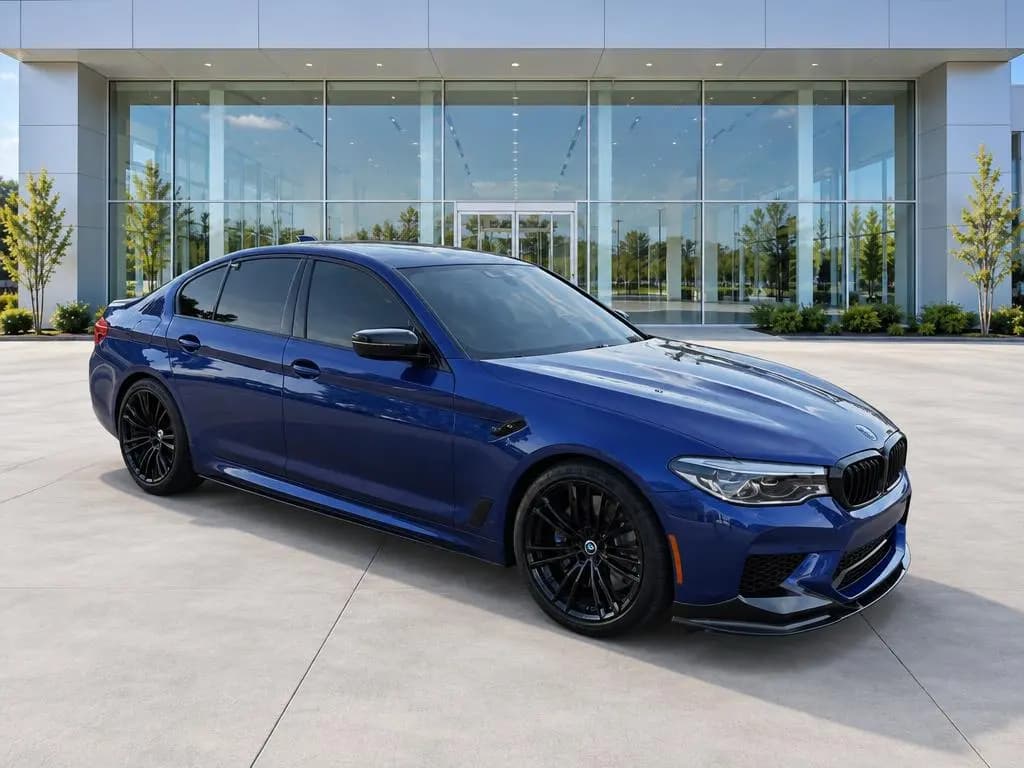
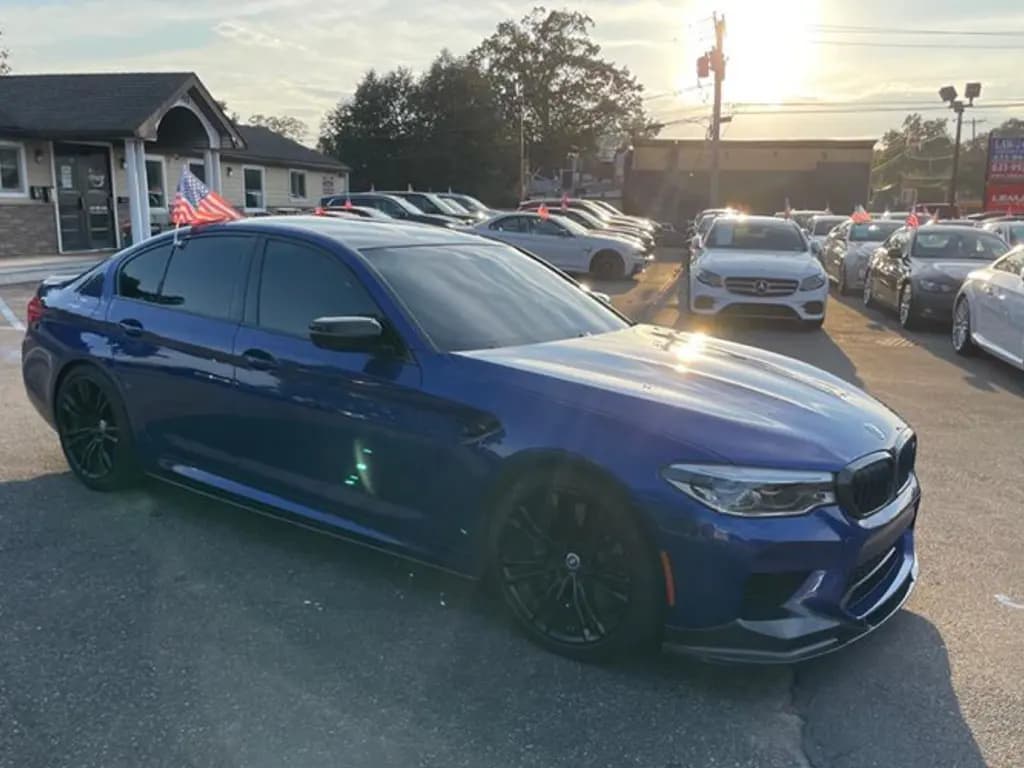
- A clean, matching background. Clutter behind a car pulls the eye away from it. An AI car photo app like CarShots replaces the lot behind each car with a studio, showroom or outdoor backdrop.
- A clean car in even light. Wash it, clear the cabin and shoot in soft light, so there's less to fix later.
That's the whole job. The rest of this guide covers how to shoot each car on a phone, what it costs per car next to a photographer, and the cases where hiring one still makes sense.
How do you make listing photos look professional with just a phone?
Use the same routine on every car. It works on any recent iPhone or Android phone:
Prep the car
Wash and dry it, clean the glass, and take everything personal out of the cabin. Pull off loose stickers and paperwork, and set the front wheels straight.
Pick one spot and one time of day
Park every car in the same open spot, away from other cars and walls that throw reflections. Shoot in even light: an overcast day, open shade, or early morning and late afternoon.
Use the main lens at headlight height
Use the phone's 1x or 2x lens, never the ultra-wide, and hold it at about headlight height. Step back until the car fills most of the frame with a little space on every side.
Shoot the same set in the same order
Walk the car in one direction: the front corner, the side, the rear corner, the rear, then around the other side. Then shoot the dash, the seats, the cargo area, the odometer, the wheels and any wear. Plan on 20 to 30 photos a car.
Put every car on the same backdrop
Run the photos through an AI car photo app that replaces the background, and use one backdrop on every car so your listings match. With CarShots, each photo comes back in about 20 seconds while you shoot the next angle.
Edit what isn't the car
Fix the light, the background and the plate. Never edit out scratches, dents or wear: shoppers see the real car at the test drive, and a listing that hid damage loses their trust.
Get the photos online the same day
Send the photos to your website and listings as soon as the car is shot. CarShots delivers through a CSV or XML inventory feed or an SFTP upload, or you can download the whole car as a zip.
What does an AI car photo app do that a photographer does?
A photographer brings three things: a trained eye for angles, a controlled background, and editing. A good AI car photo app covers all three for the cars on your lot:
- Angles: CarShots shows an outline on screen for each exterior angle, so whoever is shooting knows where to stand.
- Background: each photo comes back on one of 20 curated studio, showroom, outdoor and scenic backdrops.
- Editing: you ask for changes in plain words, like "hide the license plate" or "make it a little brighter", instead of learning photo software.
- Video: a 15-second 360° walkaround video with voiceover and music is made from the car's photos, for your listing and social media.
What it won't do is shoot for you. Someone still walks around each car with a phone, so the photos are only as complete as the shot list they follow.
Is it cheaper than hiring a car photographer?
Per car, yes. Dealers on the DealerRefresh forum report paying a photographer about $15 a car for 10 to 15 photos, and $12 a car for 25 to 30 photos (March 2026). CarShots is $50 a month for 333 photos, about 15¢ a photo: about $3 for a 20-photo car and $4.50 for a 30-photo car.
The difference is who does the walking. With an app, your own team shoots, so time a few cars and add what that time costs you. Our car dealership photography cost guide walks through the math for photographers, booths, in-house staff and AI.
| Option | Cost per car | Who shoots | When photos are ready |
|---|---|---|---|
| Photographer or photo service | About $12 to $15 (March 2026) | The photographer, on their schedule | After their next visit and edit |
| Photo booth or studio | $30,000 to $68,700 to install, plus monthly fees (2018 quotes), spread over your cars | Your staff, driving each car in | Same day, at the booth |
| Your staff, with a camera and editing software | Their time to shoot, edit and upload | Your staff | When someone has time to edit |
| Your staff, with CarShots | About $3 for 20 photos, plus their time to shoot | Anyone on your team, on a phone | About 20 seconds a photo |
Photographer and booth prices: dealers on the DealerRefresh forum (March 2026 and June 2018). CarShots: the current plan on our pricing page.
When does a photographer or another tool make more sense?
An app on your team's phones doesn't fit every store. Look elsewhere when:
- Nobody on your team has time to walk the cars. Dealer Specialties sends its own staff to photograph and film your inventory on the lot, priced by quote.
- You want interactive 360 spins. Spins need a capture platform such as CarCutter, Impel or Glo3D. CarShots makes a walkaround video instead of a spin.
- You need every plate masked automatically. Car Background AI blurs the plate on every photo it edits, and Spyne masks plates automatically. CarShots hides a plate when you ask in a one-line edit.
- It's a creative shoot, not a listing. A styled photo for a billboard or a launch, with lighting and a location, is still a photographer's job.
For the photos on your website and listings, the phones your team already carries and a good app get you studio-style photos on every car.
How CarShots works for dealers without a photographer
CarShots is built for exactly this: great photos with no photographer, booth or contract. Anyone on your team shoots each car on a phone, in the browser or the CarShots iOS app, with an outline on screen for each exterior angle. Photos upload and process while they shoot the next angle, and each one comes back in about 20 seconds on the backdrop you picked. Browse all 20 on the car backgrounds page.
It's $50 a month for 333 photos, month to month, and 67 more photos are $10 anytime. See real phone photos next to the finished results on the before and after examples page, or try a photo of your own car.